


Get work done with AI agents that connect to your tools and your teams. Automate the busywork you hate doing.
Build an AI Agent in 90 Seconds

10K+ Teams Already Rely on Zenzap daily








Fast, No-Code Setup
Build an AI agent without any code or technical skill.
1
Add an agent
2
Connect to your tools
3
Get work done
Things You’ll Never Have to Do Again
Whatever’s eating your time right now, tell your agent about it. It automates the workflow; you get your time back.


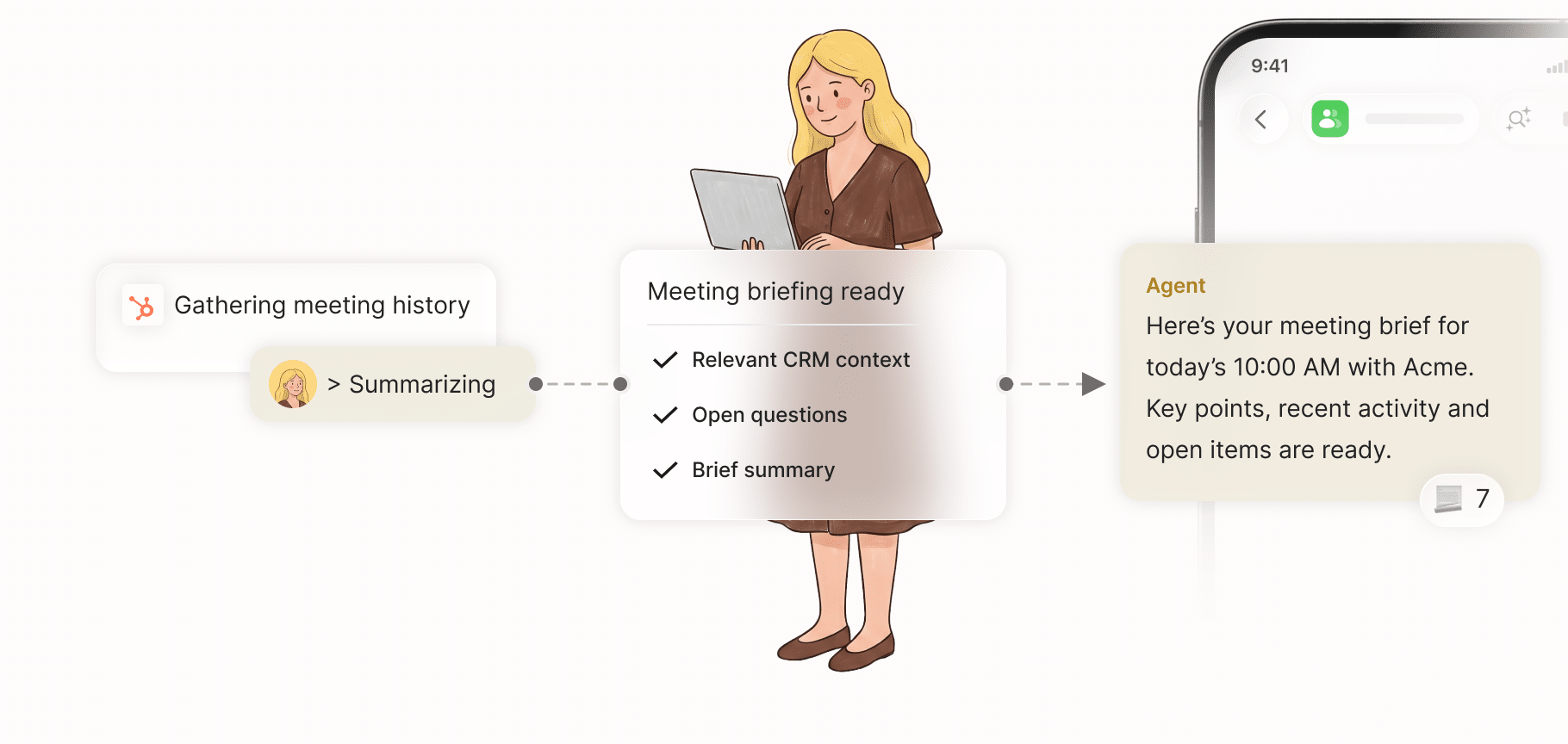
10 minutes before every meeting, summarize everything you need to know for the meeting.


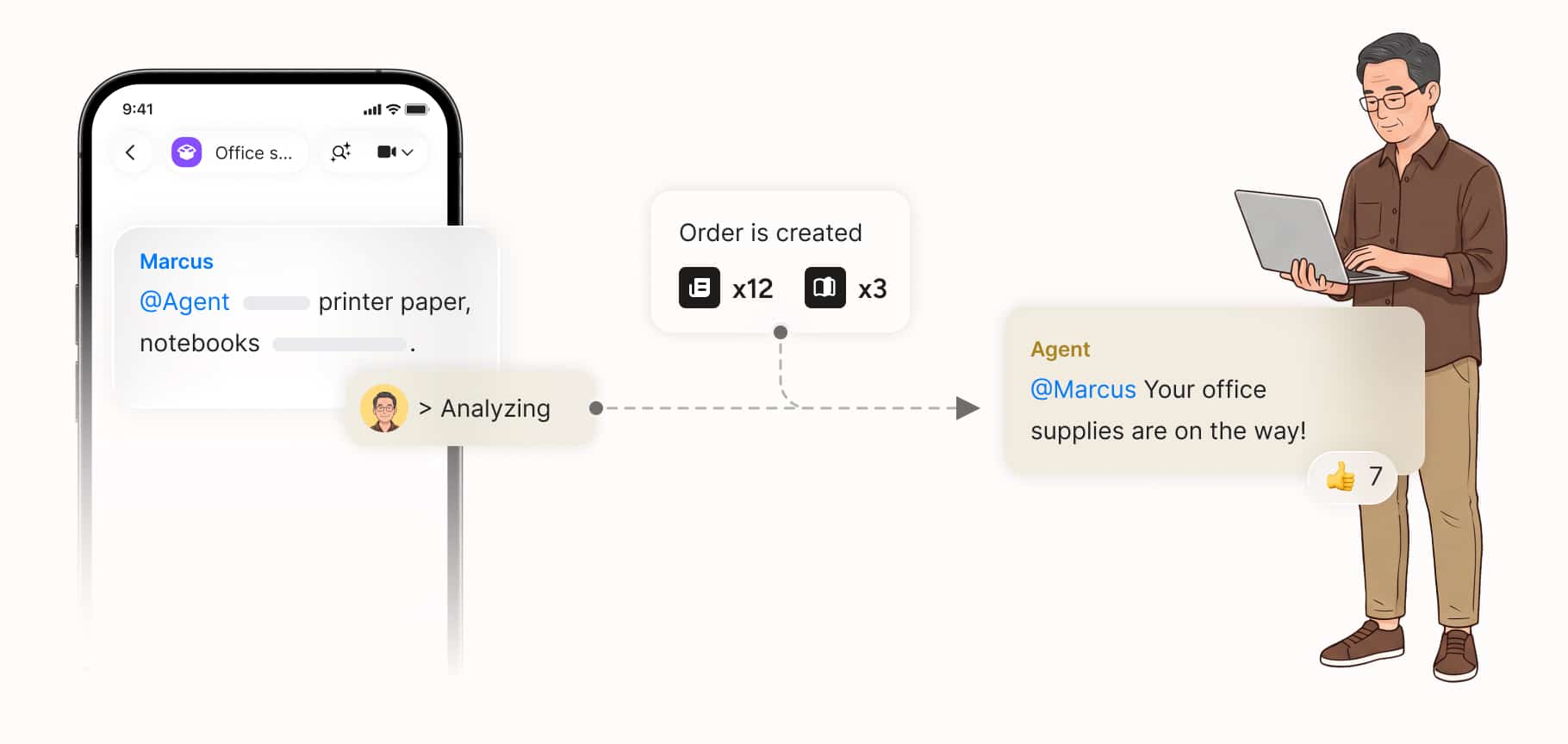
An issue is reported with details and a photo. The agent is notified automatically, then creates a task in the right system, notifies the right people, and follows up until it’s fixed.



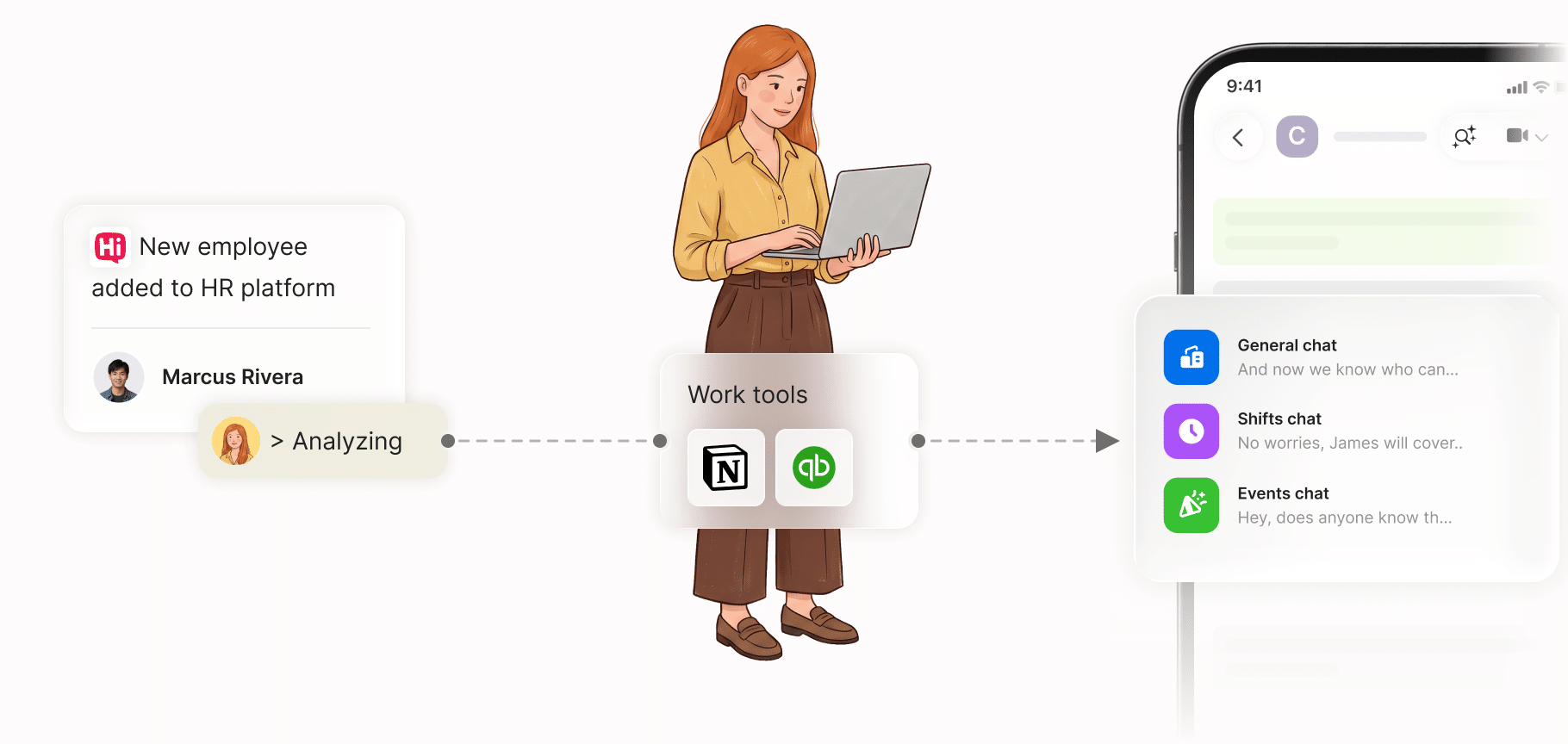
The agent is alerted when a new hire is added to the HR platform, then automatically adds them to the right work tools and relevant group chats based on their team.


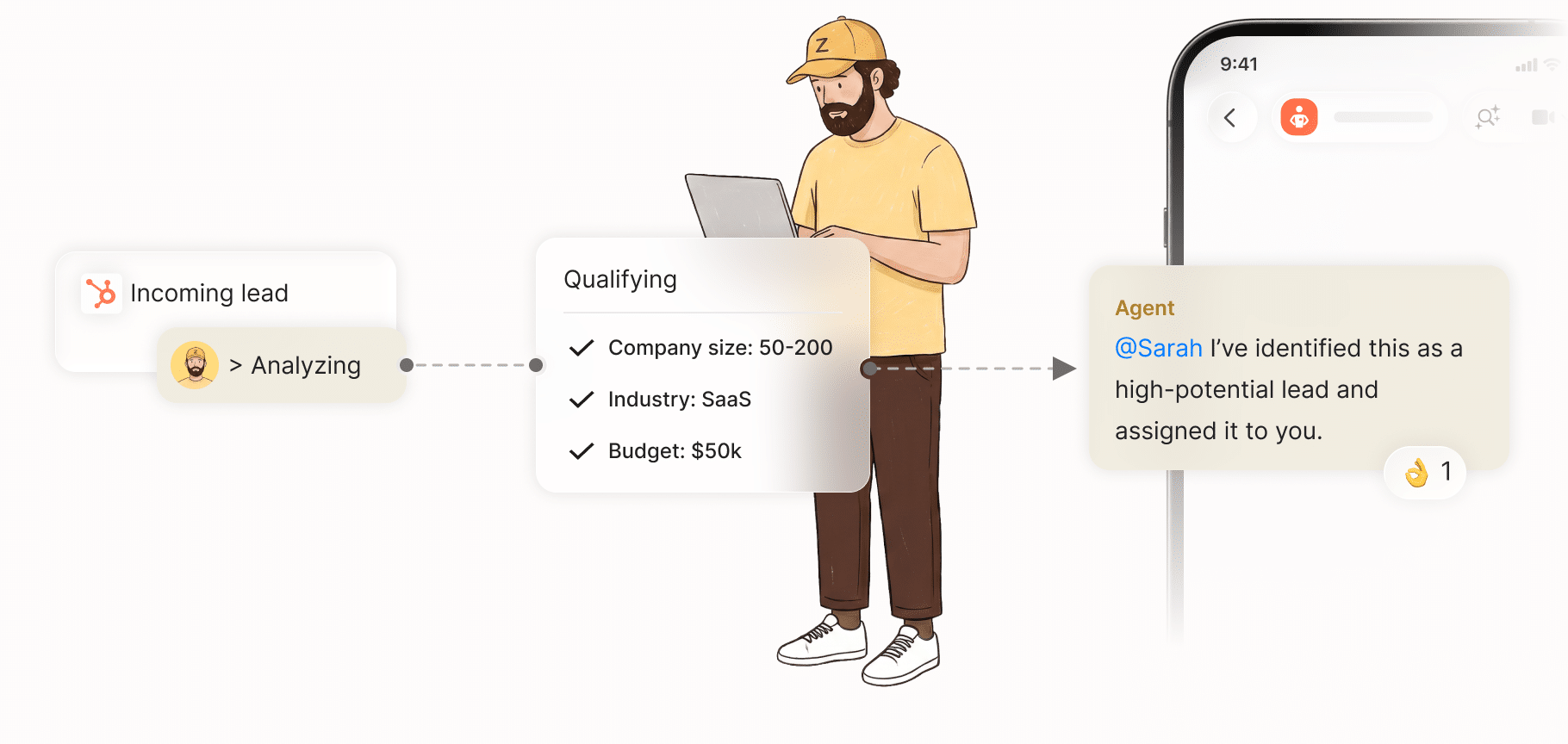
A new request comes in through the website. The agent is alerted automatically, researches the lead, qualifies it, and routes it to the right rep.


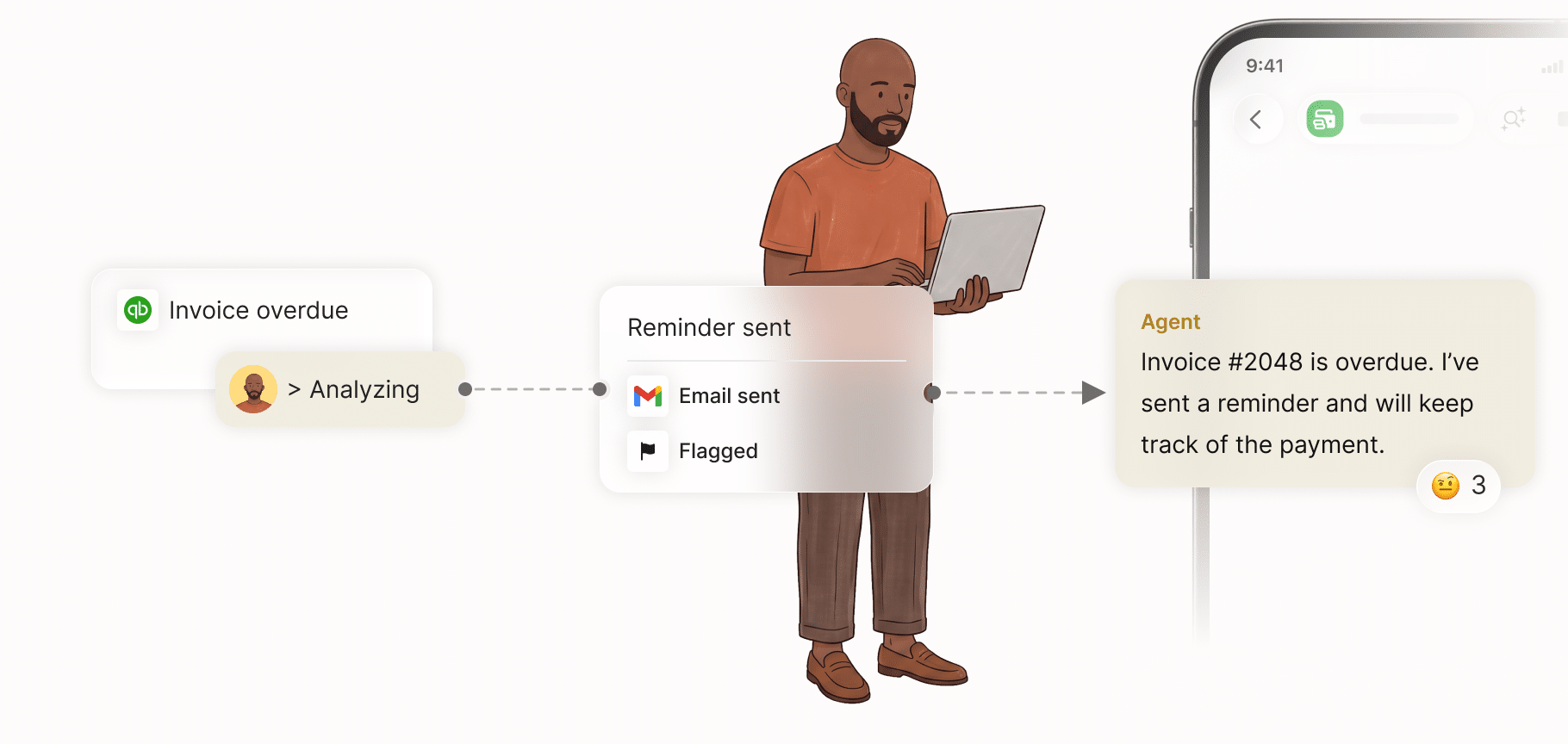
The agent checks for overdue invoices, sends reminders, follows up on payments, and updates the accounting platform once payment is received..


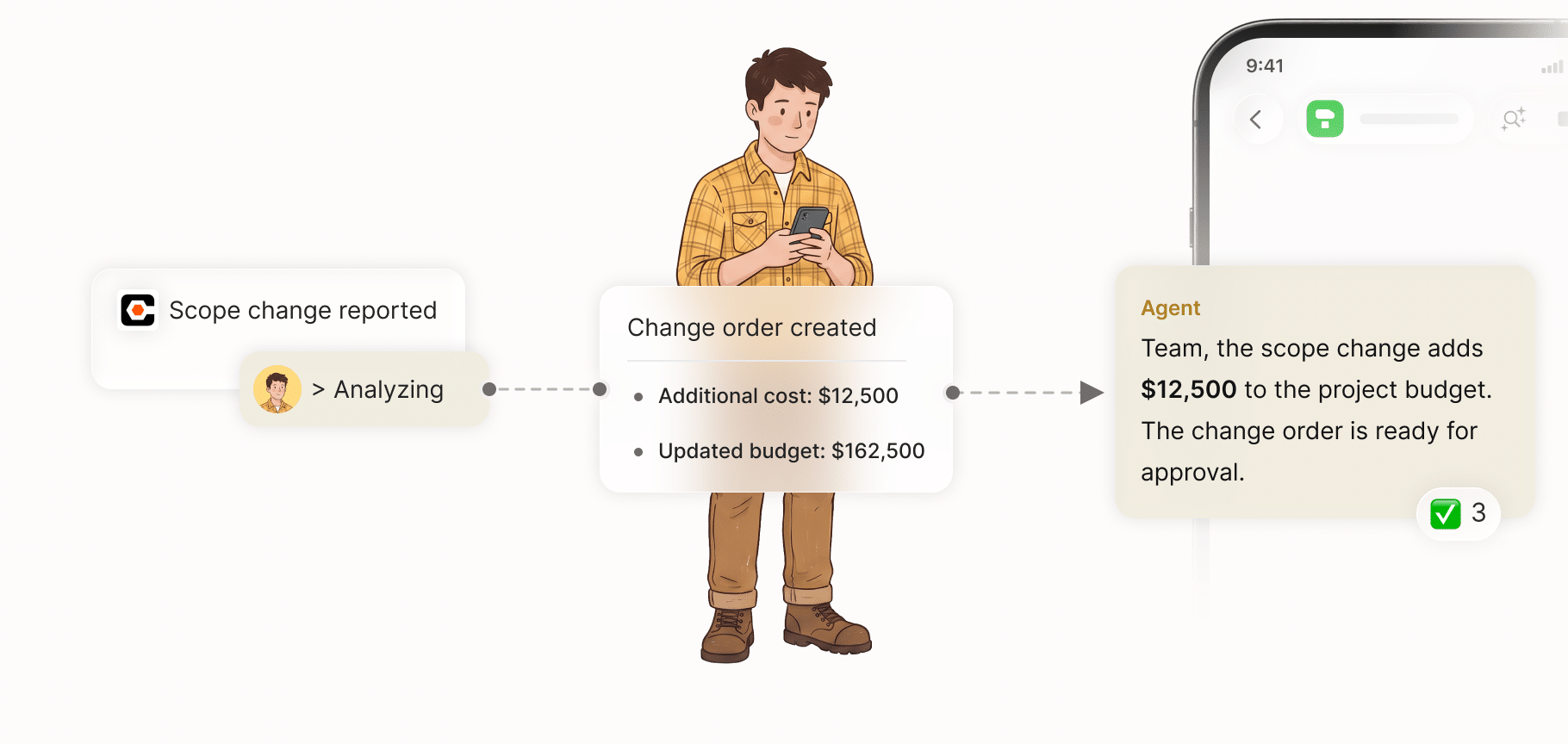
A job scope change is reported. The agent is alerted automatically, pulls the relevant pricing, generates the change order, and sends it for approval.


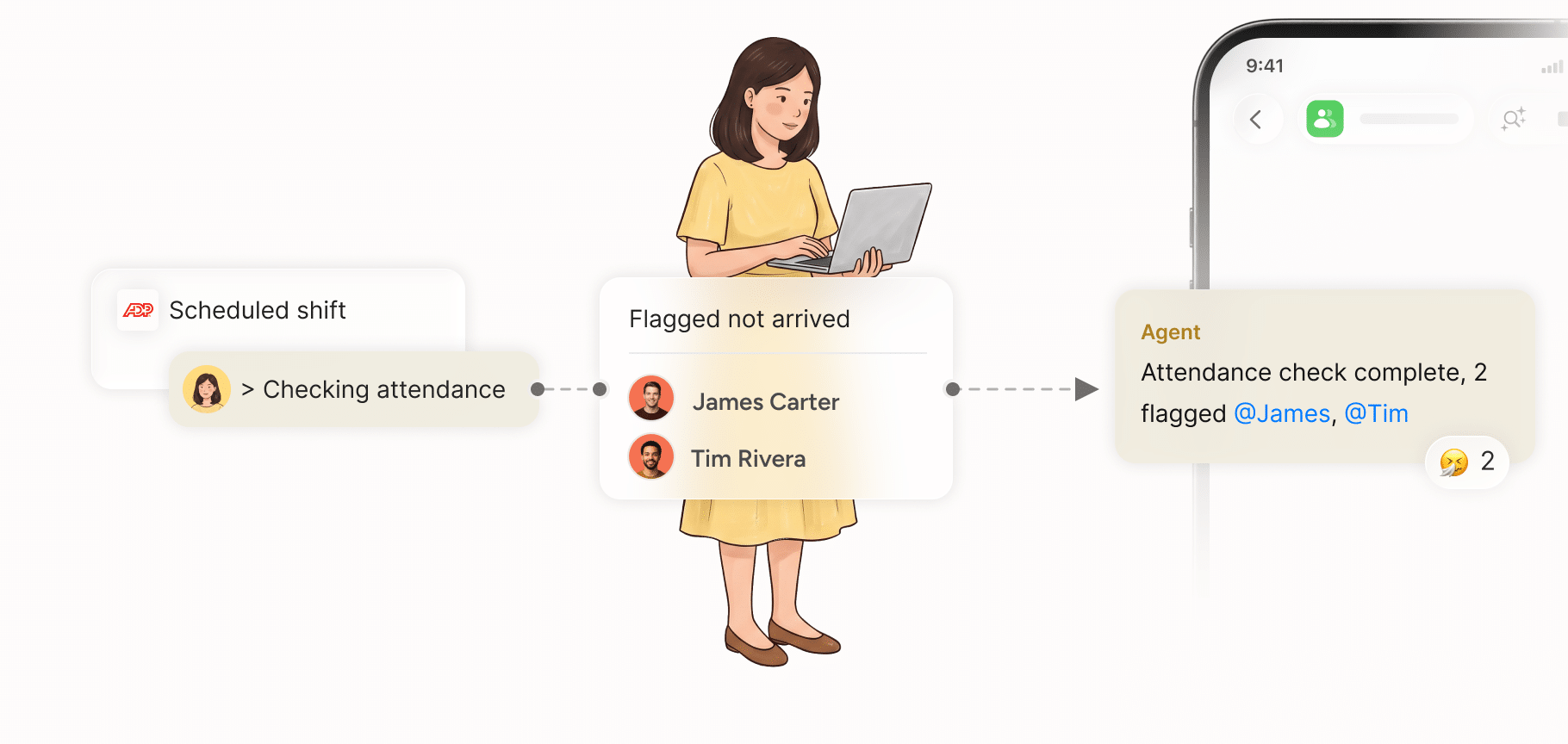
30 minutes into a shift, the agent checks who was scheduled, compares it with clock-ins, and flags anyone who hasn’t arrived.


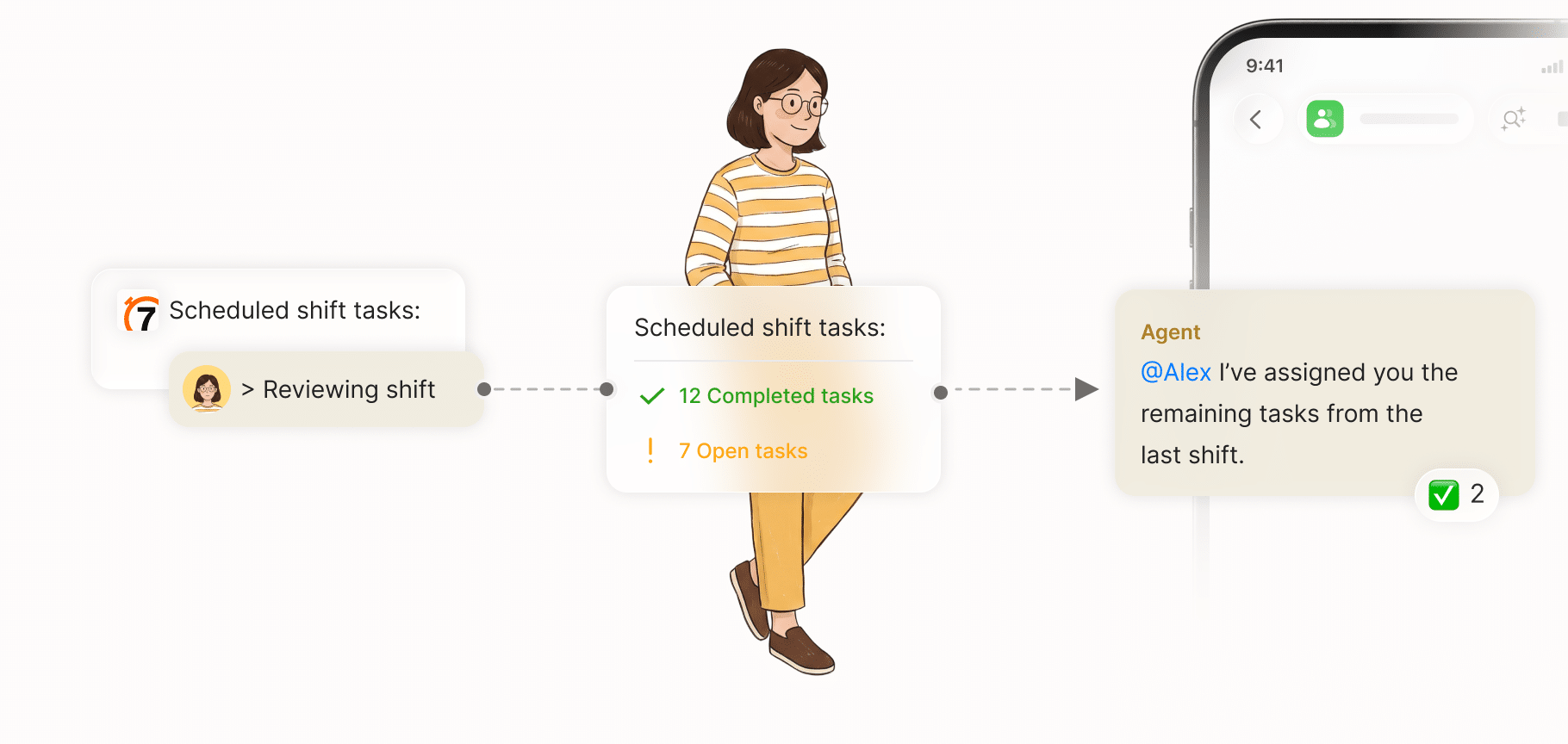
The agent reviews the shift, summarizes what was completed and what’s still open, and follows up on anything left unresolved.
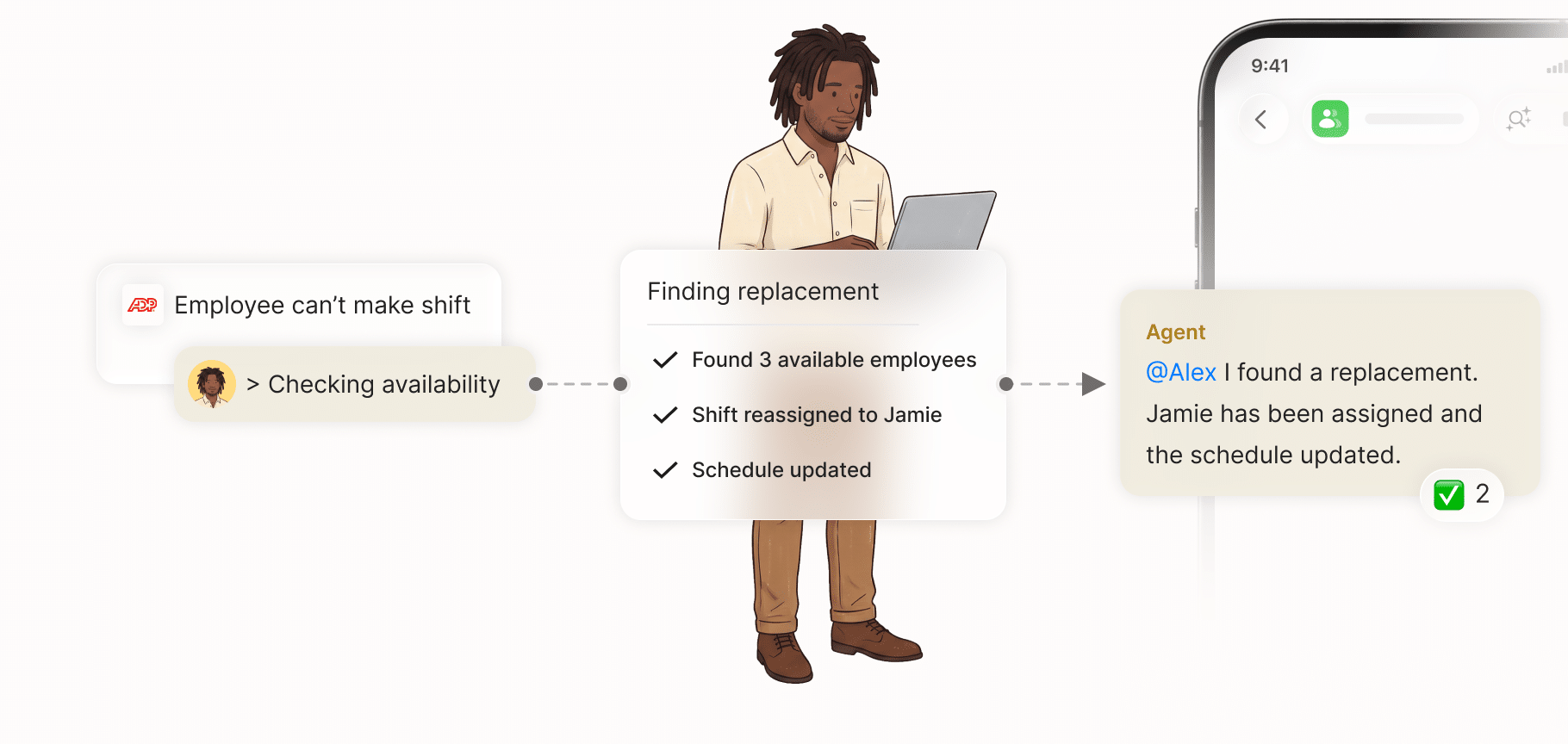
An employee sends a message that they can’t make their shift. The agent is alerted, finds who’s available, confirms the replacement and updates the schedule.
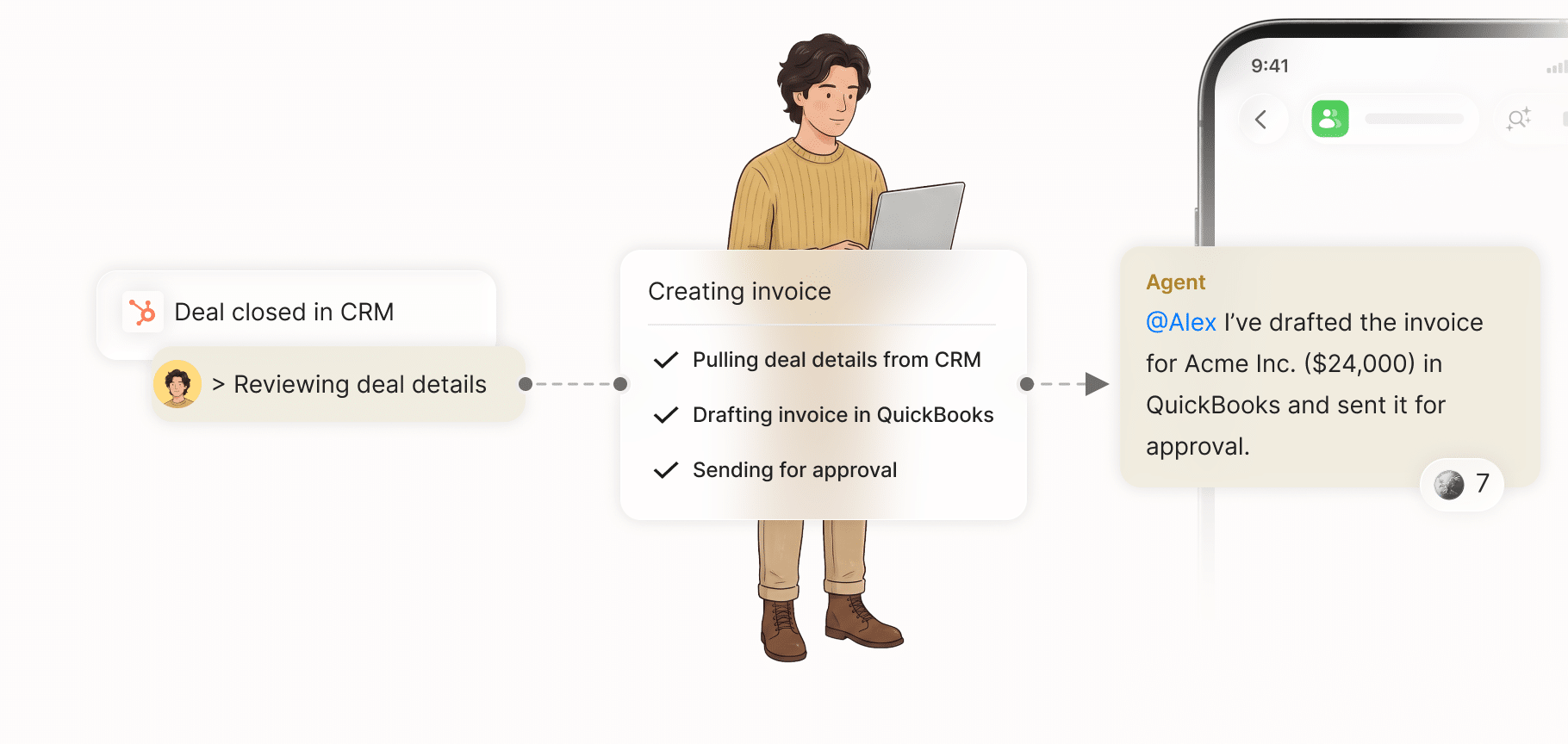
A deal closes in the CRM. The sales agent flags it with all the details in the group chat. The finance agent picks it up, drafts a matching invoice in the accounting system, and sends it for approval.
Meeting Prep
10 minutes before every meeting, summarize everything you need to know for the meeting.
Maintenance Requests
An issue is reported with details and a photo. The agent is notified automatically, then creates a task in the right system, notifies the right people, and follows up until it’s fixed.
New Employee Onboarding
The agent is alerted when a new hire is added to the HR platform, then automatically adds them to the right work tools and relevant group chats based on their team.
Lead Qualification & Routing
A new request comes in through the website. The agent is alerted automatically, researches the lead, qualifies it, and routes it to the right rep.
Invoice Follow-up
The agent checks for overdue invoices, sends reminders, follows up on payments, and updates the accounting platform once payment is received..
Job Scope Change Updates
A job scope change is reported. The agent is alerted automatically, pulls the relevant pricing, generates the change order, and sends it for approval.
Attendance Check
30 minutes into a shift, the agent checks who was scheduled, compares it with clock-ins, and flags anyone who hasn’t arrived.
Shift Handover
The agent reviews the shift, summarizes what was completed and what’s still open, and follows up on anything left unresolved.
Schedule Swap
An employee sends a message that they can’t make their shift. The agent is alerted, finds who’s available, confirms the replacement and updates the schedule.
Closed Deals
A deal closes in the CRM. The sales agent flags it with all the details in the group chat. The finance agent picks it up, drafts a matching invoice in the accounting system, and sends it for approval.
AI Agents That Get Smarter
Your AI agents get full context of your conversations and tools, so they learn how you work.
You’re Always in Control
You have full governance and control over what the agent has access to and what it can do.
-
 Control Who Can Add Agents
-
Limit What Agents Can Do
-
Restrict Chat Access
-
Require Approval
 Control Who Can Add Agents
 Limit What Agents Can Do
 Restrict Chat Access
 Require Approval
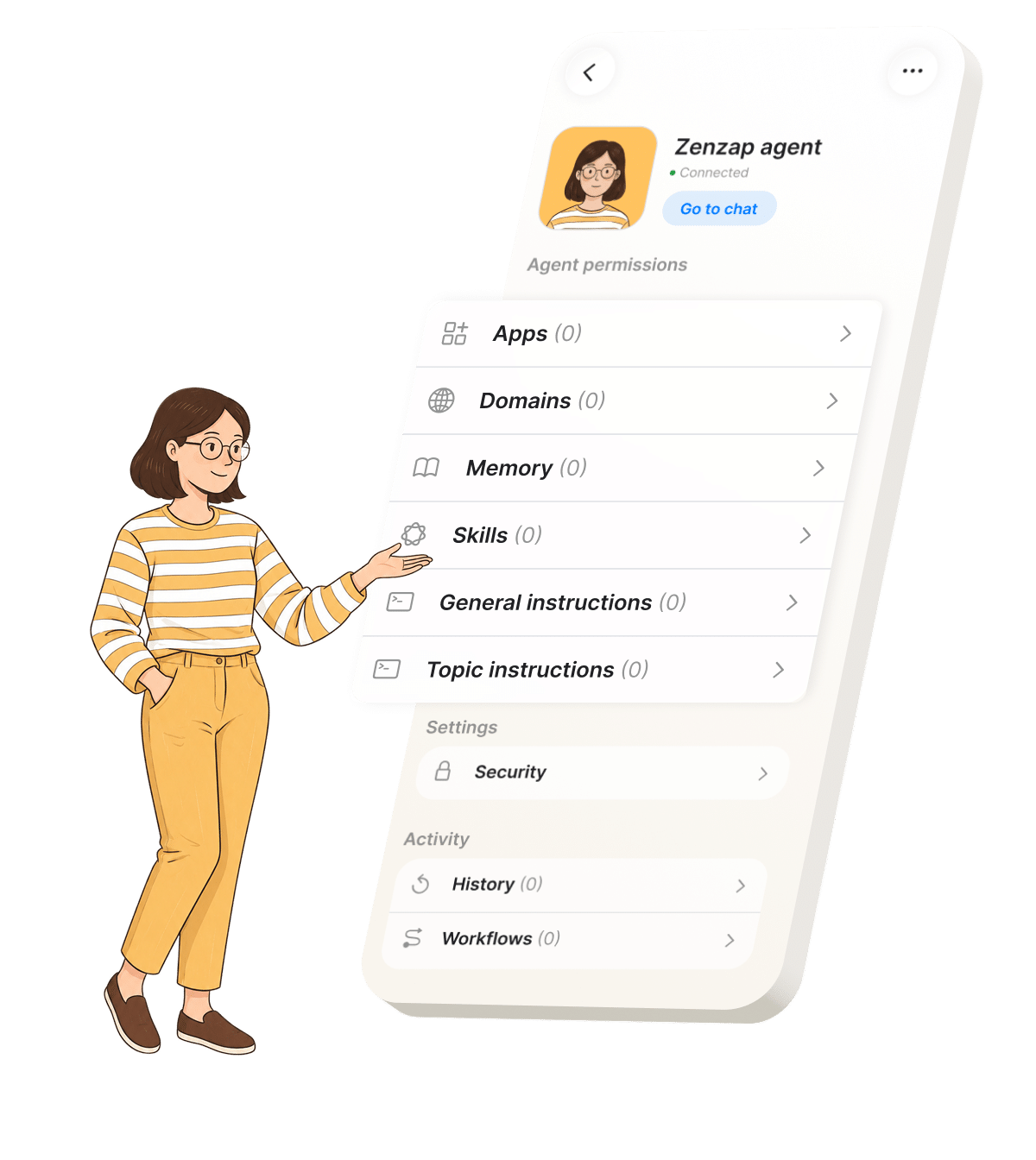
Team & Agents in the Same Chat
Bring your AI agents into a chat with your team to get more done and give everyone the same context.
What Zenzap AI Agents Can Do
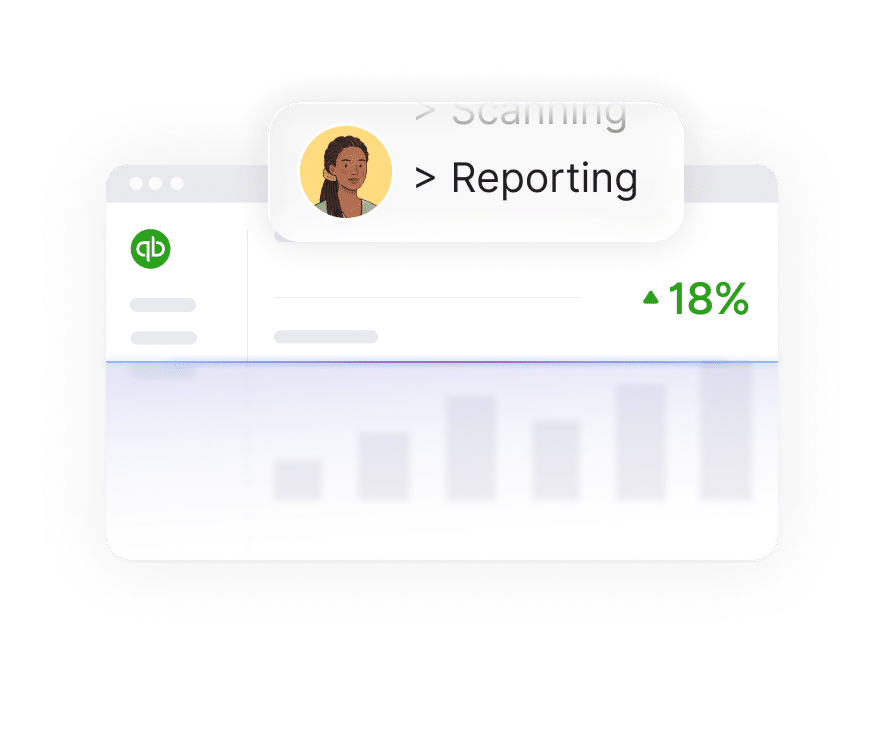
Analyze
Turn data into answers.
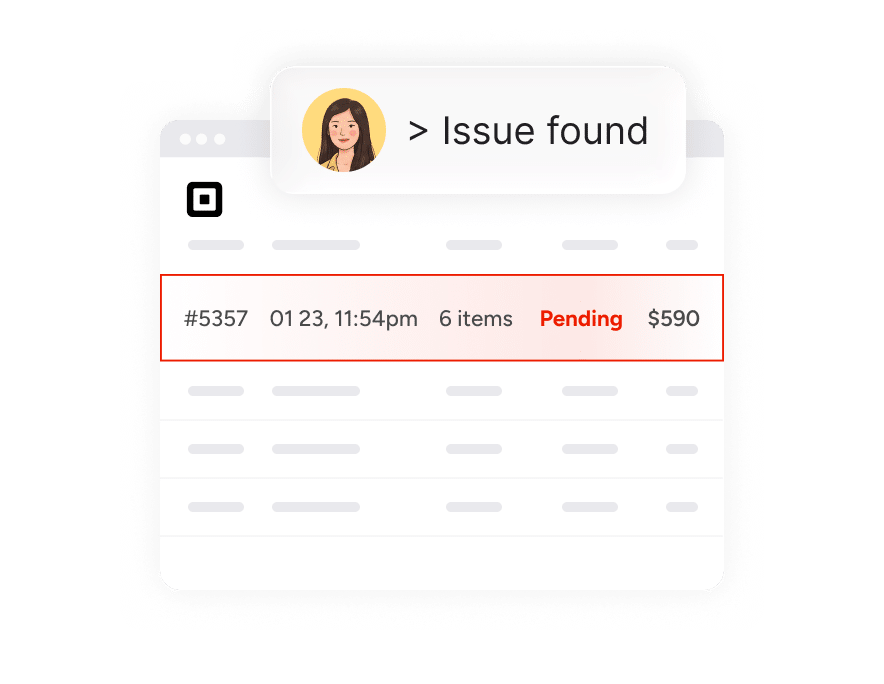
Flag
Catch what needs attention,
before it’s a problem.
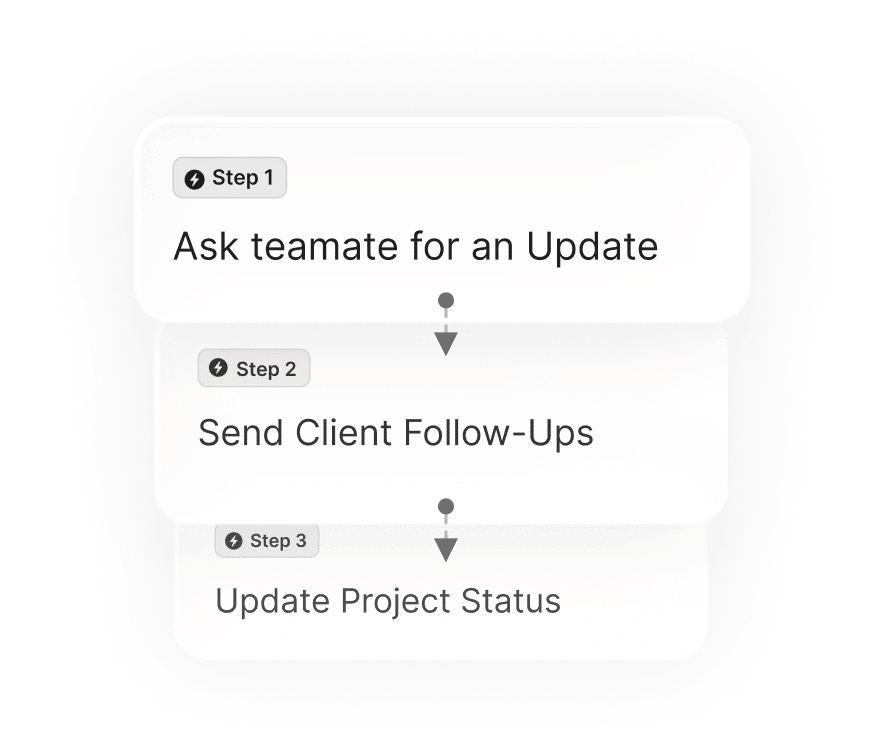
Automate
Turn complex processes into automated workflows.
Act
Take real action on your instructions.

Coordinate
Coordinate people, agents and workflows.

Learn
Gets smarter with every conversation.

FAQ
No. Building a Zenzap AI agent is self-serve: you name the agent, connect a tool to it if you want to, and it’s ready to work. No developer, code, or technical skill needed.
It takes about 90 seconds from downloading Zenzap to having an AI agent live in your chat and ready to take on a task.
Pretty much anything you need across the tools you connect it to. It can analyze, flag, automate, act, and coordinate, whatever you need. You tell it what you want it to do, and it works with the tools you’ve connected it to and the chats you’ve added it to.
Yes. Your AI agents learn your preferences and get smarter over time. If you correct your agent, it saves that as a memory and applies it automatically the next time.
Yes, you can control an AI agent’s access for each tool you connect. For any connected tool, you can require your approval before your agent acts, restrict your agent to read-only access, or block that tool entirely.
Yes. Open any chat, add your AI agent as a participant, and everyone in that chat can message your agent, tag it, and tell it to do things.
Zenzap AI agents connect to 400+ business tools, including the apps most people already use for email, calendars, CRM, project management, accounting, and scheduling. If a tool isn’t on the default list, you can usually still connect it with an API key.
Yes. The data your agent accesses through connected tools stays yours and is never used to train any AI model, and every connection your agent makes and every action it takes is logged for you to review.
Pricing

AI Agents
Bring your team and AI agents into group chats to work together.
$50
total / month
400
AI credits / month included
AI agents & workflows
AI work agents for every user
Share any agent in a group chat
Automated workflows
3rd party agents
AI workspace search
Call recording & AI transcriptions
API access
Communication & Productivity
Unlimited group chats and DMs
Built-in to-dos and sub-tasks
Task checklist templates
Voice & video calls
Calendar integration
Set working hours
Scheduled messages
Security & Admin
Granular control & permissions
Storage & support
10 TB secure file storage
Priority customer support
Data archiving

Add-Ons

Extra AI Credits
Get more AI credits whenever your agents need extra capacity.

Additional Storage
Expand the amount of secure storage available in your workspace.

HR Tools Integration
Sync your HR system to add, remove, and update employees automatically.

HIPAA Compliance + Signed BAA
For teams handling protected health information.