


Security & Compliance
Zenzap’s AI agents are SOC 2, GDPR, and ISO 27001 certified, with full HIPAA compliance and signed BAA for healthcare teams. Your data is never used to train AI models.


Zenzap’s Microsoft Teams AI agent works across your workflows and alongside your team, all through a familiar chat interface.
Start for free, no credit card required.
 Connected

Tell your agent what you need in a message or voice note. It can work with Microsoft Teams for you, finding information, taking action, and keeping track of tasks.
Works for me. Let’s lock that in.
Hey @Microsoft Teams agent, follow up on our discussion and make the updates.


Done. It’s all in Microsoft Teams.
Build workflows around how you actually work, then let your agent handle updates, follow-ups, and recurring work in Microsoft Teams.
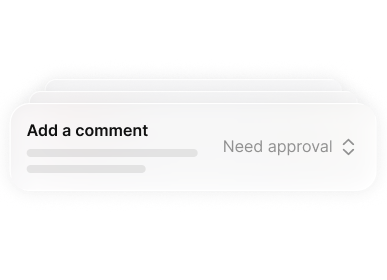
Choose what your agent can access and how it can act with Microsoft Teams. Require approval before actions, keep access read-only, or allow approved work to run automatically.

Search Microsoft Teams for supported messages, channels, people, files, and recent activity.
Post supported messages, replies, announcements, or updates through Microsoft Teams.
Create or update supported channels, memberships, topics, or conversation details in Microsoft Teams.
Check Microsoft Teams for unanswered questions, mentions, alerts, or important updates.
Bring supported conversations and decisions from Microsoft Teams into a clear summary.
Turn messages into follow-up work and keep teams aligned between Zenzap and Microsoft Teams.
Zenzap’s AI agents are SOC 2, GDPR, and ISO 27001 certified, with full HIPAA compliance and signed BAA for healthcare teams. Your data is never used to train AI models.
Microsoft Teams is the hub for teamwork in Office 365 that integrates all the people, content, and tools your team needs to be more engaged and effective.
Your team, AI agents, and tools in one place.


