


Key Takeaways
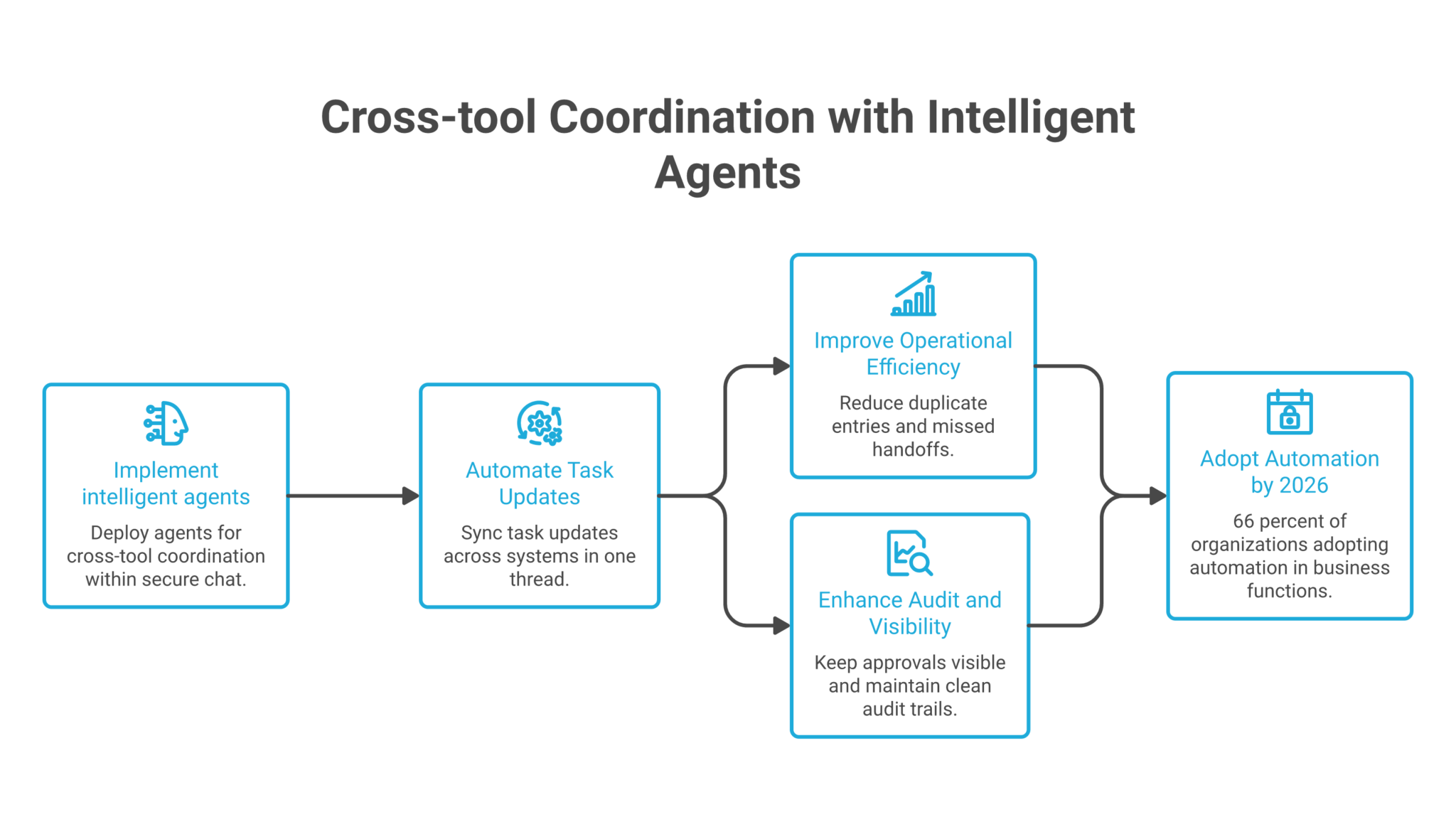
- Cross-tool coordination works best when the intelligent agent sits in chat, reads the request, and takes action across systems without forcing people into a separate workflow.
- Facilities follow-up, shift change handling, and membership updates all fit the same pattern, a message arrives, the agent checks context, then updates the right system and notifies the right people.
- A manager gets the most value when approvals stay visible in the same chat thread, because the team can see what changed and who handled it.
- The strongest operational win is not faster replies alone. It is fewer dropped tasks, fewer missed handoffs, and a cleaner audit trail across tools.
- The three use cases below show how one secure chat layer can coordinate work across scheduling, maintenance, and system updates.
Introduction
Cross-tool tasks slow down when people have to copy the same update into three systems, then chase the right person for confirmation. Intelligent agents for work cut that friction by reading the message, checking the connected tools, and routing the next step inside secure chat. For a manager, director, employee, or team member, the value is simple: less time spent on handoffs and fewer mistakes when work moves from chat to a calendar, a task list, or a membership system.
The best examples are operational, not abstract. In hospitality, a shift change can start in chat and end with an updated schedule and a notified supervisor. In facilities, a broken fixture can become a tracked to-do with follow-up until closure. In wellness and fitness, a staff absence or booking change can move from a system alert straight into the team thread. That is why the most useful intelligent agents do not sit beside the work. They move with it.
Table of Contents
- Cross-Tool Coordination in Secure Chat
- Shift Change Requests That Reach the Right People
- Maintenance Issues That Stay Open Until They Close
- Membership Alerts That Keep Frontline Teams Current
- What Managers Gain from Shared Context and Approvals
- FAQ
- About Zenzap
Cross-Tool Coordination in Secure Chat
The clearest way to use intelligent agents here is to let one message trigger one chain of action across tools, then keep the record in the same thread. That reduces duplicate entry and gives the team one place to check status.
Talkdesk’s cross-system business workflow automation shows the pattern well, with multi-step workflows that move from one system to another instead of stopping at a reply. Per Workflow Automation: The 2026 Enterprise Buyer’s Guide, 66% of organizations had adopted automation in at least one business function, up from 57% the year before, which shows how common this operational shift has become.
A useful internal guide on adding intelligent agents that connect your team securely explains the same workflow pattern from the team side. The point is not a better chat reply. It is a verified handoff into the next system, with the decision and action still visible in chat.
Use case |
Who it is for |
Trigger and action path |
What changes |
|---|---|---|---|
| Ad hoc shift change handling | Hospitality manager | A team member reports a shift change or no-show in chat, the agent reads the message, updates availability or shift status in the schedule, and notifies the right supervisor. | The schedule stays current without a separate manual follow-up chain. |
| Facilities issue tracking & follow-up | Operations director | Someone reports a maintenance problem in chat, the agent creates a to-do with an owner and due date, then follows up until the issue is closed. | Open issues keep moving and overdue items surface publicly. |
| Membership system update alerts | Wellness and fitness employee | A staff absence, booking change, or membership update happens, the agent checks the system for what changed, then posts the update into chat. | Frontline staff see the change fast and do not need to search another system. |
The sharpest conclusion is that one chat thread can carry the request, the action, and the audit trail without splitting work across disconnected tools.
Shift Change Requests That Reach The Right People
A shift change message becomes useful when it updates the schedule and alerts the people who need to know. The agent should not just acknowledge the message. It should move the status in the scheduling system and publish the result where the team already works.
This use case is strongest in hospitality because the trigger is simple and frequent, a no-show, a swap request, or a last-minute absence. The project management workflows guide lists repeatable work such as status reporting and action-item routing, which maps well to shift handoffs. If a manager spends 10 minutes manually chasing a coverage update and this happens 6 times in a week, that is 60 minutes saved, or 4 hours a month on one routine process.
A manager can use three steps here:
– Read the shift request in the chat thread, then classify it as a swap, absence, or availability update.
– Update the schedule record in the connected system, then mark the shift as covered, pending, or unfilled.
– Notify the supervisor and the affected team member in the same thread so no one has to search for the latest version.
That workflow is easier to trust when it stays visible. The team can see who changed what, when it changed, and which shift still needs coverage.
Maintenance Issues That Stay Open Until They Close
Facilities work falls apart when a report gets posted once and then disappears into a private message or a stale task board. The better pattern is to turn the chat message into a tracked item, then keep following up until the job is done.
The business case is real because maintenance delays have a direct cost in service quality and interruptions. Coworker’s workflow automation statistics cite 40 workflow automation statistics for 2026, and one of the clearest takeaways is that repetitive coordination work eats a large share of work time. For this scenario, a likely operational gain is not dramatic in a single case, but steady: if a facilities lead saves 12 minutes per issue and the team logs 15 issues a month, that equals 180 minutes, or 3 hours monthly.
A practical runbook looks like this:
– Capture the maintenance request from chat and create a to-do with owner, due date, and issue type.
– Check whether the assigned owner has updated the status, then send a reminder if the task sits untouched.
– Escalate the item in the thread when the due date passes, so the team sees the delay without another meeting.
The value is not only faster routing. It is the running history, which makes it easier to spot repeat failures in a location, property, or vendor queue.
Membership Alerts That Keep Frontline Teams Current
A membership update only helps if the right people see it before the next booking or class starts. Pushing the alert into chat gives the team a fast, shared view of what changed and what action they need to take.
That pattern matches the way intelligent agents for automating work in 2026 are being described, as systems that retrieve information, make decisions within rules, call APIs, and log actions. It also fits the broader adoption trend. The same enterprise automation research above cites McKinsey’s estimate of $2.6 trillion to $4.4 trillion in annual economic value from automation driven by advanced technology, which is a reminder that these small workflow fixes compound when they repeat every day.
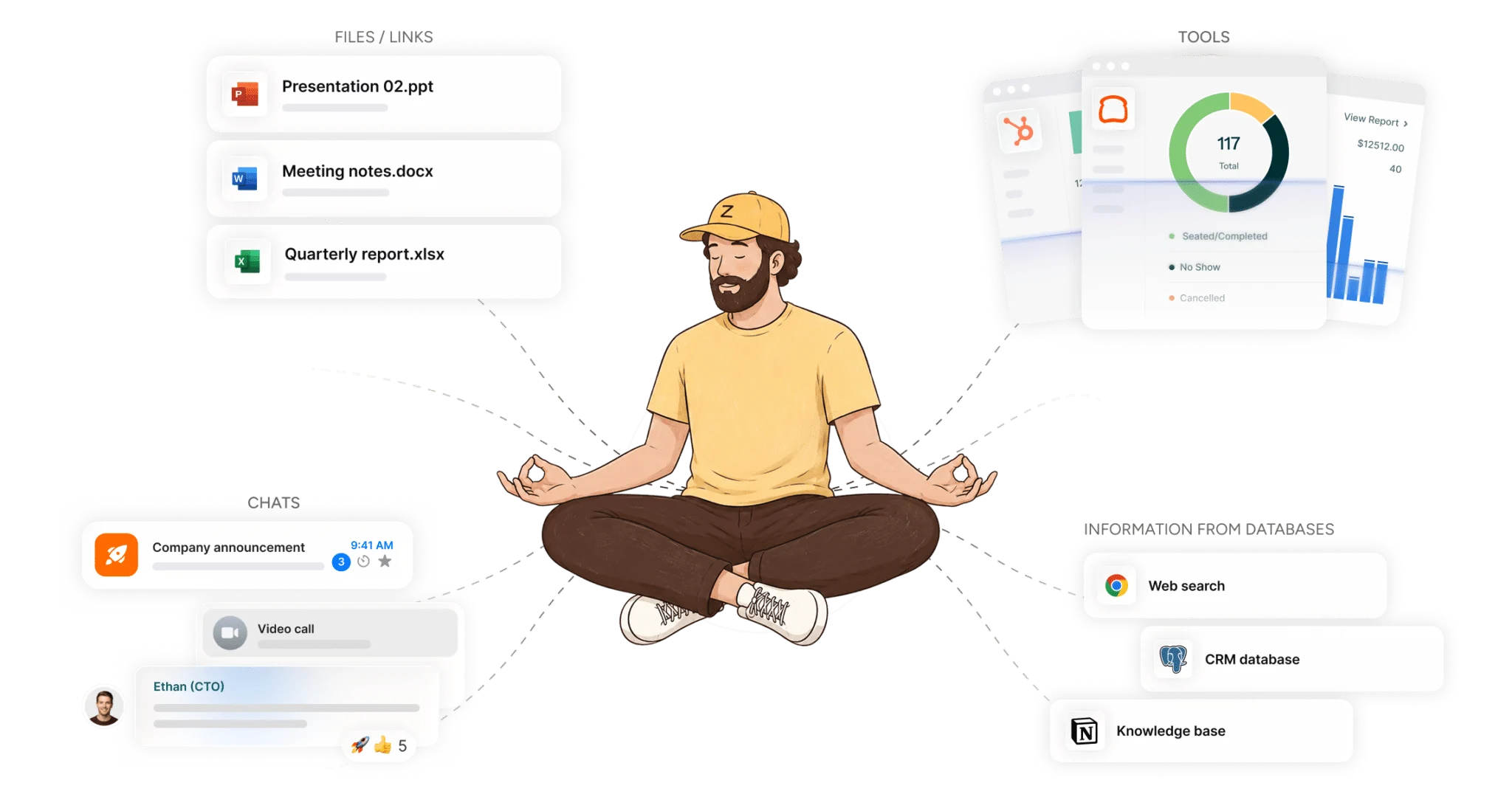
For a club, studio, or clinic, the pattern is straightforward. A staff absence is logged in the membership system, the agent checks what changed, then posts a short update in the relevant team chat. If a booking changes, the message lands where the staff can adjust coverage before the customer arrives.
Shared Context, Faster Decisions, Cleaner Oversight
The real advantage is not the notification alone. It is the shared context that comes from keeping the action in the same chat where people already discuss the work.
Our own guide on unifying tasks and messaging in a secure team chat workspace covers the management side of that setup, while the complete guide to building intelligent agents that work across tools and team chats shows how the same agent can connect different systems without asking the team to learn a new interface. In practice, that means fewer side conversations, fewer duplicate updates, and less chance that a critical note sits in one app while the next step lives in another.
For a manager or director, the practical gain is control. Sensitive actions can stay behind approval, read-only updates can move automatically, and topic-scoped memory keeps one workflow from bleeding into another.
Ready To Put One Workflow In Motion?
If one of these scenarios looks like your week, start there. Build the smallest useful workflow first, then place it in the chat where the team already talks about the work.
The strongest place to begin is usually the messiest recurring task, the shift change, the open maintenance item, or the system alert that keeps getting copied by hand. Once that flow works, it becomes easier to add a second workflow and keep both inside the same secure chat layer.
FAQ
Q: What makes cross-tool coordination different from a regular chat bot?
A: A regular chat bot answers a question and stops. A cross-tool intelligent agent reads the request, takes an action in another system, and reports back in the same thread. That difference matters because the work does not stay trapped in a message. It moves into a schedule, a task list, or a membership system. The team then sees the outcome where the request started.
Q: Why are shift changes a strong starting point for intelligent agents?
A: Shift changes happen often, they are easy to describe, and they usually need several actions in sequence. A team member reports the issue, the schedule needs updating, and the right people need to know right away. That makes the workflow easy to automate and easy to measure. It also gives managers a clear view of who is covered and what still needs attention.
Q: How do facilities follow-ups reduce missed work?
A: They keep the issue open until someone closes it. The agent can create the task, assign an owner, and send reminders if there is no update. That reduces the chance that a repair request gets lost after the first message. It also leaves a history that helps identify repeat issues or slow vendors.
Q: What is the main benefit of membership alerts in chat?
A: Speed and visibility. When a booking or staff change lands in chat, the right person sees it without logging into another system. That can reduce missed handoffs before the next shift or customer visit. It also gives managers one place to track what changed and when.
About Zenzap
Zenzap gives you intelligent agents that do work for you, connected to your tools and your team through a secure chat. Setup takes one click: no code, no developer. Unlike Claude or ChatGPT, the agents come already built and connected. You talk to them like a coworker: tag them into chats, correct them once and they remember. They act across your tools, automate workflows, build reports and graphs, summarize chats, flag what needs attention and coordinate people and tasks. One person gets value alone. Add your team, and every correction makes the agent sharper. Agents start in about 300 ms and run on managed infrastructure. Memory stays isolated by topic, and agents never hold credentials. They reach only approved domains, and sensitive actions need your approval.