


Key Takeaways
- Build collaborative AI agents when you want measurable workflow return, not just faster chat. In 2026, Anthropic’s State of AI Agents report says 80% of organizations already see measurable ROI from AI agents, and 57% use them for multi-stage workflows.
- Start with one process that already repeats. A no-code AI agent is easiest to justify when it removes a specific burden, such as lead handoffs, invoice follow-ups, or daily status reporting.
- Put the AI agents in the same chat where the team already works. Shared context cuts rework, and internal feedback becomes part of the workflow instead of a separate cleanup step.
- Use approvals and topic-scoped memory from day one. Security, access control, and auditability are buying criteria, especially when the workflow touches customer data, finance, or operations.
- Model the return with your own inputs. The best ROI case combines hours saved, loaded labor cost, software cost, and ramp time, so the result is defensible inside finance and operations.
Introduction
The fastest way to build collaborative AI agents that automate workflows without coding is to model one repeatable process, measure the hours it consumes, and then compare that cost with the time saved after the AI agents are added to your team’s chat and tools. A practical ROI model for this category usually turns on three numbers, hours removed, labor cost, and software cost, and the result often lands in weeks rather than quarters when the workflow is used every day.
That is why the numbers matter more than the pitch. McKinsey says 66% of organizations have adopted automation in at least one business function, up from 57% the prior year, while Smartsheet says workers still lose about 25% of their work week to manual, repetitive tasks. Forrester’s TEI work on workflow automation platforms found a 248% three-year ROI, which is a useful benchmark when you want to sanity-check your own spreadsheet. If you want to see how collaborative AI agents fit into a shared workspace, review how AI agents work inside team chats and why managers are moving team workflows into one place.
Table of Contents
- Key Takeaways
- Introduction
- ROI Model Inputs
- Calculation Steps
- Worked Example
- Sensitivity Check
- What the Result Means for Teams
- FAQ
- About Zenzap
ROI Model Inputs
The model is simple on purpose. It needs a baseline for labor, a count of repeatable workflow touches, and the cost of the AI agents and setup time, then it converts those inputs into annual return, net return, and payback. If you do not know one of the inputs, use the benchmark values below, all taken from the research findings in the brief.
| Input | Where to find it | Benchmark if unavailable | Source of the benchmark |
|---|---|---|---|
| Loaded hourly labor rate | Finance, payroll, or the manager who owns the workflow | Use your current fully loaded hourly cost | Internal payroll and benefits data |
| Weekly hours spent on the workflow | Team lead time study or calendar review | 10 hours per week | Smartsheet says workers lose about 25% of the work week to repetitive tasks, which equals 10 of 40 hours |
| Time saved by the AI agents | Pilot results from the workflow owner | 35% of the weekly workflow time | Conservative modeled assumption, informed by reported workflow automation gains |
| Number of workflow users | Operations, department head, or process owner | 10 users | Small team reference case |
| Monthly software cost | Vendor quote or subscription plan | Use the actual plan cost | Vendor pricing or contract |
| One-time setup time | Admin, team lead, or process owner | 2 hours | Conservative onboarding assumption for a no-code workflow |
The sharpest conclusion is that the model only needs a few inputs, and most teams can fill them from payroll, a process owner, and the vendor plan they already know.
Calculation Steps
- Calculate the annual baseline labor cost for the workflow.
Take the weekly hours spent on the process, multiply by the loaded hourly rate, then multiply by 52 weeks. If a manager says the team spends 10 hours a week on lead routing and reporting, and the loaded labor rate is $45, the baseline is 10 x $45 x 52 = $23,400 per year. The trap is using salary alone and ignoring benefits, payroll tax, and overhead.
- Estimate the hours removed by the AI agents.
Use a conservative reduction, then multiply it through the baseline hours. If the workflow uses 10 hours a week and the AI agents remove 35%, the saved time is 3.5 hours a week, or 3.5 x $45 x 52 = $8,190 per year at the same labor rate. If the process touches approvals or customer-facing handoffs, the main mistake is counting every task as fully automatable, which inflates the return.
- Convert saved time into annual value.
This step keeps the math visible and prevents double counting. With 10 users, the annual value is 10 x $8,190 = $81,900 before software cost. For a smaller team, divide by the number of users, and for a larger team, scale linearly until the workflow changes shape. The most common error here is adding a second benefit, such as fewer errors, before you have evidence that it can be measured separately.
- Subtract software and setup cost.
Add the monthly subscription cost for 12 months and the one-time setup time valued at the same loaded labor rate. If the monthly plan is $500, annual software cost is $500 x 12 = $6,000. If setup takes 2 hours at $45, implementation labor is 2 x $45 = $90. Total cost is $6,090. The trap is to ignore ramp time. Anthropic’s State of AI Agents report says 46% of organizations cite integration challenges and 39% cite change management, so rollout time should always be in the model.
- Calculate net return and payback.
Net return equals annual value minus annual cost. In the reference case, $81,900 – $6,090 = $75,810 in annual net return. Payback equals total cost divided by monthly value created, or $6,090 divided by ($81,900 / 12) = 0.89 months. If you want a stricter test, use the first quarter only and see whether the workflow still pays back before the team loses interest. For a practical guide to workflow setup inside a chat interface, see the simple way to use a collaboration chat app to streamline tasks without complex setups.
Worked Example
The table below runs the model end to end for one reference team, so the arithmetic is visible from input to result. It uses a small 10-user process because that is enough to show how fast the numbers can move without assuming an enterprise roll-out.

| Step | Input used | Calculation | Running result |
|---|---|---|---|
| 1 | 10 hours per week at $45 per hour | 10 x $45 x 52 | $23,400 annual baseline |
| 2 | 35% time saved by AI agents | $23,400 x 35% | $8,190 annual value per user |
| 3 | 10 users | $8,190 x 10 | $81,900 annual workflow value |
| 4 | $500 monthly software cost and 2 setup hours | ($500 x 12) + (2 x $45) | $6,090 annual cost |
| 5 | Annual value and annual cost | $81,900 – $6,090 | $75,810 net return |
The clearest conclusion is that even a small workflow can produce a strong annual return when the team repeats the task every week and the AI agents remove only a third of that time.
Sensitivity Check
The largest swing factor is weekly hours spent on the workflow, because every other variable multiplies through it. If that input is 25% worse than assumed, the 10 hours per week becomes 12.5 hours, and the baseline value rises to 12.5 x $45 x 52 = $29,250 per user per year. In the same 10-user example, the annual value becomes $102,375, and after subtracting the same $6,090 cost, net return reaches $96,285.
That direction matters because the model gets better when the workflow is more repetitive, not when the team merely likes the tool. Anthropic’s report says 57% of organizations already use AI agents for multi-stage workflows and 16% for cross-functional processes, so the highest return comes from work that already crosses people, approvals, or tools. If your process has that shape, the math will usually improve faster than the first pilot suggests.
What The Result Means For Teams
You now have a defensible number built from your own workflow, not a vendor claim. The model shows where the return comes from, where the cost sits, and which assumption can move the result the most, so finance, operations, and the process owner can all check the same spreadsheet. That is the point of collaborative AI agents inside a shared chat: the team can correct the workflow once, keep the memory in one place, and measure the gain against real work. For a deeper look at the product approach, review how collaborative AI agents are built for work and why one chat layer can replace scattered task follow-up.
FAQ
Q: How do I know whether my workflow is worth automating?
A: Start with a task that repeats every week and touches more than one person or tool. If the process already has handoffs, approvals, or status updates, it is more likely to produce a clean ROI case. Count the hours spent on the workflow before you change anything, then compare that baseline with the time saved after the AI agents are added. Use a small pilot first so you can measure the result instead of guessing.
Q: What if I do not have exact labor cost data?
A: Use the best fully loaded hourly cost you can get from payroll, finance, or the department owner. If that is not available, ask for salary plus a standard overhead estimate, then document the assumption in the model. The goal is not perfect precision. The goal is a number that a manager can defend in front of finance and still understand in one glance.
Q: Why model payback instead of just total annual savings?
A: Payback shows how fast the AI agents recover the cash and time spent on the workflow. A large annual savings number can still hide a slow rollout or a costly setup phase. When payback is under one quarter, adoption usually gets easier because the team sees a result while the workflow is still fresh. That is especially useful for SMBs that cannot wait for a long budget cycle.
Q: How do collaborative AI agents change the result?
A: Collaborative AI agents reduce the cleanup work that usually happens after a private assistant is used. When the AI agents sit in the same chat as the team, corrections, context, and approvals stay attached to the workflow. That cuts duplicate questions and makes the next run better because the whole team can see what changed. The return improves when fewer people need to explain the same task twice.
Q: What should I model if the workflow spans multiple tools?
A: Include the hours spent moving information between systems, not just the time spent doing the task itself. If a lead handoff touches CRM, chat, and email, the manual transfer time belongs in the baseline. This is where AI agents tend to earn their keep because they can act across connected tools without making the team copy data by hand. The more handoffs you measure, the more complete the ROI model becomes.
About Zenzap
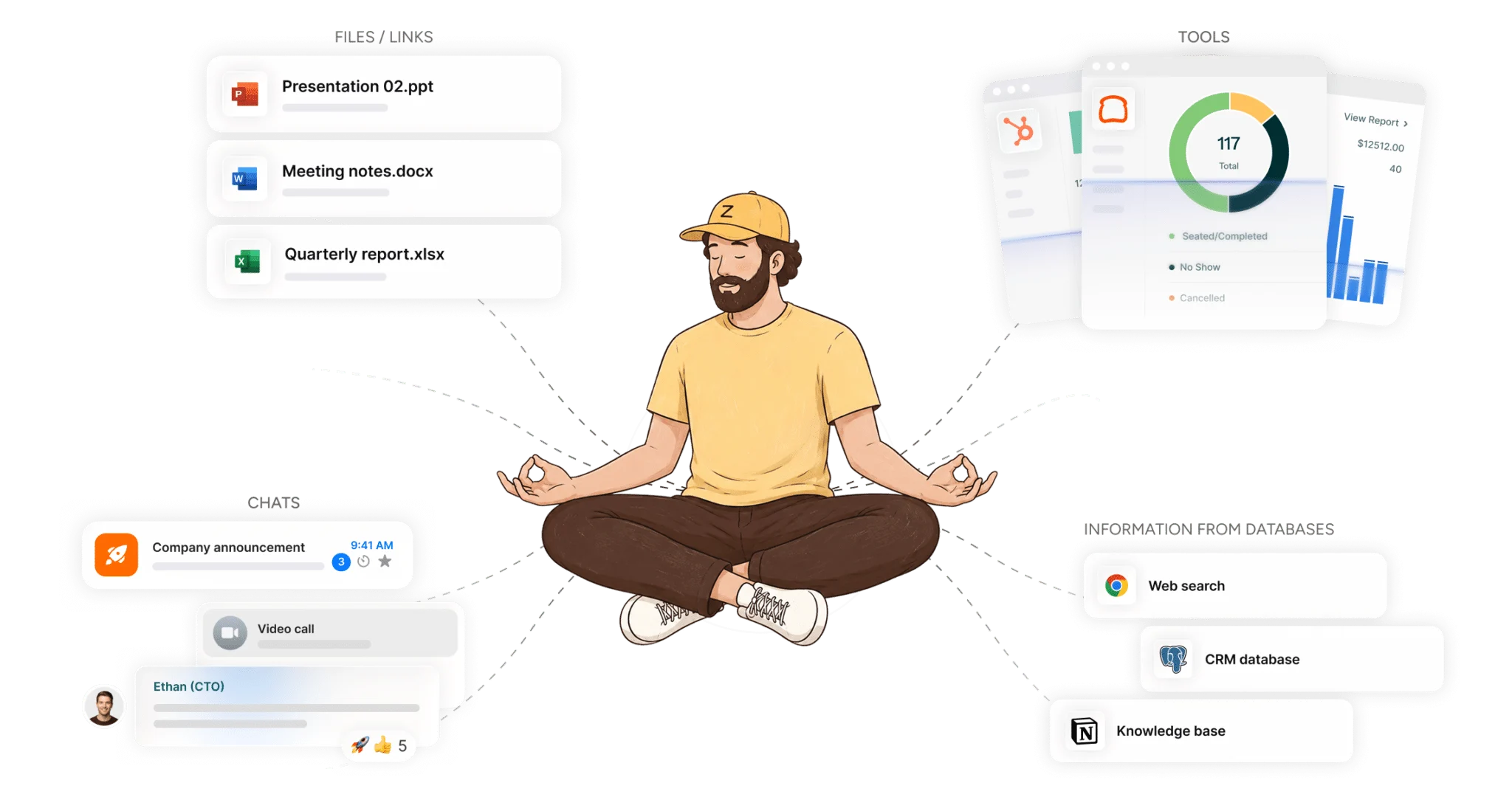
Zenzap gives you AI agents that do real work, connected to your tools and your team through a secure chat. Setup takes one click: no code, no developer. Unlike Claude or ChatGPT, the AI agents come already built and connected. You talk to them like a coworker: tag them into chats, correct them once and they remember. They act across your tools, automate workflows, build reports and graphs, summarize chats, flag what needs attention and coordinate people and tasks. One person gets value alone. Add your team, and every correction makes the AI agent sharper. AI agents start in about 300 ms and run on managed infrastructure. Memory stays isolated by topic, and AI agents never hold credentials. They reach only approved domains, and sensitive actions need your approval.


