Key Takeaways
- Build the highest-impact AI agents first: one that handles a repeated workflow in your tools, because that is where time savings and error reduction show up fastest.
- Start with the top-ranked item, a secure chat-based AI agent tied to one business process, because it gives you a working result in one click and keeps context with the team.
- Use the ranking order by business impact, not by novelty, so you do not spend time on nice-to-have automations before the core workflow is working.
- Keep approvals, access limits, and topic-specific memory in place from day one, especially in legal, medical, finance, and ops-heavy teams.
- A good first AI employee should save hours, move deals, or catch mistakes, and it should do that inside the tools your team already uses.
A practical way to build AI employees in one click without coding is to rank them by business impact, then start with the one that touches the most repeated work. The number one item here is a secure chat-based AI agent that works across your tools, because it can take action, answer in context, and stay visible to the team from the start.
If you pick the wrong order, you end up with a polished demo and no real change in how work moves. The better sequence is to start with the workflow that is already costing time, then add the AI employee where it can save hours, move work forward, or catch mistakes before they grow.
This ranking is ordered by business impact.
Table of Contents
- Secure chat-based AI employee for one repeated workflow
- Tool-connected follow-up worker
- Reporting and dashboard builder
- Approval and risk-flagging AI employee
- Team coordination and handoff AI employee
- Industry-specific operations AI employee
- Reusable AI employee system for expansion
| Rank | Item | Why it ranks here | Who it matters most to |
|---|---|---|---|
| 1 | Secure chat-based AI employee for one repeated workflow | Fastest path from idea to measurable work; connects to one workflow and one chat thread so the team can see and correct it | Managers, directors, team leads rolling out AI to a team |
| 2 | Tool-connected follow-up worker | Makes the first AI employee useful across multiple apps; handles handoff work that usually gets lost between tools | Sales teams, support operations, customer success |
| 3 | Reporting and dashboard builder | Turns raw activity into measurable numbers; depends on stable source data from earlier AI employees | Finance, retail, healthcare operations, directors |
| 4 | Approval and risk-flagging AI employee | Prevents losses by watching for exceptions and pausing before sensitive write actions; more valuable than speed | Finance, legal, healthcare, construction, compliance teams |
| 5 | Team coordination and handoff AI employee | Reduces dropped work by summarizing chats, assigning next steps, and keeping running thread of changes | Agencies, legal teams, franchise operators, distributed teams |
| 6 | Industry-specific operations AI employee | Best AI employees are tied to one role and one business outcome; more specialized and easier to trust once workflow exists | Construction, retail, medical offices, hospitality, field services |
| 7 | Reusable AI employee system for expansion | Only pays off after earlier AI employees are working; turns single win into company habit across teams and tools | Enterprise teams, companies scaling AI across departments |
The closest ranking decision is between items 2 and 3: tool-connected follow-up work and reporting both deliver measurable value, but reporting depends on stable data flow, which makes the follow-up worker the necessary prerequisite.
1. Secure Chat-Based AI Employee for One Repeated Workflow
This is the first AI employee to build because it gives the fastest path from idea to measurable work. It connects to one workflow, one set of tools, and one chat thread, so the team can see what it does and correct it in plain language.
That order matters because the market is already moving in this direction. Fortune Business Insights, cited in Pickaxe’s no-code AI builder roundup, puts the no-code AI platform market at $8.6 billion in 2026 and more than $75 billion by 2034. MarketsandMarkets puts the AI agent market at $7.84 billion in 2025 and $52.62 billion by 2030. Gartner says 33% of enterprise software applications will include agentic AI capabilities by 2028.
For a manager, this is the best first move because it turns one repeated process into a visible business result. A support lead can use it for ticket triage, a sales director can use it for lead routing, and an operations manager can use it for daily follow-up. Zenzap’s guide to building your first AI agent is useful here because it shows the simplest path from one workflow to one useful AI employee.
When this item is done well, the team gets a working AI employee instead of a vague demo. That is the gap between a private chatbot and AI agents for work that do real tasks in shared context. Zenzap gives you AI agents that do real work, connected to your tools and your team through a secure chat. Setup takes one click: no code, no developer. Unlike Claude or ChatGPT, the agents come already built and connected.
2. Tool-Connected Follow-Up Worker
This AI employee comes next because it makes the first one useful across more than one app. It can read a request, pull data from a CRM, update a sheet, send a reply draft, and then report back in chat.
A good benchmark is speed of setup and scope of action. Coursiv’s no-code AI agent guide says you can build an AI agent without code by giving it five things: a goal, written instructions, a short list of tools, a trigger, and a point where you approve its work. That same guide also recommends starting with one tool, then breaking it on purpose with test cases before it touches live inboxes or spreadsheets.
The reason this ranks below the first item is simple. A tool-connected worker is only useful after the core workflow is already clear. Once that first process is running, this AI employee can handle the handoff work that usually gets lost between inboxes, forms, and spreadsheets.
A practical example is lead follow-up. The AI employee can check a form submission, add the contact to a CRM, draft the first reply, and flag anything unusual for review. In a small sales team, that cuts manual handoffs and keeps response time tight. This is where Zenzap’s approach shines: the AI agent lives in the same chat where your team discusses the lead, so corrections and context flow naturally.
3. Reporting and Dashboard Builder
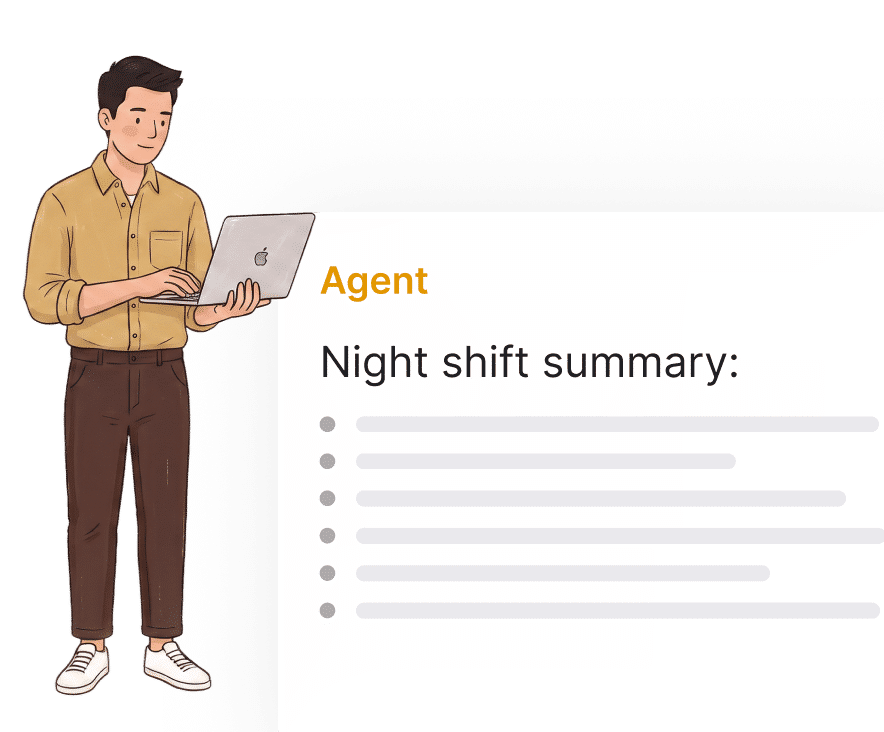
This AI employee belongs high on the list because it turns raw activity into a number you can use. It can summarize tickets, count open requests, pull weekly changes from tools, and turn the result into a report or graph.
The value is easy to measure. A case study described a no-code customer inquiry AI employee that was set up in 47 minutes, now handles about 340 support tickets a week, and saves 15 hours of human time. That is the kind of workflow that makes reporting worth building, because the report is tied to real work, not vanity output.
This item ranks below the tool-connected worker because reporting depends on stable source data. Once the AI employee can move information between tools, turning that flow into summaries and charts is a strong next step. In finance, retail, and healthcare operations, that can mean weekly counts, exception logs, or aging reports that used to take someone an hour to assemble.
If you want a fast internal example, build a report AI employee that posts a Monday summary in chat with open items, late approvals, and changed metrics. That gives directors a read on what is moving without making them ask three people for status. The AI agent learns your business context from the chat history and tools it can access, so it gets sharper with every conversation.
4. Approval And Risk-Flagging AI Employee
This one sits in the middle of the ranking because it prevents losses, which can be more valuable than speed. It watches for exceptions, flags anything unusual, and pauses before a sensitive write action goes through.
The best teams do not let the AI employee act blindly. Coursiv recommends least-privilege access, approval before anything sends or pays, logging, and an off switch as basic guardrails. Zenzap follows that same logic with approval controls, secure tool access, and per-topic isolation, so the AI employee does not bleed context across different conversations.
A sensible use case is invoice review. The AI employee can read incoming bills, flag duplicates, route high-value items for approval, and stop a payment if the vendor name does not match the approved list. That is useful in construction, hospitality, and healthcare, where small approval mistakes can cost real money.
This ranks below reporting because it becomes more valuable once the team already trusts the data flow. When the report is stable, the next move is to protect the process that sends money, changes records, or approves work. Zenzap’s agents never hold credentials directly; a separate trusted proxy layer makes the authenticated calls to external systems, which keeps sensitive operations safe.
5. Team Coordination And Handoff AI Employee
This AI employee matters because it reduces the number of times work gets dropped between people. It can summarize a chat, assign next steps, notify owners, and keep a running thread of what changed and who owes what.
A strong example comes from the market data on employee efficiency. McKinsey data shows 62% of companies are already building AI agents, and 93% of leaders say early movers will win. The same source said companies that successfully implemented AI agents saw a 61% boost in employee efficiency, with examples including 90% faster response times in customer support and 260% improvement in conversion rate in sales lead scoring.
This item ranks below the approval worker because coordination is powerful after the process itself is controlled. Once the AI employee can move work through tools safely, it can keep people aligned around that work without forcing another meeting or another status message.
For agencies, legal teams, and franchise operators, this can mean one AI employee summarizing a client thread, tagging the right owner, and posting the next task where the team can see it. That keeps the conversation and the work in the same place, which is the point of Zenzap’s team communication model. The agent has the context of the team chat, so it understands who authorized what, where the bottlenecks are, and what’s normal.
6. Industry-Specific Operations AI Employee
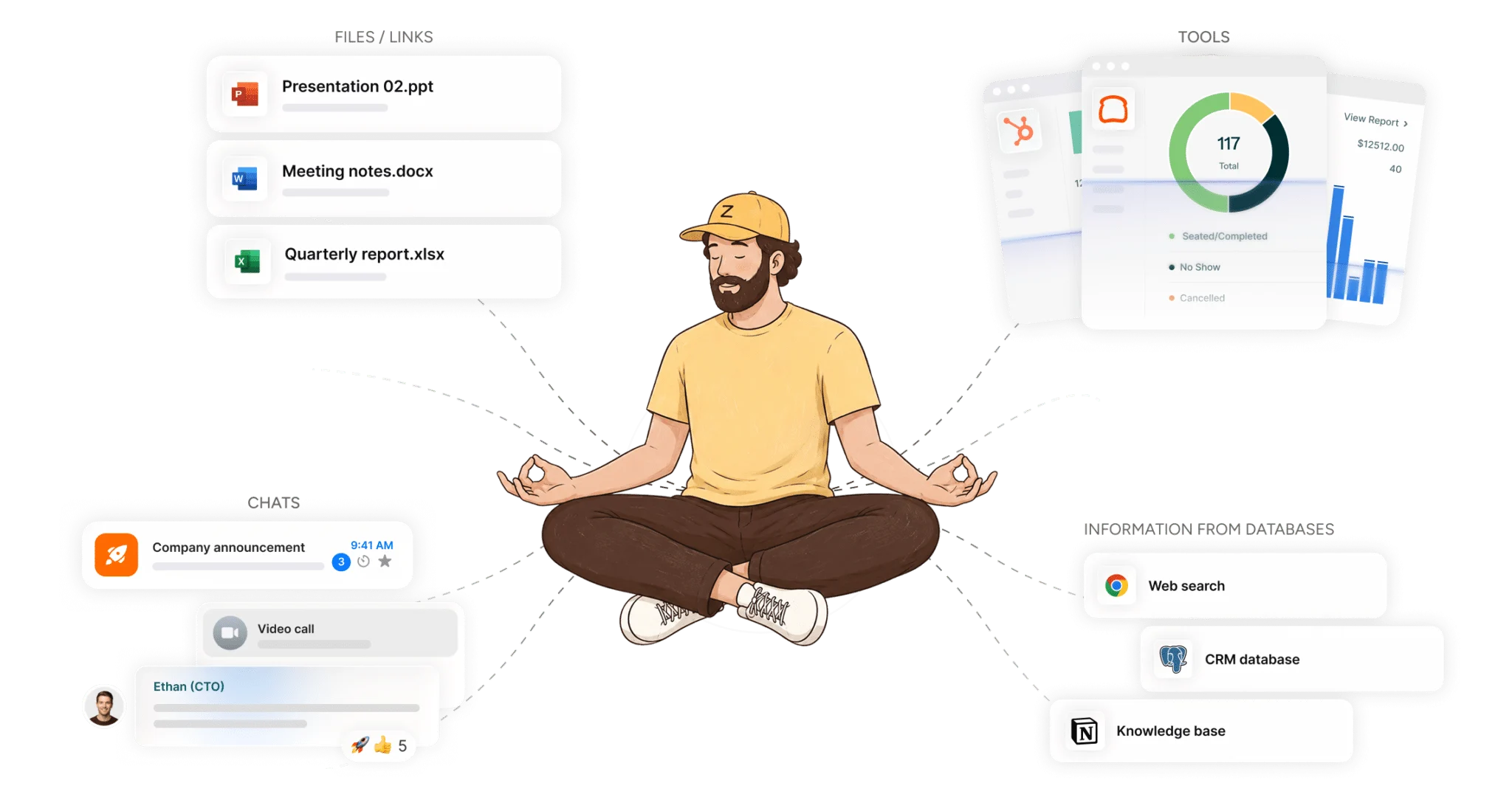
This item earns its place because the best AI employees are not generic. They are tied to one role, one recurring workflow, and one business outcome, such as lead routing, intake, maintenance requests, or daily site reports.
Real operations work crosses categories, not just one app. In construction, the AI employee can prepare a daily site report. In retail, it can flag stockouts. In medical offices, it can turn patient call notes into the right record. In hospitality, it can route guest requests to the right staff member. In home services, it can dispatch urgent jobs to the nearest crew and text the customer an ETA.
This ranks below team coordination because it is more specialized. Once the shared workflow exists, industry-specific versions are easier to add and easier to trust. The most common mistake here is building a flashy role name before the actual job is defined, which leaves the AI employee sounding useful while doing very little.
For teams that want a concrete starting point, Zenzap’s business AI employee examples show how role-based work can be mapped to real tasks instead of vague prompts. You can add an agent to a group chat, connect it to your work tools, and get work done-all in one click.
7. Reusable AI Employee System For Expansion
This is last in the ranking because it only pays off after the earlier AI employees are already working. Once one workflow is proven, the real win is to reuse the pattern across more teams, more chats, and more tools.
McKinsey’s figures make the case for expansion. If 62% of companies are already building AI agents and 93% of leaders think early movers will win, the advantage comes from repeatable systems, not one-off experiments. Teams that start with one useful AI employee can add more without rebuilding the whole setup each time.
A reusable system is what turns a single win into a company habit. The AI employee that handled support can be adapted for sales follow-up, hiring coordination, or spend approvals, as long as the workflow stays specific and the approvals stay clear. One admin can build several agents and place each into the relevant chats so the rest of the team accesses them there without building anything themselves.
This ranks below the rest because it is the multiplier, not the entry point. The first AI employee proves value, and the reusable system spreads it across the organization.
What Happens When You Start With The Top Two Or Three
If a team can only act on the top two or three items, that is enough to get a measurable result. Start with one secure chat-based AI employee, connect one workflow, then add reporting or approval controls so the result is visible and safe.
That sequence fits how Zenzap works best. The AI employee lives in the same chat where the work is already discussed, it connects to tools you already use, and it can be added by one person without code or a developer. The important part is to make the first AI employee real, useful, and visible before expanding the pattern. One person alone gets full value from a Zenzap agent: connect a tool, automate a process, see the impact for themselves. Add your team, and every correction makes the agent sharper.
The first thing to build is the secure chat-based AI employee for one repeated workflow, because it produces the fastest measurable win and keeps the team aligned around the work that matters most.