Key Takeaways
- Build one focused AI workflow first, such as lead routing, invoice follow-up, or support triage, then measure hours saved and mistakes avoided.
- Use AI agents in the same chat where people already discuss work, so context, approvals, and follow-up questions stay in one place.
- Keep sensitive actions gated by approval, especially when the workflow touches money, customer data, or compliance.
- Start with one person if needed, then bring in the team once the workflow proves value.
- Track outcomes in numbers, not adjectives. Time saved, revenue moved, and risk reduced are easier to defend than vague productivity claims.
Introduction
AI agents for work are moving from demos into daily operations, and the strongest teams are treating them as steady operators, not flashy side projects. The winning pattern is simple: start with a repetitive process, give the AI agent clear access to the right data, and measure the result in hours saved or errors prevented.
That pattern is already showing up in the market. A 2026 roundup from RelenshTech on business automation with AI agents says the best first use case is a focused workflow with clear data access and measurable business value. A separate industry summary reports that 62% of large U.S. Organizations are building, developing, or deploying AI agents, up from 53% the previous quarter, based on KPMG’s AI Quarterly Pulse. That same summary says 97% of executives report their company deployed AI agents in the past year, which shows the category is already past the novelty stage.
The better question is how to make those AI agents useful inside a real team. The answer is collaboration, controls, and a workflow that lives where people already talk about the work. Zenzap’s guide to building collaborative AI agents without coding explains how shared context changes adoption, while its guide to adding AI agents securely across team chats shows why approvals and permissions matter once the workflow touches live business operations.
Table of Contents
- Key Takeaways
- Introduction
- Why Steady AI Agents Win In Real Operations
- Where AI Agents Deliver Measurable Value First
- Why Collaborative AI Beats Private Chatbots For Team Work
- How To Roll Out AI Agents Without Creating Risk
- What To Measure After The First Workflow Goes Live
- A Simple Way To Start In One Chat
- End Your First Week With A Working Workflow
- FAQ
- About Zenzap
Why Steady AI Agents Win In Real Operations
Steady AI agents win because they handle repeatable work with the same rules every time. That consistency is more valuable than raw speed when the job involves handoffs, approvals, or customer-facing output.
RelenshTech’s 2026 guide says successful AI agent development depends on integrations, guardrails, monitoring, and human approval for sensitive actions. That matches how real teams operate. A sales ops lead needs the lead routed correctly. A finance manager needs the invoice checked before payment. A clinic director needs the summary logged without exposing the wrong record to the wrong person.
The practical point is that AI agents should do ordinary work reliably before they do complex work. A report from SS&C Blue Prism on 2026 AI agent trends says businesses are now asking whether AI agents are actually working, which is the right question for operations teams. Flashy output is easy to show once. Repeatable output is what earns trust.
Focus First, Then Expand
A narrow workflow gives you cleaner data, fewer exceptions, and a faster review loop. That is why support triage, invoice follow-up, onboarding tasks, and lead routing are common first deployments.
One industry summary says 25% of organizations are already actively developing or implementing multi-agent systems, up from 6% in each of the two previous quarters. That figure matters because complex work often needs more than one AI agent and more than one human. A single workflow can pass from intake to review to action without leaving the conversation where it started.
Where AI Agents Deliver Measurable Value First
The fastest value comes from repetitive work with a clear owner and a clear finish line. If the task already happens every day or every week, an AI agent can usually save time without forcing the team to change how it works.
A 2026 automation roundup from Startupik on AI agents for business automation and another from Fantech Labs on what AI agents actually do in business both point to the same pattern: support, sales, finance, operations, and software work are the most practical starting points. Those functions share the same traits. They involve repeated decisions, known inputs, and outcomes that can be checked.
The numbers support that approach. One summary citing McKinsey says 66% of organizations have adopted automation in at least one business function, up from 57% a year earlier. The same source says workers still lose about a quarter of their work week to manual, repetitive tasks. If a team spends 10 hours a week on repetitive admin, even a partial reduction creates a visible change in capacity.
Use Cases That Create Early ROI
Support teams can use AI agents to draft replies, route tickets, and flag escalations. Sales teams can use them for lead routing and follow-up reminders. Finance teams can use them for invoice follow-up and approval routing.
Operations teams often see the cleanest gains because the workflows are already structured. One report summarizing Forrester TEI findings says workflow automation platforms can deliver a 248% three-year ROI. The point is not to chase every workflow at once. The point is to pick one process where the math is easy to explain.
Why Collaborative AI Beats Private Chatbots For Team Work
Collaborative AI works better when the whole team can see what the AI agent did, correct it, and add context in the same place. Private chatbots create a handoff problem. Team chat removes that gap.
That shift is already supported by adoption data. One industry summary says 52% of employees already use AI agents, based on a 2026 WRITER and Workplace Intelligence survey of 2,400 respondents. The same summary says McKinsey found 44% of organizations reporting that AI is scaling across the enterprise, up from 38% a year earlier in a survey of 1,719 respondents across 97 countries. The market is moving from isolated experiments to shared work.
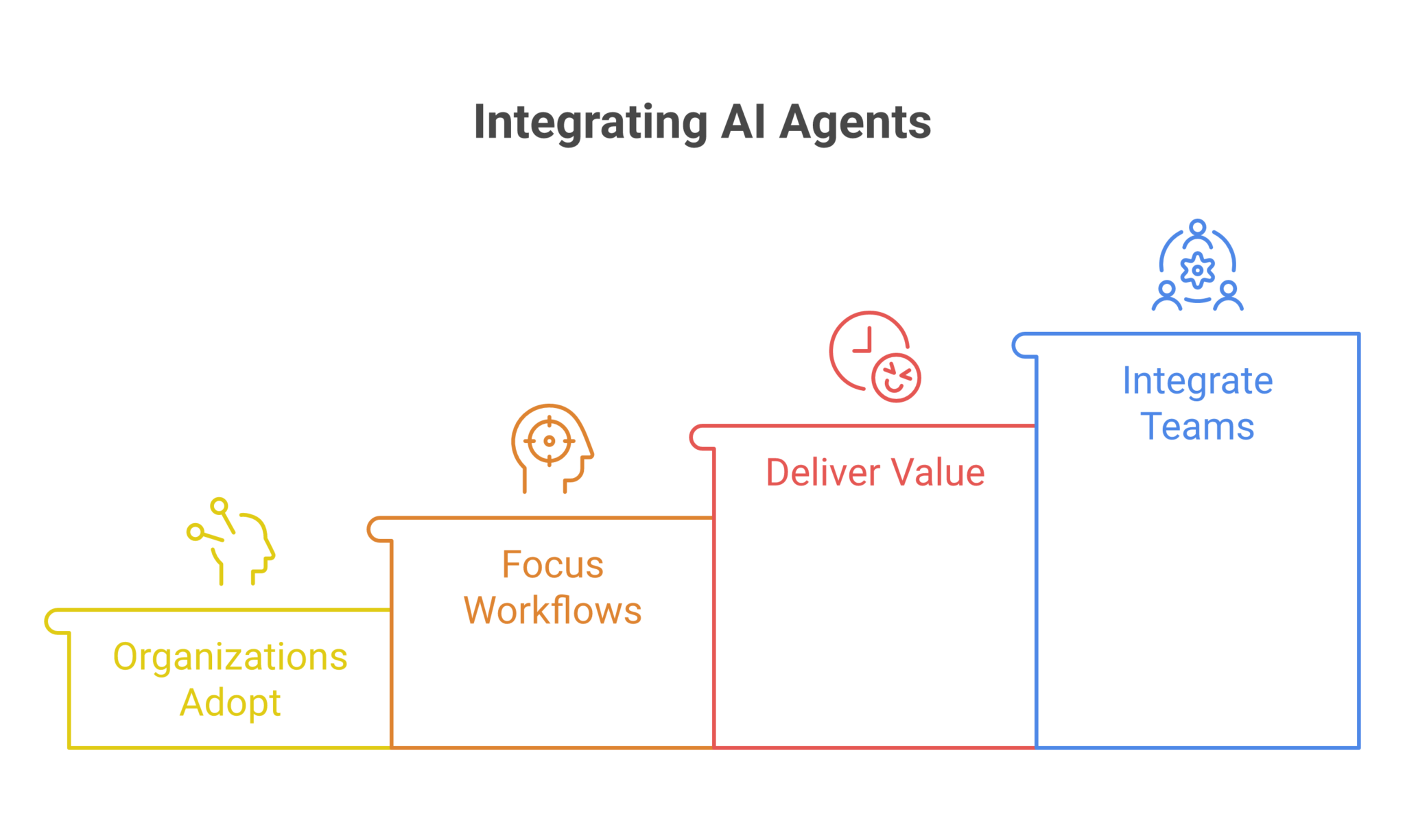
A shared chat also makes correction easier. When one manager fixes a workflow once, the next person in the thread benefits from the same context. Zenzap’s guide to building AI agents that work across tools and team chats shows why that shared context matters for follow-up tasks, while its workflow guide for 2026 connects the idea to specific business processes.
Shared Context Reduces Rework
A team chat keeps the approval history, the correction history, and the business context together. That lowers the chance that one person redoes work another person already checked.
That same shared context helps with trust. If an AI agent flags a billing issue or summarizes a client thread, the team can see the source, the response, and the next step in one place. The workflow stops being a private experiment and becomes part of normal operations.
How To Roll Out AI Agents Without Creating Risk
The safest rollout is small, scoped, and controlled. Give the AI agent access only to the tools and actions it needs, then require approval for anything sensitive.
That approach is supported by the sources above. RelenshTech stresses guardrails and human approval. Fantech Labs says human oversight stays critical for customer-facing, financial, and compliance-sensitive workflows. The same direction appears in Sana Labs’ enterprise guide to AI agents for automating work, which describes AI agents as policy-driven systems that retrieve information, make decisions within policy constraints, call APIs, and log actions.
Security also affects adoption speed. A 2026 summary cited Deloitte’s State of Generative AI in the Enterprise and said time-to-first-value averages 38 days for vendor agents versus 94 days for in-house custom builds. That is a big difference for teams that want value before budgets and priorities shift again.
Governance Is Part of the Product
An AI agent that can take action needs approval paths, audit logs, and clear ownership. Without those, the workflow becomes hard to defend when something goes wrong.
This is where measured rollout beats broad rollout. Start with read-only actions, then allow low-risk writes, then open higher-risk actions after the team has seen the workflow behave correctly. That sequence protects the business while still keeping momentum.
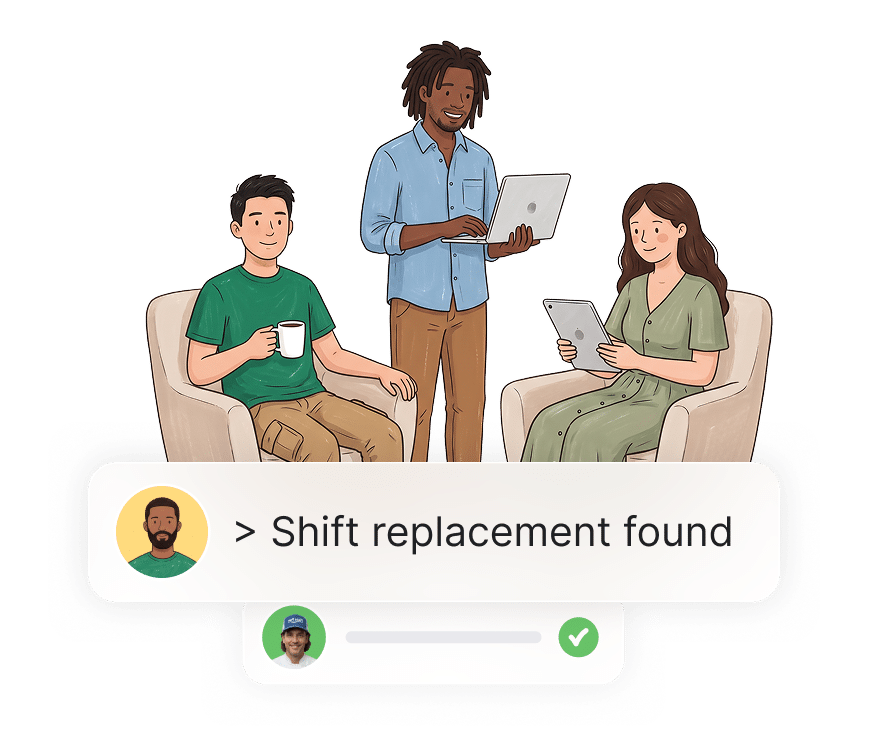
What To Measure After The First Workflow Goes Live
Measure outcomes that finance, operations, and leadership can all understand. Time saved, deals moved forward, mistakes caught, and fewer follow-up emails are better than vague productivity language.
The strongest benchmark is time. One 2026 industry summary says the median knowledge worker saves 6.4 hours per week across deployments with telemetry, while senior practitioners save 10 to 12 hours and customer service reps save 8 to 9 hours. The same source says a contained customer service ticket can cost $0.46 for an AI agent versus $4.18 for a human-handled case, while a routine code review can cost $0.72 for an AI agent versus $48 in senior-engineer time. Those are the kinds of gaps that make workflow automation easy to justify.
Payback timing matters too. The same summary says median payback periods are 4.1 months for customer service, 6.7 months for marketing operations, and 9.3 months for engineering. It also says only 41% of deployments hit year-one ROI, while 19% never reach payback because of evaluation drift, governance gaps, and unmeasured rework. Those numbers argue for tight scope and clear measurement from day one.
Track the Workflow, Not the Promise
A weekly report on one workflow will tell you more than a general satisfaction survey. Count tickets routed correctly, invoices followed up, or leads handled within SLA.
If the AI agent saves time but creates rework, the measurement should show that too. The goal is not to prove the tool is useful in theory. The goal is to prove it reduced manual work without adding new errors.
A Simple Way To Start In One Chat
Start with one repetitive task, one owner, and one clear approval path. Then place the AI agent in the same chat where the team already handles that work.
That approach fits the company-level rollout model. One person can still get value on their own, but the shared chat makes the workflow easier to keep, easier to correct, and easier to spread. The first use case might be lead routing for a sales manager, invoice follow-up for a finance lead, or onboarding reminders for an HR director.
If you want a practical build path, this guide to adding AI agents that connect your team securely is the fastest place to start. It explains how to add an AI agent, connect it to work tools, and use it without turning setup into a technical project.
End Your First Week With A Working Workflow
The best first week ends with one live workflow that has a clear owner, a clear metric, and a clear approval path. If the AI agent is saving time, catching mistakes, or moving work forward, you have proof.
That proof is what changes adoption. A fast first result turns the AI agent from an experiment into a normal part of the team’s operating rhythm. After that, the next workflow is easier to justify because the team already knows what good looks like.
FAQ
Q: What kind of AI agent should a team build first?
A: Start with a repetitive workflow that already happens every day or every week. Lead routing, invoice follow-up, support triage, and onboarding are strong first choices because the input is predictable and the output is easy to check. Keep the first version narrow enough that the team can review it quickly. That makes it easier to prove value and safer to expand later.
Q: Why do collaborative AI agents work better than private ones?
A: Collaborative AI agents keep the context, corrections, and approvals in the same place where the team already works. That reduces rework because everyone sees the same thread and the same decisions. It also makes it easier for the AI agent to learn what the team considers normal. Shared context is often the difference between a useful workflow and a one-off reply.
Q: How do you measure whether an AI agent is worth keeping?
A: Measure the workflow with numbers, not impressions. Track hours saved, response time, tickets resolved, invoices followed up, or leads handled on time. If the workflow is customer-facing or money-related, also track mistakes prevented or escalations reduced. A useful AI agent should make a visible change in one of those numbers within the first month.
Q: How much time can AI agents save in practice?
A: One 2026 industry summary says the median knowledge worker saves 6.4 hours per week across deployments with telemetry. It also reports 10 to 12 hours saved for senior practitioners and 8 to 9 hours for customer service reps. The exact number depends on the workflow and how much manual work it removes. The more repetitive the task, the more likely the time savings will show up quickly.
Q: What should be controlled before an AI agent can write data or send messages?
A: Put approval controls in place before the AI agent can take sensitive actions. That includes changes to records, outbound messages, payments, or customer-facing responses. The team should know who can approve, what can run automatically, and what must wait for review. Good controls keep the workflow fast without giving up oversight.
Q: Can one person get value before the whole team uses the AI agent?
A: Yes. A single employee can connect one tool, run one workflow, and see a measurable result on their own. That is often the easiest way to start because the value is immediate and easy to explain. Once the workflow proves itself, the team can join the same chat and use the same AI agent together.
About Zenzap
Zenzap gives you AI agents that do work for you, connected to your tools and your team through a secure chat. Setup takes one click: no code, no developer. Unlike Claude or ChatGPT, the agents come already built and connected. You talk to them like a coworker: tag them into chats, correct them once and they remember. They act across your tools, automate workflows, build reports and graphs, summarize chats, flag what needs attention and coordinate people and tasks. One person gets value alone. Add your team, and every correction makes the agent sharper. Agents start in about 300 ms and run on managed infrastructure. Memory stays isolated by topic, and agents never hold credentials. They reach only approved domains, and sensitive actions need your approval.