


Key Takeaways
- Build AI agents around the handoff points in design work, especially brief intake, feedback synthesis, and approval routing.
- Put the AI agents in the same group chat where the team already talks, so context stays visible and edits stay shared.
- Use approval controls for brand, legal, or spend-sensitive changes, and let read-only checks run without waiting on people.
- Measure the workflow in hours saved, faster approvals, fewer revision loops, and fewer mistakes that reach clients.
- Start with one repeatable workflow, then add more connected tools once the first loop is working.
A design team does not need another place to store ideas. It needs a faster way to move a brief into a draft, collect comments, and get a decision without losing the thread. AI agents do that well when they can read live context from the tools your team already uses, summarize what changed, and route the next step to the right person.
That is why this topic is really about workflow control, not copywriting. The best AI agents for design teams do three jobs in sequence: they pull in the brief, they sort feedback into something usable, and they move the approval forward. When those steps happen in one shared chat, the team sees the same version of the work, the same blockers, and the same decision history.
For buyers comparing options, the question is simple. Which platform can handle design operations without forcing your team into private side chats, copy-paste loops, or a separate admin layer for every change? The strongest answer is the one that keeps the work visible and measurable, while still letting one person get value on day one.
Introduction
Design workflows break down at the same places again and again. A brief gets buried in email, feedback lands in five different places, and approval waits on one missing comment or one forgotten tag. AI agents are useful here because they can read the current context, pull out the parts that matter, and keep the next step moving.
The market is already moving in this direction. Kissflow reports that Gartner expects by 2028, 33 percent of enterprise software applications will include agentic capabilities that can complete tasks autonomously, and it also cites UiPath research showing a 65 percent reduction in routine approvals requiring human intervention among organizations piloting autonomous workflow agents, according to Kissflow’s 2026 workflow trends guide. That is a direct signal for design operations, where approval-heavy loops are common and expensive.
Teams that want the fastest return should focus on the work that repeats every week. Client decks, creative briefs, feedback digests, and signoff chains are all predictable. They are also easy to measure, which is why workflow tools for agencies and design teams keep showing up in buyer research like Taskip’s agency workflow guide and ZoomSphere’s client reporting playbook.
Table of Contents
- Why Design Teams Need AI Agents Now
- The Brief-to-Approval Workflow That Actually Gets Used
- Where AI Agents Fit in Creative Review
- Security, Approval, and Audit Trail Requirements
- How to Compare Platforms Before You Buy
- A Practical Rollout Plan for One Team
Why Design Teams Need AI Agents Now
AI agents fit design work because design work is full of recurring loops. The same inputs arrive every week, the same people review them, and the same questions slow them down. When those loops run through chat instead of scattered tools, the team spends less time chasing context and more time making decisions.
The business case is already visible in the numbers. Digital Applied’s 2026 roundup says median weekly time saved reaches 6.4 hours per knowledge worker across production AI agent deployments with telemetry, and it reports that 41 percent of deployments reach year-one ROI, while 19 percent never reach payback. Those figures are not specific to design, but they are relevant because creative operations depend on recurring knowledge work, especially in marketing and brand teams.
One reason this works is that the agent can read the live thread instead of a frozen document. A brief draft can sit next to the comments that changed it. An approval request can sit next to the exact note that triggered it. That kind of visible context is what turns an AI agent from a writing helper into a workflow tool.
For a deeper look at why context changes the quality of AI agents, see the case for chat context inside team workflows. If you want the behavior side of the equation, the breakdown in how AI agents learn inside team chat shows why corrections from the whole team make the system better over time.
The Brief-To-Approval Workflow That Actually Gets Used
The most useful pattern is simple: intake, draft, feedback, approval, follow-up. Each step should produce a clear output that the next person can use without asking for the same context twice.
A workable sequence looks like this: the AI agent reads the kickoff note, pulls in the relevant files or comments, drafts a brief, posts it for review, collects the team’s edits, and routes the final version for signoff. This is the same operational shape used in client reporting and agency workflows, where ZoomSphere describes an AI agent that can read live statistics, build a branded deck in one prompt, and send it for human approval.
| Workflow stage | What the AI agent does | Result for the team |
|---|---|---|
| Brief intake | Reads the kickoff note, links, and prior messages | The team starts with the same context |
| Draft generation | Turns the brief into a first draft deck or summary | Design leads review sooner |
| Feedback synthesis | Groups comments by theme and flags conflicts | No one has to sort the thread by hand |
| Approval routing | Sends the final version to the right approver | Client or internal signoff moves faster |
That workflow works because every step leaves a trace. The brief is visible. The comments are visible. The approval is visible. Teams can inspect the whole path instead of guessing where a project slowed down.

Where AI Agents Fit In Creative Review
AI agents are most useful in the messy middle of creative work, where feedback arrives in fragments. They can summarize a long comment thread, separate cosmetic edits from scope changes, and flag issues that need a human decision.
A design lead does not need an AI agent to decide taste. The agent should gather the notes, point out conflicts, and route the work. For example, if one stakeholder wants a bolder headline and another asks for a legal disclaimer, the agent can surface both changes in a single review note and mark the disclaimer for approval.
This also helps agencies and in-house teams move faster on recurring deliverables. Taskip’s agency workflow research points to reporting, meeting notes, and moving data between systems as the biggest wins for a 10-person marketing team owner. Design operations has the same pattern. The bottleneck is rarely one big decision. It is the small handoffs that eat the week.
A shared chat matters because it keeps those handoffs in one place. One person can add the brief, another can correct the summary, and a third can approve the final version without switching tools. That is the practical difference between a private chatbot and AI agents built for team work.
Security, Approval, And Audit Trail Requirements
Approval-heavy creative work needs guardrails. If an AI agent can move a design forward, it also needs limits on what it can change, who can see it, and which actions require a person to confirm them.
Cflow’s 2026 trend report frames AI workflow automation around governance automation, cross-system orchestration, and human-in-the-loop decision-making in its overview of 2026 workflow trends. That framing fits design approvals well because brand changes, client-facing decks, and vendor updates often need auditability. The review trail should show who approved what, when, and why.
Security also changes the buying decision. AI agents should not hold credentials directly. They should reach connected tools through a trusted layer, and sensitive write actions should wait for approval. If you are rolling this out across multiple teams, the control model matters as much as the speed gain.
The internal context also matters. Zenzap’s AI work agents overview explains topic-scoped memory, whitelisted access, and approval controls, which are exactly the kinds of controls design teams need when briefs, approvals, and client comments move through the same shared space. That is the difference between a useful workflow and a risky one.
How To Compare Platforms Before You Buy
A real buyer should compare AI agents by workflow fit, not by novelty. The best question is whether the platform can move your team from brief to approval with fewer handoffs, fewer copy-paste steps, and a clear record of what happened.
Use four checks. First, can the AI agent read your live context from the tools you already use? Second, can it summarize comments into a clean draft or report? Third, can it route approvals without opening a separate project? Fourth, can you control access and approvals by topic or team?
If the answer to any of those is no, the tool will sit beside your process instead of inside it. That is why multiplayer AI matters. A design brief is not a private task. It is a shared decision path, and the AI agent should live where that path already exists.
One more filter matters for ROI. Look for workflows that repeat every week or every month. A one-off prompt may save ten minutes. A recurring brief, feedback, and approval loop can save hours each week and give you a clean metric for time saved, rework reduced, and decisions made faster.
A Practical Rollout Plan For One Team
Start with one repeatable workflow and one clear owner. A design ops lead, marketing manager, or creative director can add the first AI agent, connect the relevant tools, and test a single path such as campaign briefs or social post approvals.
The first version should do one job well. It can pull a brief from chat, draft a summary, and ask for approval before sending the final version onward. Once the team trusts that loop, add feedback synthesis, calendar follow-up, or reporting. The point is to reduce manual routing before you widen the scope.
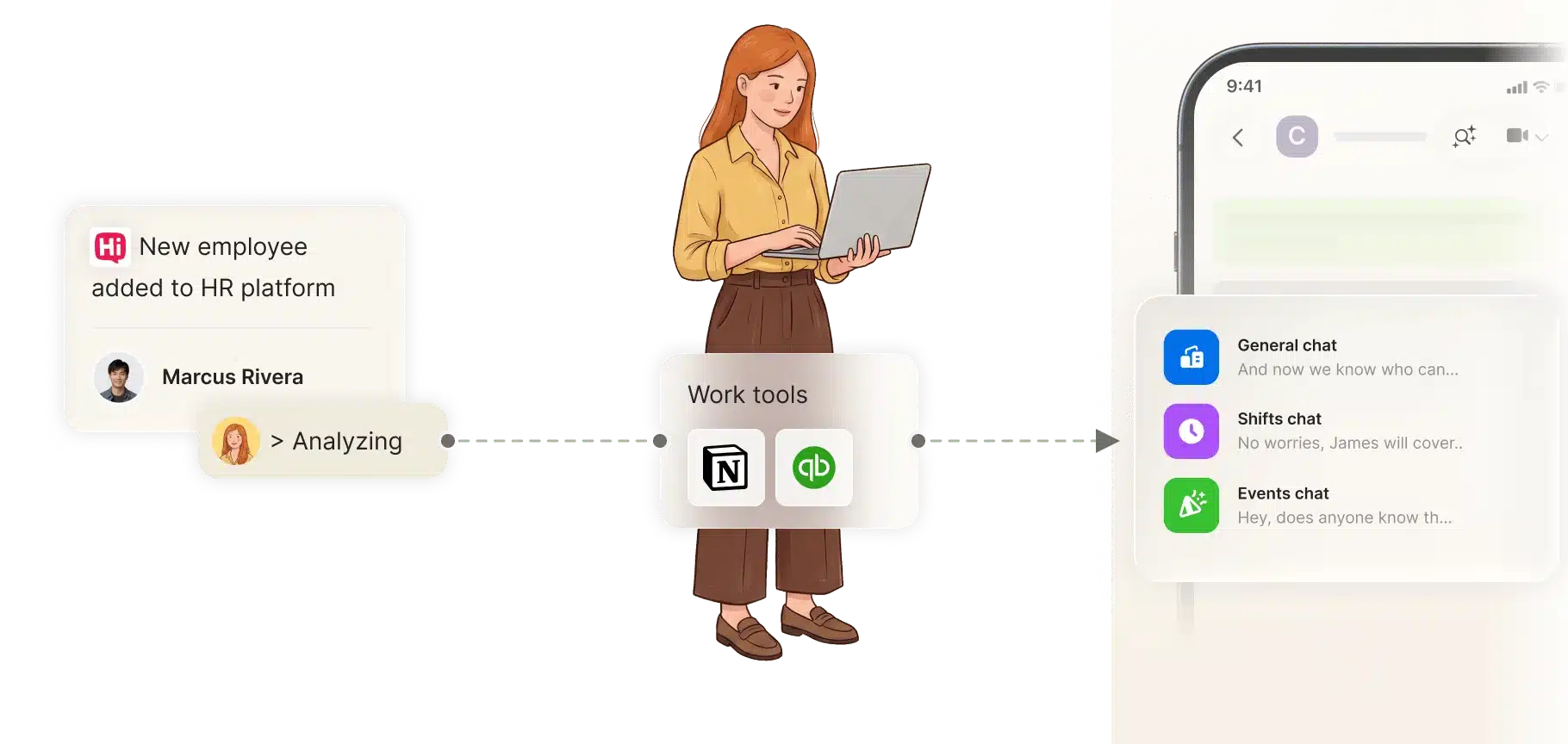
That rollout matches what buyers already want. They want faster response times, fewer dropped leads, and fewer mistakes that reach clients. In design workflows, those outcomes come from moving decisions faster and keeping the approval trail intact. When the team can see the work inside chat, adoption becomes easier because the context is already there.
Move Briefs, Feedback, And Approvals Into One Shared Flow
If your team spends too much time chasing comments, re-reading briefs, or asking who approved the last version, the next step is clear. Build one AI agent around the workflow you repeat most often, put it in the team chat, and measure the time saved on the first cycle.
That is the simplest path to real value. Add the AI agent to the place where the work already happens, connect the tools that hold the brief and the feedback, and let the approval happen in public instead of in side messages. If you want a platform built for that exact pattern, start with the shared workflow model in Zenzap’s AI work agents and test it on your next brief-to-signoff loop.
FAQ
Q: What makes AI agents useful for design workflows?
A: They reduce the time spent moving information between people, tools, and approval steps. The biggest wins come from brief intake, feedback synthesis, and routing the next action to the right person. They also keep the review trail visible, which makes it easier to see why a decision changed. That visibility matters when several stakeholders need to agree on the same draft.
Q: Can one person get value before the whole team uses it?
A: Yes. One person can add an AI agent, connect a tool, and automate a single recurring workflow without waiting for the rest of the team. That first use case might be a weekly brief summary, a report, or an approval reminder. Once that works, the shared chat model makes it easier to bring others into the same flow.
Q: How do AI agents help with feedback loops?
A: They sort comments, summarize long threads, and separate small edits from bigger scope changes. That saves time because no one has to read the same thread three times. They also help surface conflicts, such as one reviewer asking for a tighter layout while another asks for more copy. The result is a cleaner review path and fewer stalled decisions.
Q: What should approval controls do?
A: Approval controls should let read-only checks run automatically while requiring a person to confirm sensitive or destructive actions. In design work, that can mean waiting on signoff before sending a client deck, publishing a campaign asset, or changing a shared file. The point is to keep speed on the low-risk steps and keep humans involved where the decision carries consequences. That balance is what makes the workflow usable in real teams.
Q: What is the best first workflow to automate?
A: Start with the loop your team repeats every week. For many design teams, that is the brief, the feedback digest, or the approval handoff. Choose one that already has clear inputs and a clear owner. If you can measure the time saved on the first run, you can decide whether to expand it.
About Zenzap
Zenzap gives you AI agents that do real work, connected to your tools and your team through a secure chat. Setup takes one click: no code, no developer. Unlike Claude or ChatGPT, the agents come already built and connected. You talk to them like a coworker: tag them into chats, correct them once and they remember. They act across your tools, automate workflows, build reports and graphs, summarize chats, flag what needs attention and coordinate people and tasks. One person gets value alone. Add your team, and every correction makes the agent sharper. Agents start in about 300 ms and run on managed infrastructure. Memory stays isolated by topic, and agents never hold credentials. They reach only approved domains, and sensitive actions need your approval.


