Key Takeaways
- AI work agents save time fastest when they sit inside team chat and act on live context, not when they sit in a private prompt box.
- The biggest gains come from recurring workflows, such as ticket triage, reporting, approval routing, and follow-up reminders.
- Adoption is already broad, but measurable impact is still lagging, which is why workflow design now matters more than adding another assistant.
- Shared chat context cuts back-and-forth, helps teams correct the agent once, and keeps decisions visible.
- Start with one repeatable workflow, measure the hours saved or errors avoided, then expand from there.
Introduction
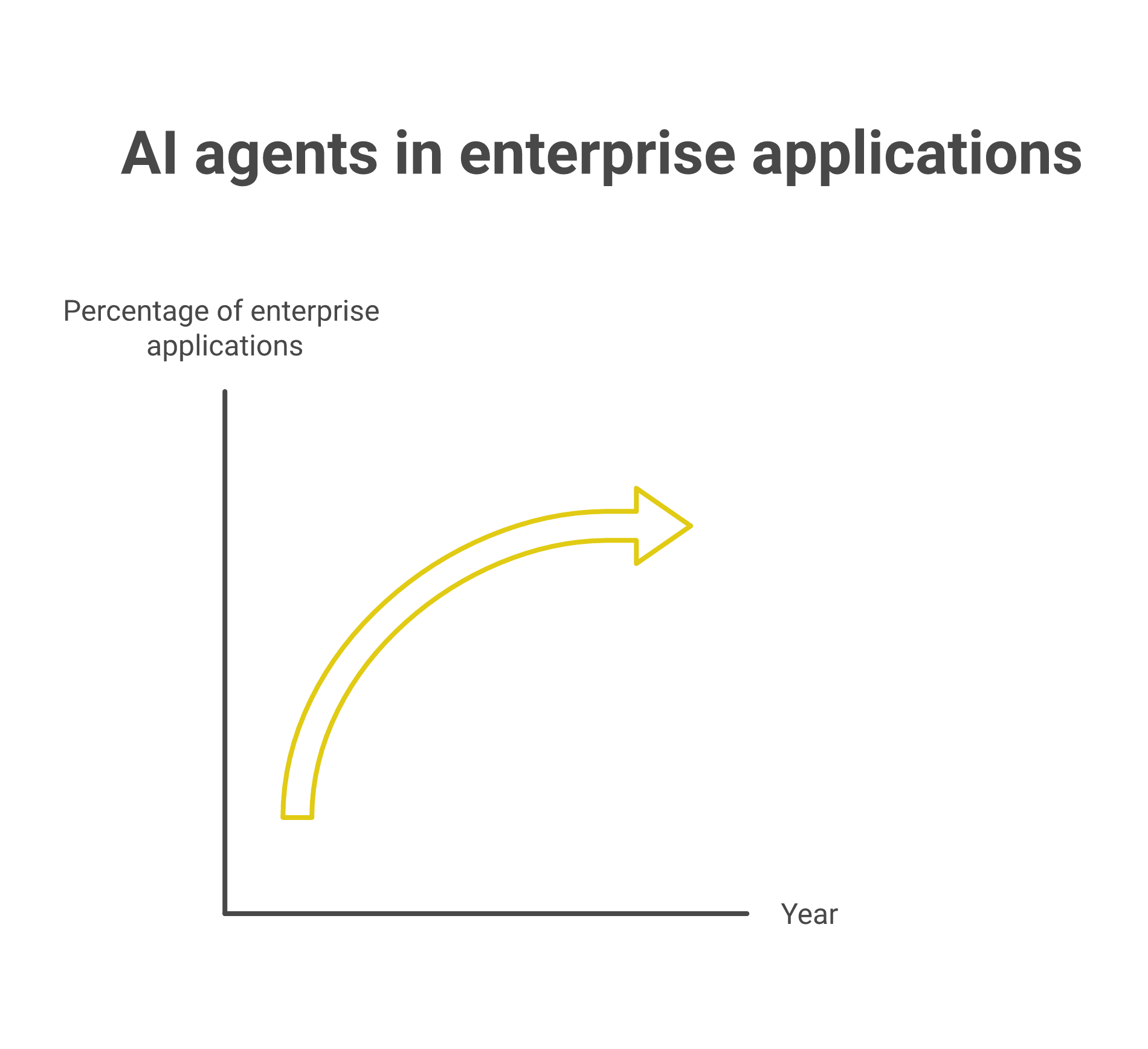
AI work agents now matter because most companies already use AI, but too few can point to hard business results. Harvard Data Science Review reports that 78% of companies say they use AI, while 80% still report no measurable impact on earnings, which shows the gap between adoption and value. Gartner also expects task-specific AI agents to appear in 40% of enterprise applications by the end of 2026, up from less than 5% today, so the shift is already underway.Gartner press release
The practical change is where the agent sits. When an AI agent lives in team chat, it sees the task, the handoff, the correction, and the next step in one place. That makes it useful for managers, directors, and team members who need fewer dropped leads, fewer manual follow-ups, and faster decisions. It also explains why chat context changes agent accuracy and why shared chat history matters for learning over time.
The best way to judge an AI work agent is simple. Ask what it changes in a real workflow, how many minutes or dollars it saves, and who can see or correct its work. That is where the value shows up, especially in teams that already use chat to coordinate work.
Table of Contents
- Key Takeaways
- Introduction
- Where AI Work Agents Fit In Team Chat
- What AI Work Agents Actually Do
- Why They Matter Now
- The Sliding Scale Of Impact
- What A Good First Workflow Looks Like
- The Fastest Way To Start
- FAQ
- About Zenzap
Where AI Work Agents Fit In Team Chat
AI work agents fit best inside the same chat where people already make decisions. That placement gives them the context they need to summarize, flag, route, and act without asking everyone to repeat themselves.
The first layer is simple task support. An agent can summarize a thread, pull out action items, and flag what needs attention before a manager has to read every message. Teams also use them to move information across tools, such as updating a CRM, pulling a report from a spreadsheet, or routing a request to the right owner. This article on combining chat, tasks, and file sharing shows why keeping those steps in one place reduces missed handoffs.
A useful example is customer support. A support lead can add an AI agent to a thread, ask it to summarize the issue, compare it with past tickets, and draft a reply for review. In retail, hospitality, or home services, that same pattern can route maintenance requests, guest issues, or work orders faster than a person moving between apps. The point is not novelty. The point is fewer steps between a question and a decision.
What AI Work Agents Actually Do
AI work agents handle repeatable work that sits between conversation and action. They can read a thread, fetch data from connected tools, write a report, and then notify the right people when something changes.
A 2026 roundup citing McKinsey Global AI Survey and workforce index data says the median knowledge worker saves 6.4 hours a week, with senior practitioners saving 10 to 12 hours and customer service reps saving 8 to 9 hours. Those are meaningful gains because they come from routine work, not rare edge cases. Gartner Agentic AI Pulse 2026, as cited in that same roundup, says only 41% of deployments hit year-one ROI and 19% never reach payback, which is a warning that the workflow has to be designed well from the start.Digital Applied
The most useful jobs are specific. A finance lead can ask an AI agent to flag late invoices, a sales manager can route hot leads, a consultant can generate a client status recap, and an HR team can collect onboarding updates. In workflows built for daily team operations, the value comes from removing manual copying, not from making chat feel smarter.
One reason this works is speed. The research notes that vendor agents can reach time-to-first-value in 38 days versus 94 days for in-house custom builds. That gap matters for small and midsize teams that cannot spend months on setup before they see a benefit. It also explains why no-code setup gets traction faster than custom agent projects.
Why They Matter Now
AI work agents matter now because the market is shifting from one-person assistants to shared execution. Atlassian’s move to add agents in Jira points in the same direction: teams want AI inside the system where work already lives, not in a separate app that produces another handoff.Atlassian on enterprise-scale human-AI collaboration
The economics are also clearer than they were a year ago. Digital Applied cites a customer service agent cost of $0.46 per contained ticket versus $4.18 for human handling, and a routine code-review agent cost of $0.72 versus $48 in senior-engineer time. Those gaps explain why AI work agents get attention in support, engineering, marketing operations, and back-office work, where even small tasks repeat hundreds of times a month. They also help explain why the Harvard Data Science Review report is so stark: broad AI use does not guarantee earnings impact.
A second reason is learning speed. When an AI agent works inside team chat, every correction becomes part of the shared context. That improves future responses because the agent sees how the team talks, what it approves, and where it usually stalls. This breakdown of how AI agents learn inside team chat shows why memory tied to a topic is more useful than a generic private chat history.
The final reason is risk. Teams need approval controls, topic-level memory, and limited tool access because not every action should run on its own. That is especially true in legal, medical, finance, and construction workflows, where a wrong write action can create cleanup work or compliance exposure. The companies getting value now are the ones that pick one workflow, put controls around it, and then measure the result.
The Sliding Scale Of Impact
AI work agents produce the least value when they only answer questions. They produce more value when they summarize work, more still when they move information across tools, and the most when they run a recurring workflow end to end.
At the bottom of the scale, an agent that only drafts a reply saves a few minutes. That is useful, but the gain disappears if someone still has to copy the text, check the data, and send the update manually. The next step is chat summary and action extraction. That removes reading time and cuts the chance that a task gets lost in the thread.
The middle of the scale is where the business case starts to show up. An AI agent that turns a customer message into a support ticket, routes it to the right person, and updates the status in the shared thread can remove multiple handoffs. The Harvard Data Science Review example of a global industrial firm cutting audit reporting time by 92% is a stronger version of the same idea. When workflow design changes, the result changes too.
The top of the scale is recurring automation inside team chat. A manager can have an AI agent watch for stalled deals, flag missing approvals, post weekly reports, and coordinate the next step with the right people in the thread. Bain Agentic AI Benchmark 2026, as cited in the research, puts payback at 4.1 months for customer service, 6.7 months for marketing operations, and 9.3 months for engineering. Those numbers fit best when the agent is used on repeat work, not as a one-off assistant.
What A Good First Workflow Looks Like
A good first workflow is narrow, repeatable, and easy to measure. It should touch one team process, one source of truth, and one visible outcome.
Start with a workflow that already happens every week. That could be lead handoff, invoice follow-up, customer call recap, incident recap, or approval routing. The research suggests that workflow redesign can deliver 2 to 10 times productivity gains when agents are built around the process rather than layered onto a human-first routine. That is why the first workflow should reduce steps, not just write text faster.
In sales, a team might add an AI agent to a channel where inbound leads arrive, then ask it to pull account details, summarize the lead, and tag the owner. In healthcare, the same pattern can collect patient call notes and route them into the right record for review. In construction, it can gather daily site notes, format them into a report, and alert the project manager when a block appears. Each case is different, but the structure is the same.
If you want a better sense of how that plays out in a live team, read how one shared chat layer changes day-to-day work. The key is to pick work that already repeats. Then measure the time saved, the errors avoided, or the revenue moved forward.
The Fastest Way To Start
The fastest start is one person, one agent, one workflow. That approach gives immediate value without waiting for a full rollout.
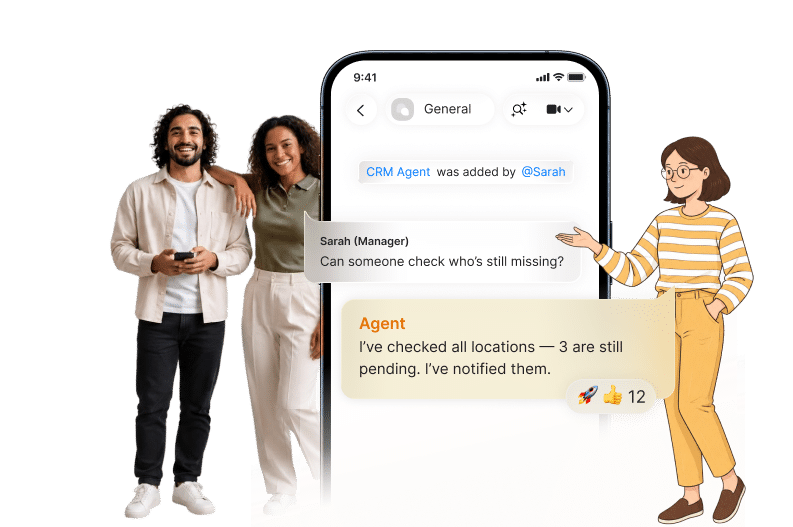
A manager can add an AI agent to a thread, connect a tool, and let it handle a recurring task such as reporting, follow-up, or issue triage. That single-player start is enough to prove value. Once the team sees fewer dropped items and cleaner handoffs, the multiplayer benefit starts to matter because everyone can correct the agent in the same place.
That is the practical reason shared chat matters. One person no longer has to keep the agent’s output to themselves and explain it later. The whole team can see the prompt, the answer, the correction, and the next action in one thread. That makes the system easier to trust, easier to improve, and easier to repeat across departments.
If you want the shortest path from idea to measurable result, start with a workflow that saves time every week and exposes a clear KPI. Then add the agent where the team already talks about the work, not where they have to go looking for it.
The Right Order For AI Work Agents
The order matters because the first step is usually the smallest gain. A summary is helpful, but a workflow that routes work, updates tools, and alerts the right people has far more impact.
Teams should rank use cases from low to high value: answer a question, summarize a thread, move data across tools, then automate the recurring process. That ordering keeps the rollout realistic and gives the team a quick win before asking for broader change. It also fits the current market signal, where adoption is already high but measurable returns are still uneven.
If you are deciding where to begin, pick the process that repeats the most, touches the most people, and costs the most when it slips. Then build the AI agent into the chat where the team already works.
FAQ
Q: What do AI work agents do inside team chat?
A: They summarize conversations, flag action items, move data between tools, and route work to the right people. They can also draft updates, pull reports, and keep recurring tasks moving. The value comes from doing work in the same place where the team already talks about it. That reduces handoffs and cuts down on missed steps.
Q: Why are AI work agents more useful now than a private chatbot?
A: Adoption is already broad, but business impact still lags, so the workflow itself matters more than the model. Gartner expects task-specific AI agents in 40% of enterprise applications by the end of 2026, which shows the market is moving toward embedded execution. Team chat gives the agent shared context, so everyone can correct it and see the same work. That makes it easier to turn use into measurable output.
Q: What kind of workflow should a team start with?
A: Start with something repeated, visible, and easy to measure. Ticket triage, lead routing, invoice follow-up, approval routing, and weekly reporting are strong starting points. These jobs already happen on a loop, which makes it easier to compare before and after. A good first workflow should save minutes every week, not just produce a nicer draft.
Q: How do AI work agents learn from the team?
A: They learn from the context around the work, including messages, corrections, and completed actions. That is why topic-level memory is useful. The agent gets better at matching the team’s actual process instead of guessing from a single prompt. Shared correction also makes the behavior easier to standardize across a department.
Q: Are AI work agents only useful for large companies?
A: No, smaller teams often see value faster because they feel the pain of manual work right away. A single person can add an AI agent, connect one tool, and automate one process without waiting for a company-wide rollout. That makes the entry point simple and the payoff visible. As the team grows, the same workflow can spread to more chats and more roles.
Q: What should teams measure first?
A: Measure hours saved, deals moved forward, mistakes caught, or tasks completed faster. Those are easier to track than vague productivity claims. If an AI agent saves six hours a week or cuts a 30-minute report to five minutes, the impact is obvious. The goal is to tie each workflow to one number that the team already understands.
About Zenzap
Zenzap gives you AI agents that do real work, connected to your tools and your team through a secure chat. Setup takes one click: no code, no developer. Unlike Claude or ChatGPT, the agents come already built and connected. You talk to them like a coworker: tag them into chats, correct them once and they remember. They act across your tools, automate workflows, build reports and graphs, summarize chats, flag what needs attention and coordinate people and tasks. One person gets value alone. Add your team, and every correction makes the agent sharper. Agents start in about 300 ms and run on managed infrastructure. Memory stays isolated by topic, and agents never hold credentials. They reach only approved domains, and sensitive actions need your approval.
For teams that want the chat layer and the workflow layer in one place, see how Zenzap combines chat, tasks, and file sharing. If you want to understand how agents improve with real conversation history, read how chat context shapes agent learning. That is the practical path from one useful workflow to a team that works faster with less manual follow-up.