




Switch to a professional work chat built for business
Join the 10,000+ businesses that moved their team communication into one easy to use secure platform that keep the team organized, accountable and safe
Trusted by 10,000+ businesses








.svg)

.svg)

.svg)

.svg)

.svg)

.svg)

.svg)

.svg)

.svg)

.svg)

.svg)


.avif)

.avif)



.avif)



















How an Assisted Living Group Connected Three Communities With HIPAA-Compliant Work Chat
How a Multi-Venue Hospitality Business Gave Its Staff Professional, Organized Communication
How a Spa Brought Team Communication Into One Organized Work Chat
How a Family-Run Hotel Gave Its Staff Work-Life Boundaries
How a Hotel Replaced 24/7 WhatsApp Groups With a Structured Team Chat
How a 24/7 Residential Care Organization Keeps Its Field Team Connected
How a Food Service Business Replaced Scattered Texts With One Organized Work Chat
How a Tattoo and Piercing Studio Brought Order to Its Internal Communication
How a Construction Company Finally Got Its Distributed Teams Organized and Connected
How a Special Education Program Brought All Its Staff Communication Into One Place
How a Freight Company Keeps Drivers and Dispatchers Connected in Real Time
How a Correctional Care Provider Solved Team Communication Across 65 Facilities
How a Multi-Business Operation Keeps All Its Communication Organized
How a Church Replaced Communication Chaos With One Work Chat App
How a Restaurant Franchise Group Replaced Group Texts With a Professional Work Chat
How a Multi-Location Medical Practice Made Its Team Communication HIPAA Compliant
How a Home Services Business Got Its Field Team Communication Under Control
How a Correctional Care Provider Solved Team Communication Across 65 Facilities
How a Multi-Location Restaurant Got Its Team Communication Under Control
How a Children's Rugby Program Reclaimed Its Coaches' Weekends
How a Live Entertainment Company Used Team Chat to Make Work Easier
How a Uniform Manufacturer Unified Its Nationwide Team Communication
How a Consulting Firm Improved Its Team Communication And Increased Accountability
How a Martial Arts School Solved Team Communication and Restored Work-Life Balance
How a Venture Capital Firm Solved Communication Chaos and Gained Full Control of Its Data
How a GP Practice Reclaimed Work-Life Balance and Streamlined Clinical Communication
Sound familiar?

Before Zenzap
- Juggling texts, WhatsApp, GroupMe, email, and Facebook Messenger all at once
- No way to know if your team actually saw the message
- Scrolling for days trying to find a link shared weeks ago
- Ex-employees still in group chats with access to sensitive info
- Critical info falling through the cracks — deadlines missed, tasks forgotten
- Tools too complicated, too expensive, or too clunky for real teams

With Zenzap
- One app for everything — channels, tasks, files, and direct messaging
- See exactly who read your message — and who hasn’t
- All links, files, and media organized under tabs — find anything instantly
- One-click offboarding — access revoked the momentthey leave
- Dedicated channels so every update reaches the right person, every time
- So familiar your team already knows how to use it — day one
Built around how
real teams actually work

Dedicated Channels
Your team always knows exactly where to look and where to post.

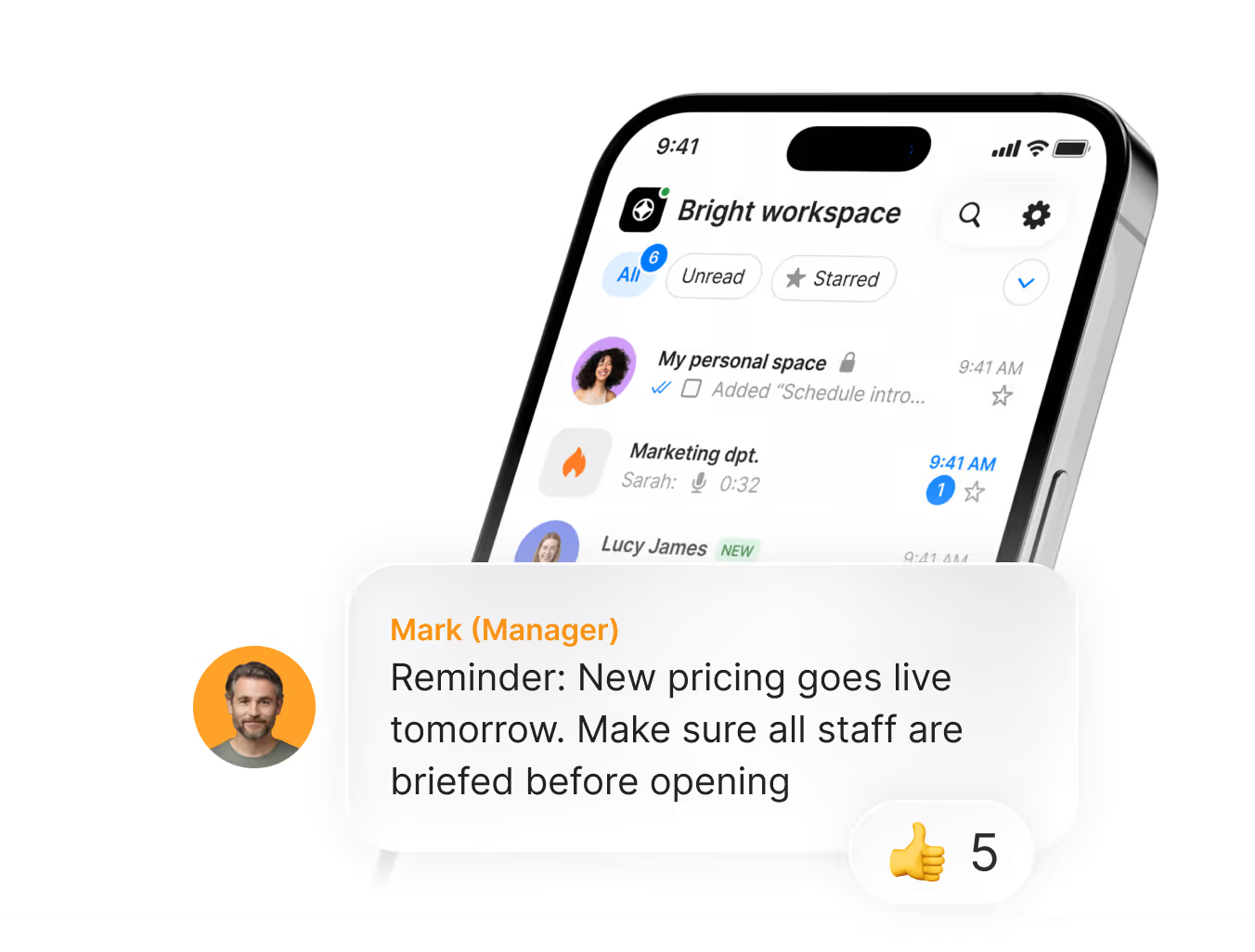
Read Receipts
Know exactly who has seen your message and who hasn't. No more "I didn't see it"

Schedule Messages
Think of something at 2am? Schedule it for the morning. Your best ideas don't have to wake up your entire staff.

Organize Files in One Place
Every file, link, and photo automatically organized under tabs inside every channel. Stop scrolling for days to find that thing from last week.

Find any message, file, or attachment in seconds
Find any message, file, or attachment in seconds.

Connect Your Work Tools
Integrate the apps your team already uses.
The structure and visibility across any location, any department, any size.
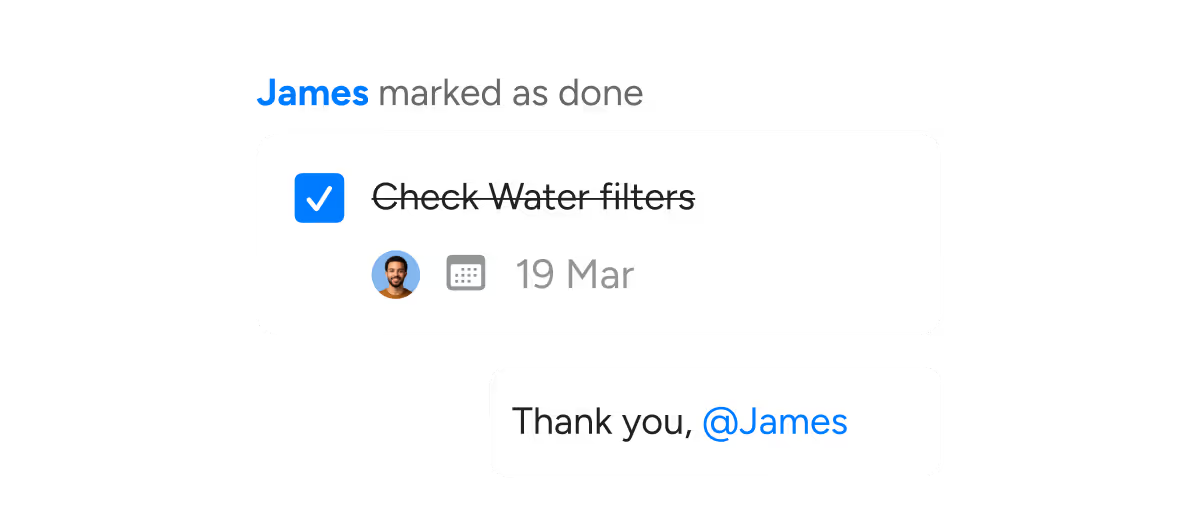
Built-in Tasks
Assign tasks to specific team members with due dates. Track what's done and what isn't. Keep your team accountable without micromanaging.
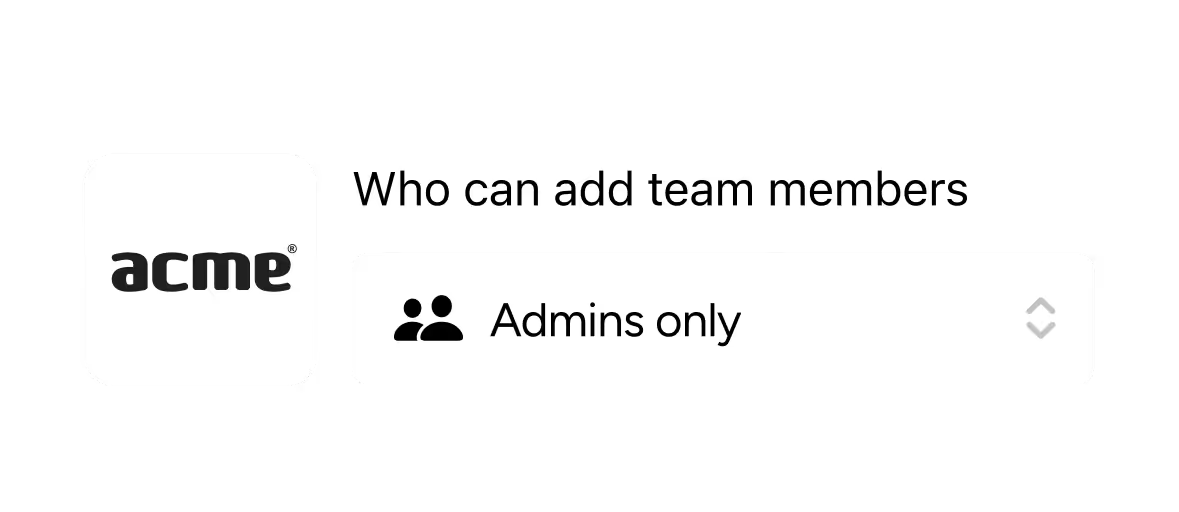
Set Permissions
Control exactly who can see what, post where, and access which channels. Keep sensitive conversations where they belong.
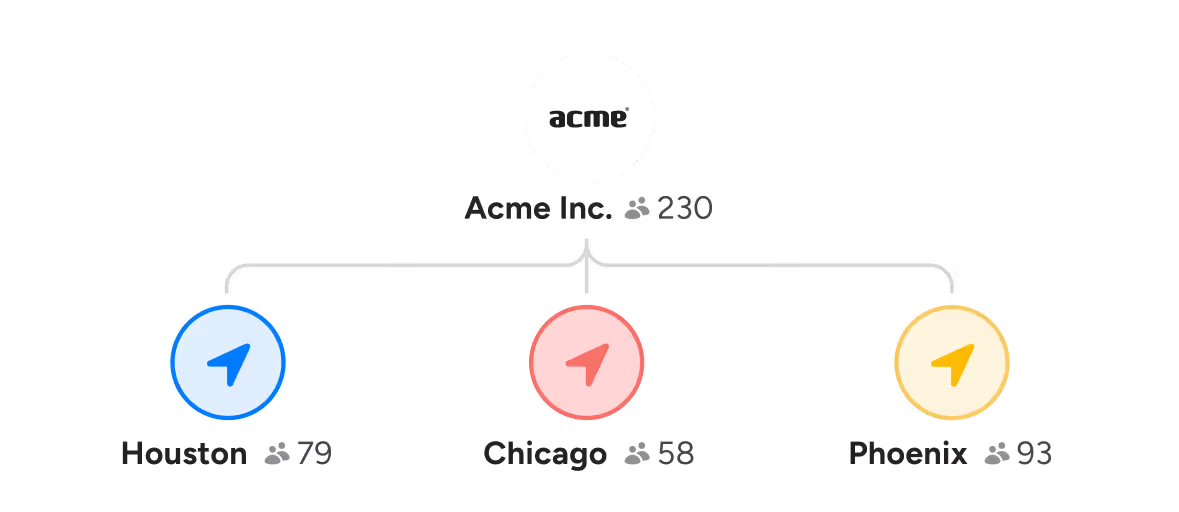
Fits Your Business Structure
Organize by teams, departments, or locations. Whether you run 1 location or 80, Zenzap mirrors the way your business actually works.
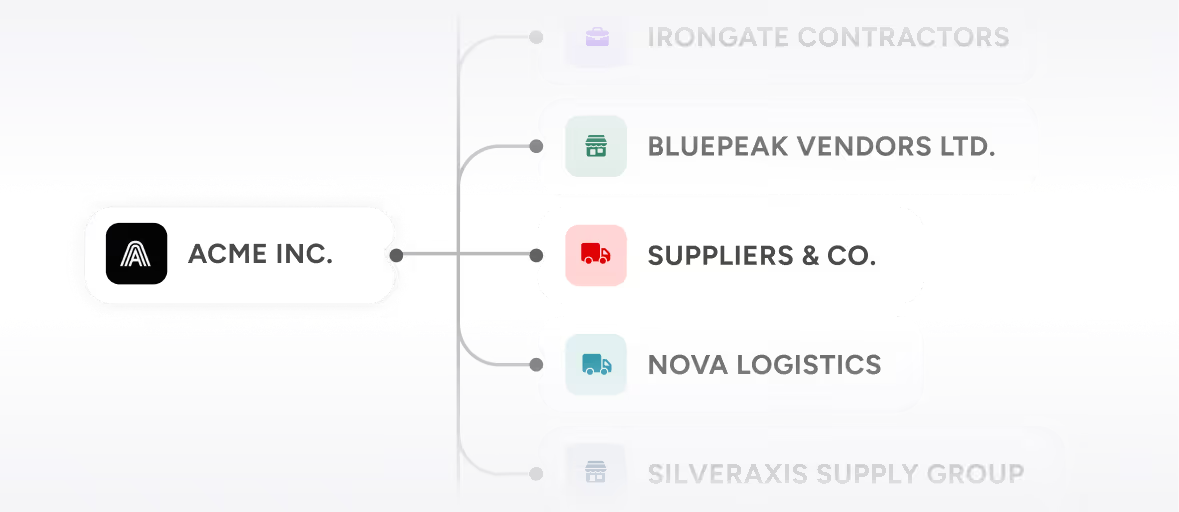
Connect with Vendors & Clients
Add external contractors, vendors, or clients to specific channels - without giving them access to everything else inside your workspace.
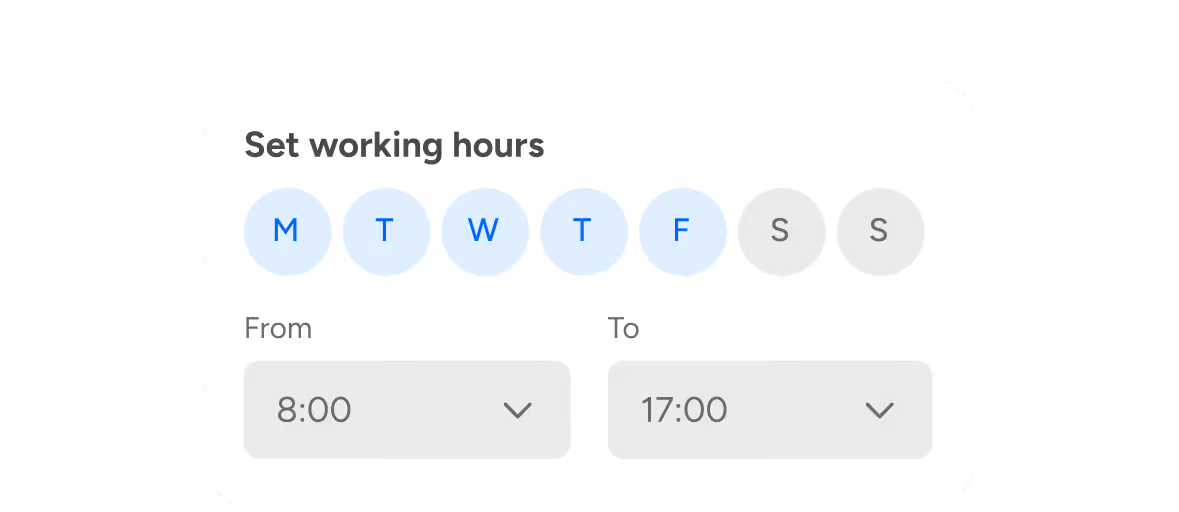
Set Working Hours
Define when team members receive notifications. Protect personal time - yours and theirs.
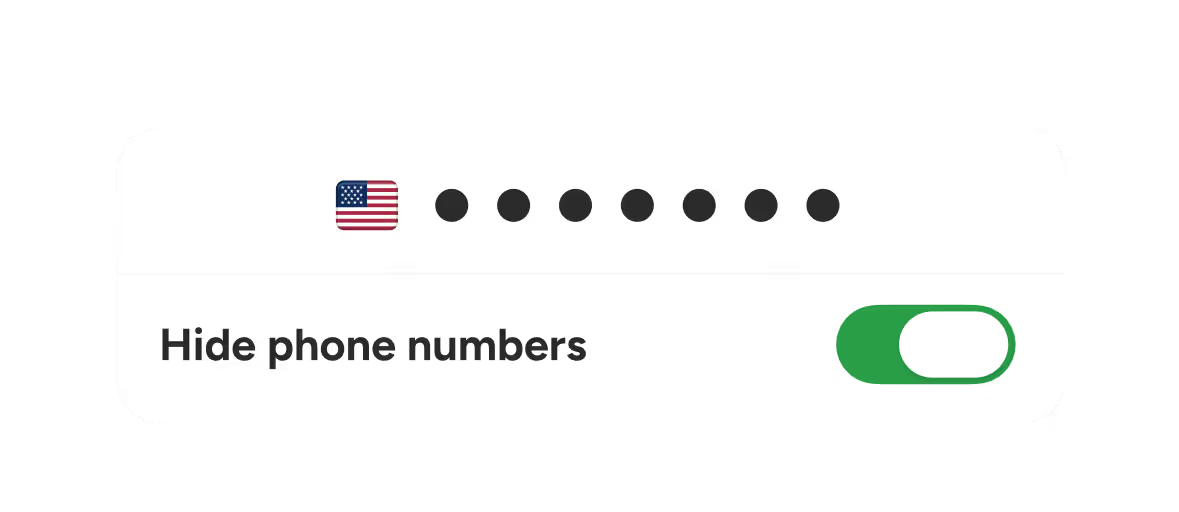
Protect Team Personal Details
Make sure private contact info is not shared or exposed.
No manuals.
No learning curve
No Training Required
Zenzap looks and feels like the apps your team already uses every day. They're up and running from the moment they join.

Works on Every Device
Phone, tablet, or desktop - Zenzap looks and works exactly the same across all platforms.



File Scan Protection
Every file shared through Zenzap is scanned automatically. Keep your business data clean and your business protected.
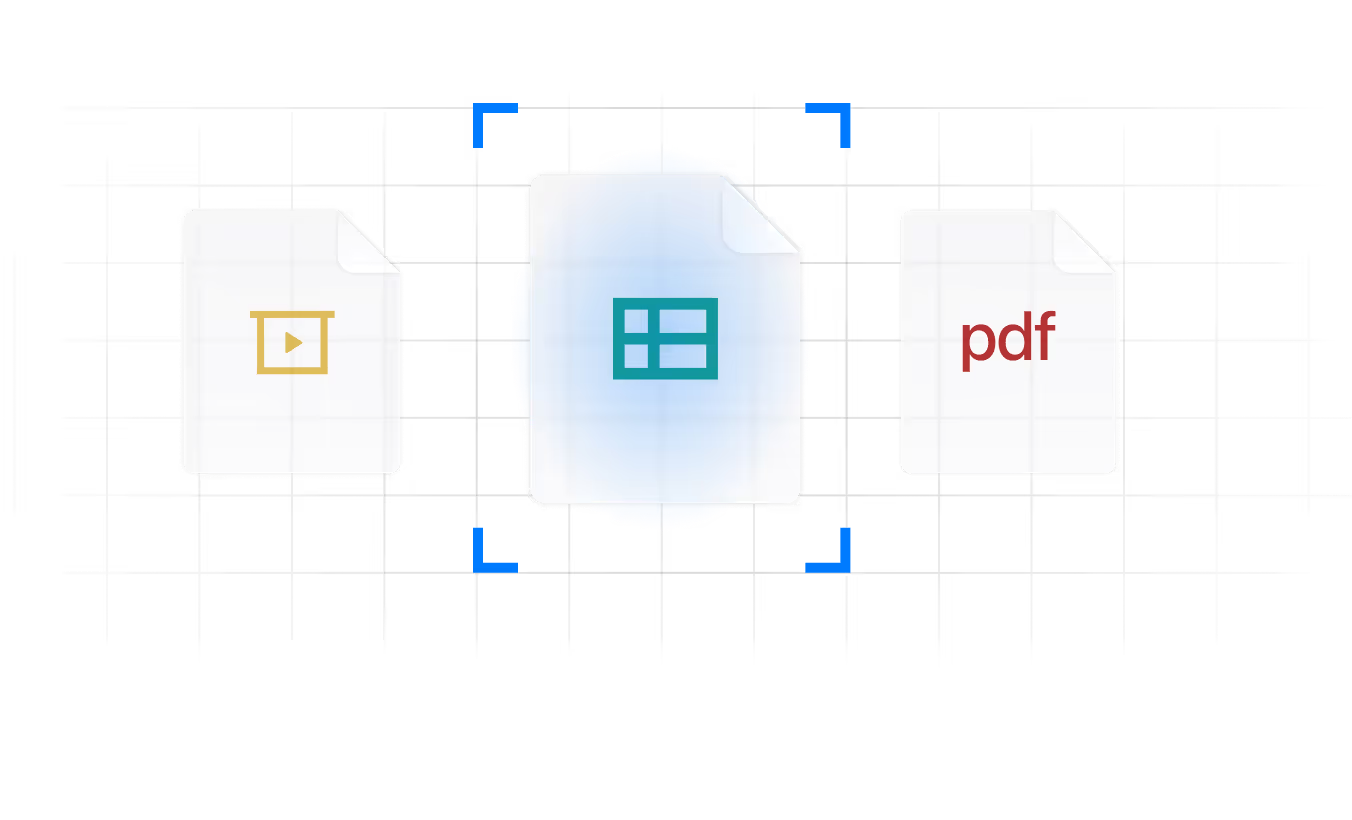
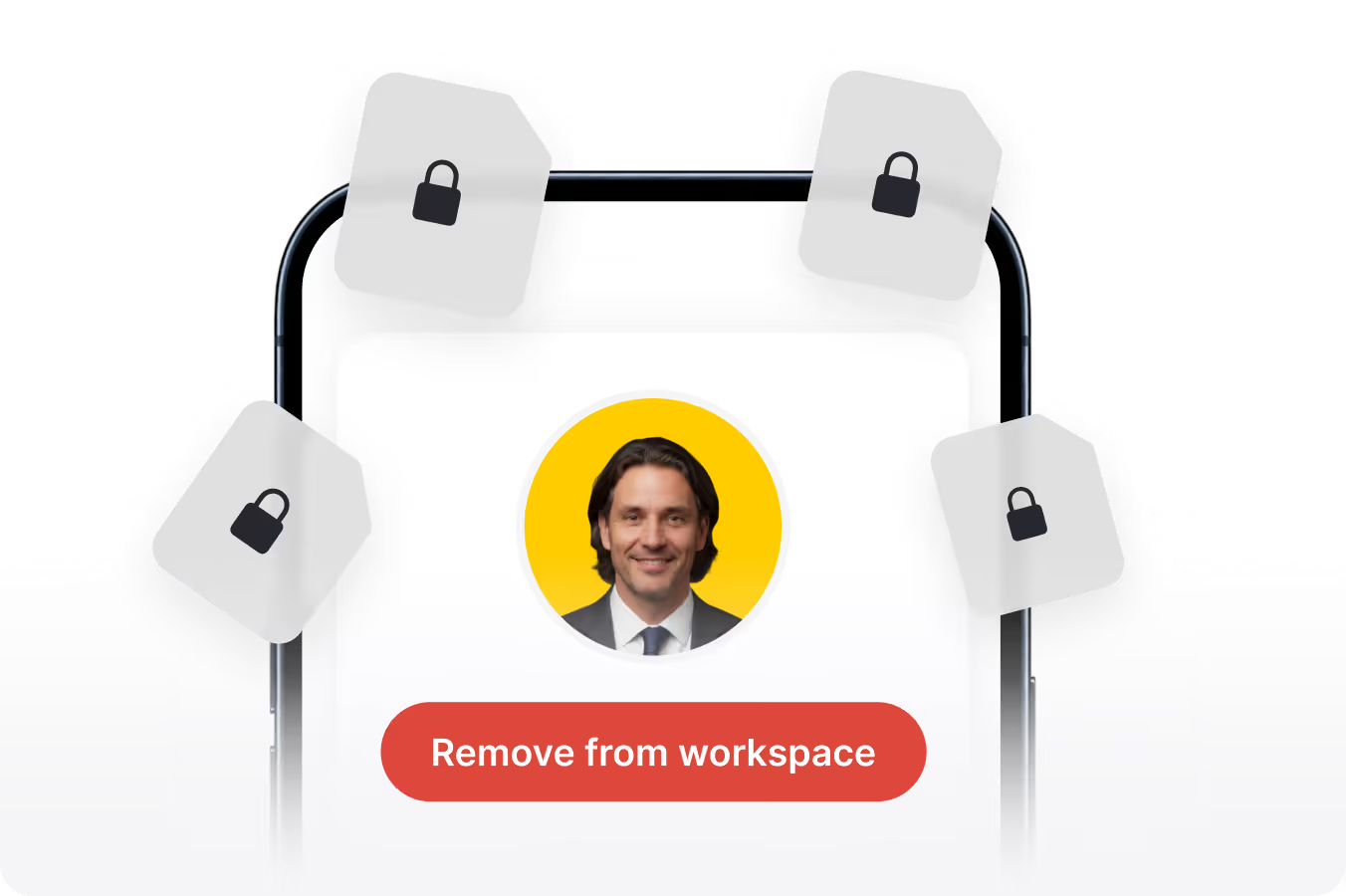
One-Click Offboarding
Remove a team member in one click and they immediately lose access to every channel, file, and message.
Up and running in minutes. Every customer said the same thing about onboarding with Zenzap: easier than expected.
Invite your team
They sign up, you add them to channels instantly. No IT required, no training needed - if they can text, they can Zenzap.
Build your structure
Create channels by team, location, or topic. Connect your tools. Set permissions, working hours, and tasks. Zenzap fits your business - not the other way around.
Communicate with confidence
Send messages, assign tasks, share files, and know exactly who's seen what. Your team stays aligned without you being the bottleneck.
See What Better Communication Feels Like


Built to the Highest Security Standards
Your business security is our priority. Zenzap gives you full admin control, the highest security standards, and the compliance you need to meet regulatory requirements.



Real Business, Real Results


"Clear communication when managing multiple teams is 100% important. Being able to see quickly who actually looked at a message has been very, very helpful."

Michael Owens
"Genuinely nothing has compared to Zenzap in the communication realm. It's my brain in app form — that's probably the highest praise I can give it."

Natasha Fuchs
"I don't feel like staff don't know what's going on anymore. They feel informed — which makes them able to do their job better. Our sales have increased because the staff know what promotions we have."

Amanda Schofield
"It looks so good that our team actually uses it. The biggest impact is better, more organized communication — not just more communication."

James Kerski
"Zenzap has curbed a lot of the chaos and miscommunication, created accountability, and given me room to focus on the strategic side while day-to-day operations just rolls."

Jessica Dyer
"Zenzap is the tool that you never knew you needed, but now you don't know how you can live without it."

Tara Corsini
Full Comparison
Book a Demo
Zenzap


Slack / Teams


Personal Apps



.webp)
Simple, Transparent Pricing
No surprises. Just flat, predictable pricing.


Business+
Monthly
- Per user:10$/8£
- Up to 20 users:111$/83£
- Up to 50 users:238$/179£
- Up to 100 users:512$/385£
- Up to 250 users:1167$/877£
- Up to 500 users:2350$/1768£
- Up to 1000 users:4618$/3472£
Yearly
- Per user:8$/6£
- Up to 20 users:89$/67£
- Up to 50 users:190$/144£
- Up to 100 users:410$/308£
- Up to 250 users:1014$/763£
- Up to 500 users:2196$/1651£
- Up to 1000 users:4316$/3245£
Pro
Monthly
- Per user:4$/3£
- Up to 20 users:63$/47£
- Up to 50 users:140$/106£
- Up to 100 users:312$/234£
- Up to 250 users:676$/508£
- Up to 500 users:1363$/1025£
- Up to 1000 users:2677$/2014£
Yearly
- Per user:3$/2£
- Up to 20 users:51$/38£
- Up to 50 users:112$/84£
- Up to 100 users:249$/187£
- Up to 250 users:588$/442£
- Up to 500 users:1273$/957£
- Up to 1000 users:2502$/1882£
FAQ


