.svg)

.svg)

.svg)

.svg)

.svg)

.svg)

.svg)

.svg)

.svg)

.svg)
.svg)


























External communication has entered the chat
Chat with vendors, contractors, suppliers, and clients for free without giving them access to your workspace.
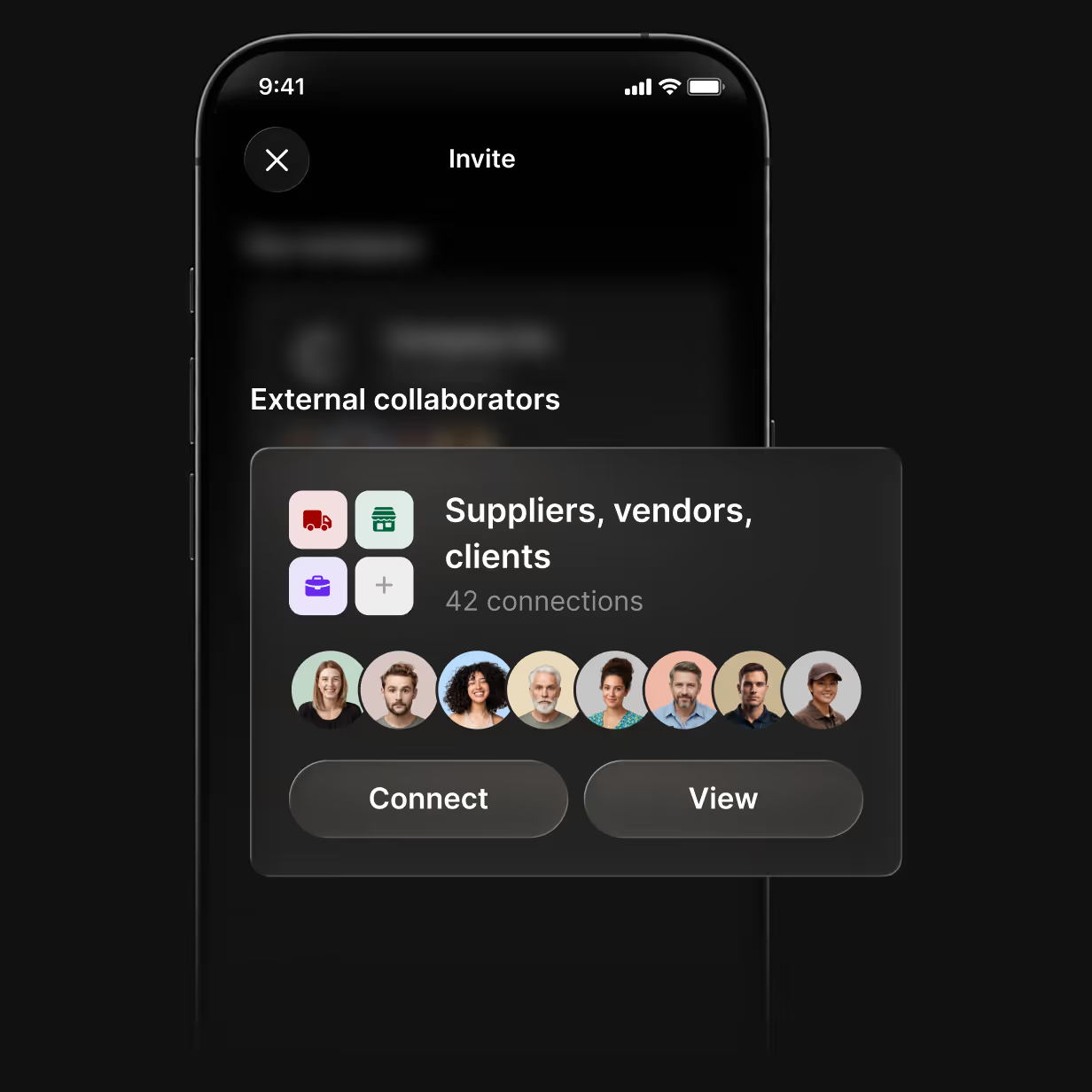

How external communication works in Zenzap
Connect with people outside your company and add them to specific chats.
Free to connect
Connecting with a vendor is free for you and for them.

You stay in control
Vendors only see the messages, files, and media sent to the chats they’re in.
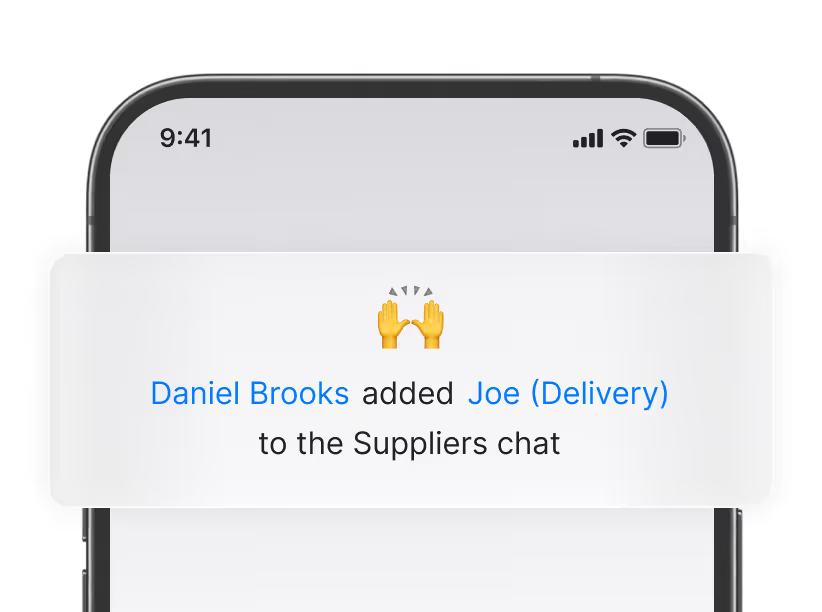
No IT needed
If they don't have a Zenzap workspace yet, they create one - you're connected in minutes.

Every chat is a shared folder
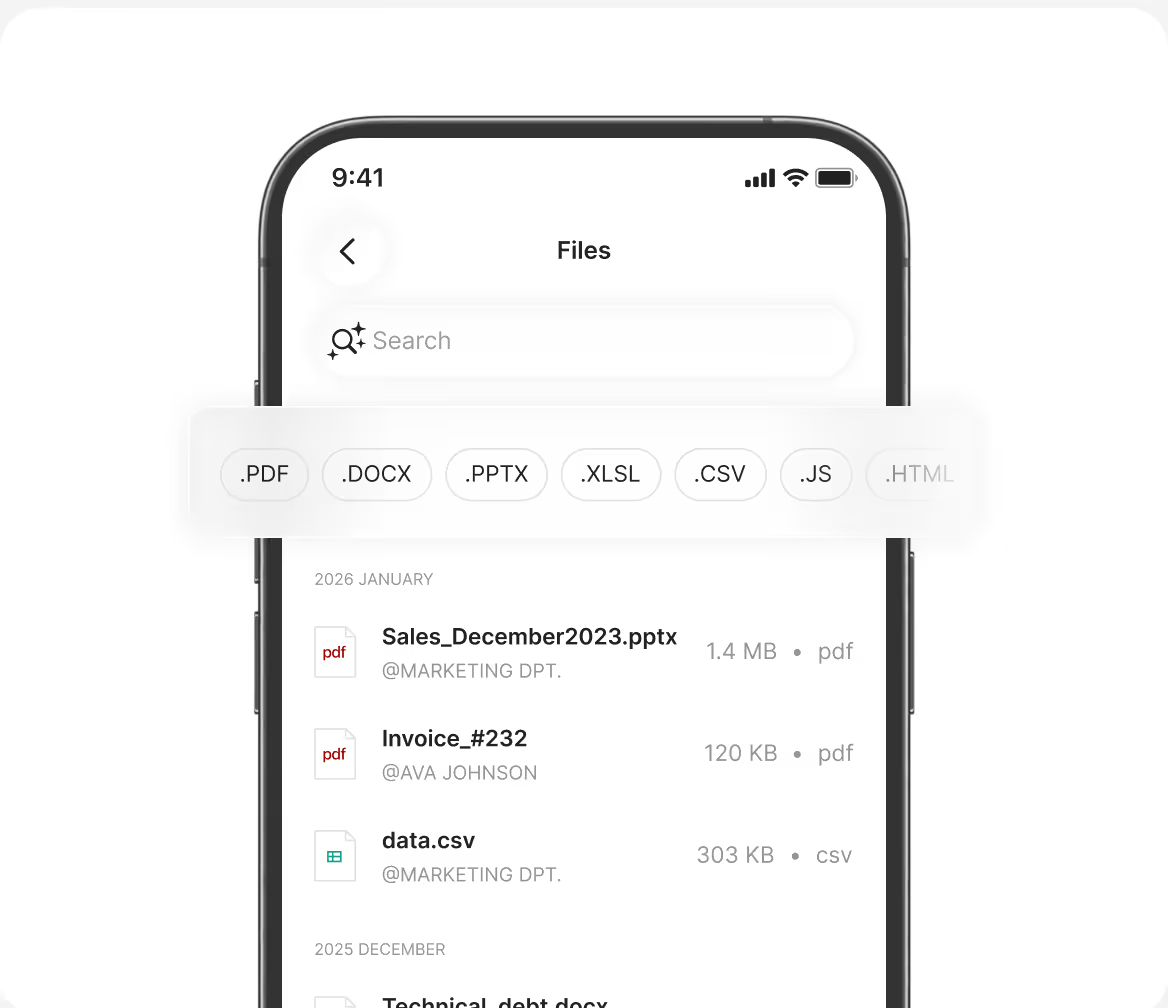
Every chat in Zenzap works like a shared folder. External collaborators only have access to the files, media, and contacts from the chats they're in.
- Share a file once and everyone in the chat has it
- Files are organized by conversation, not by folder
- Search any chat to find any file
- External contacts only see files shared in the chats they're in


All Your Communication In One Place
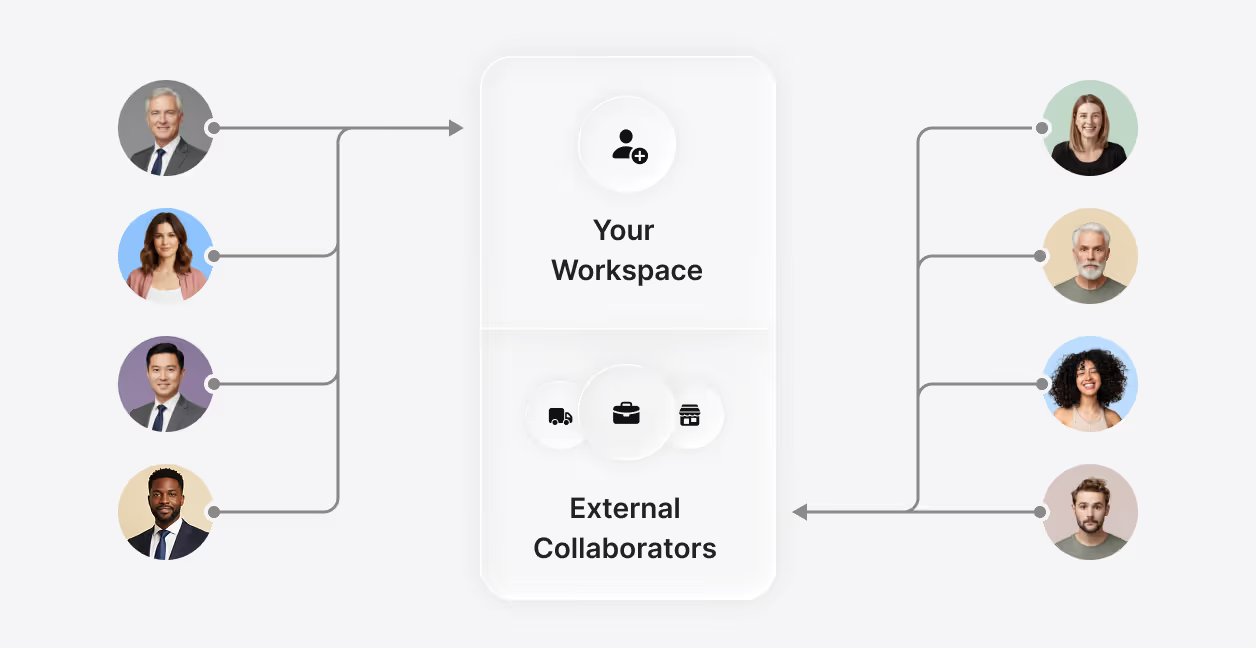
Built for the way your business actually works
Running multiple projects, locations, or sites? Create a chat per project, per vendor, or per site and add the right people to each one.
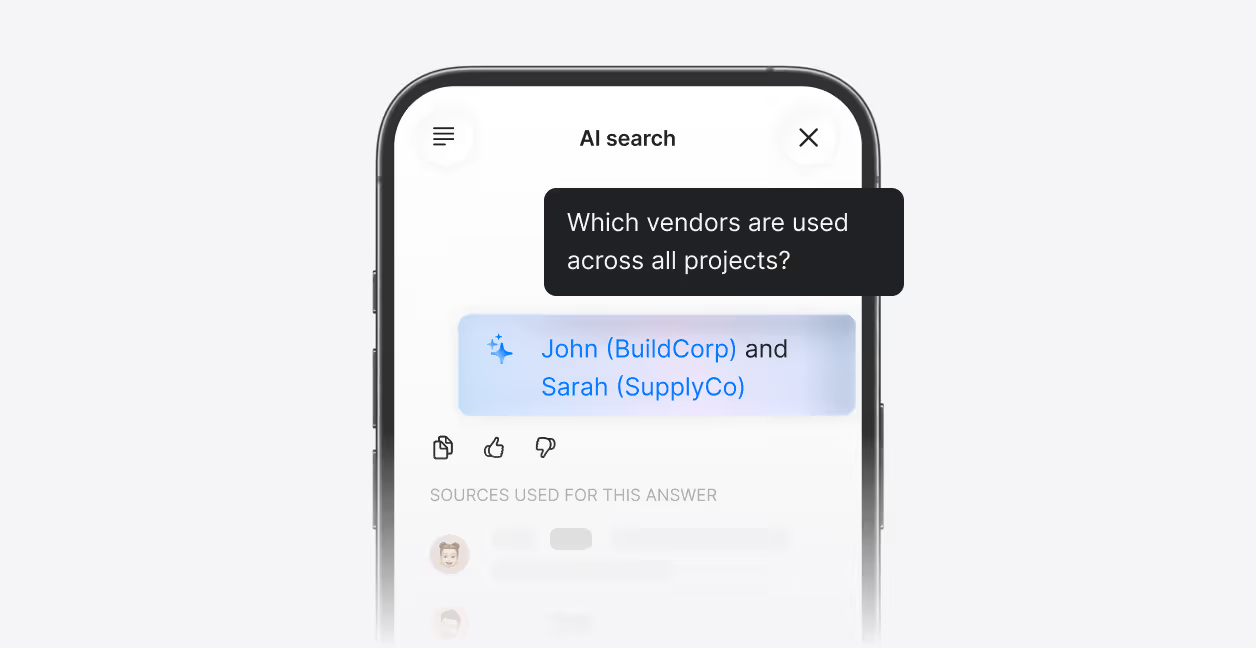
Search across all your projects
Ask a question and get the answer instantly, across every project, every vendor, and every conversation in Zenzap.


Enterprise-Grade Security
Your business security is our priority. Zenzap gives you full admin control, the highest security standards, and the compliance you need to meet regulatory requirements.