



.svg)

.svg)

.svg)

.svg)

.svg)

.svg)

.svg)

.svg)

.svg)

.svg)
.svg)


























How Cross-Functional Teams Communicate Better With Work Chat
Cross-functional teams do not fail from lack of effort. They fail when ownership, context, and follow-through live in different places.
That is why work chat matters. When the decision, the task, the file, and the handoff sit in the same thread, teams move faster and miss less.
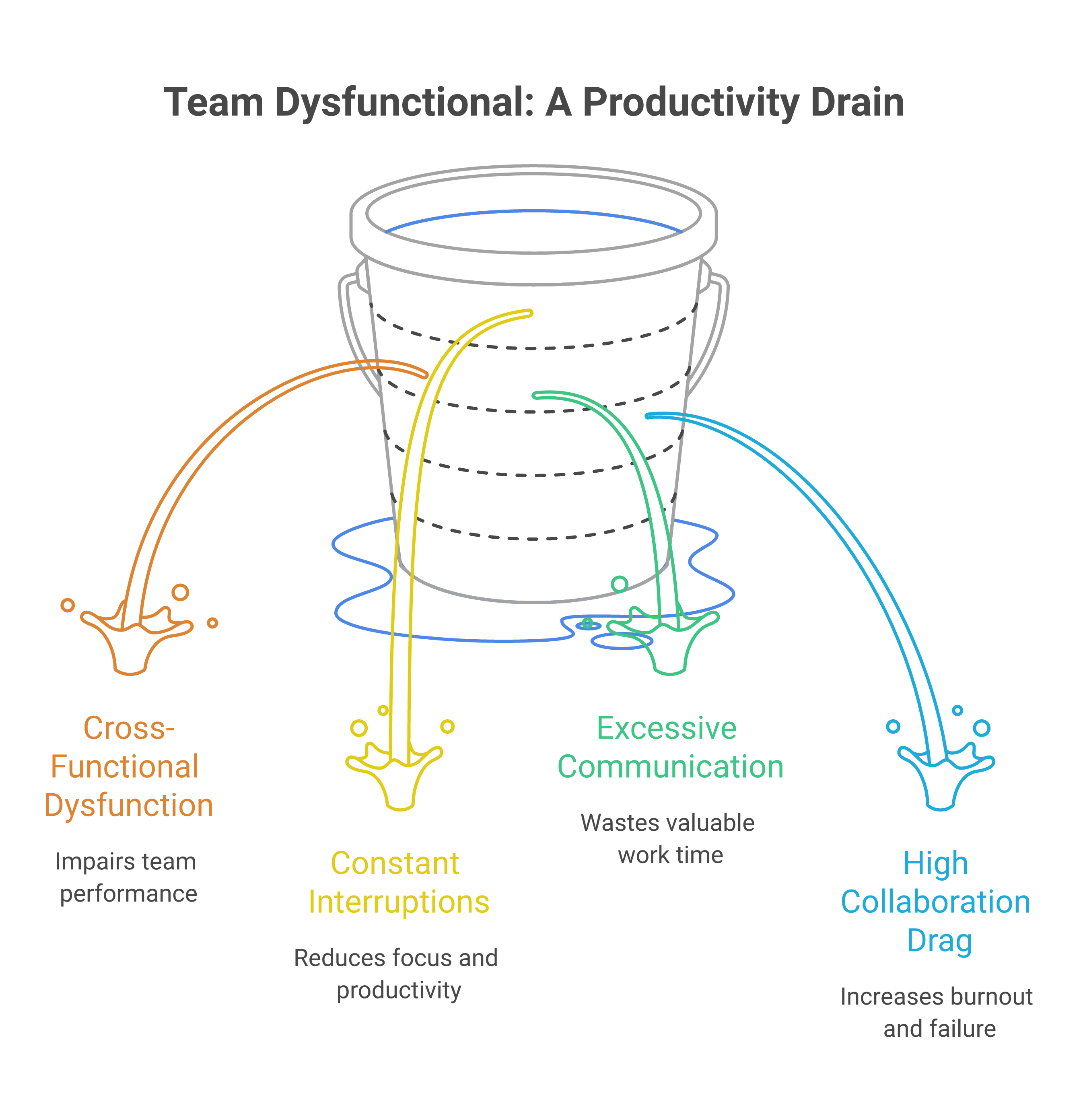
The research points to the same problem from different angles. Harvard Business Review found that 75% of cross-functional teams are dysfunctional on at least three core measures, and Microsoft's 2025 Work Trend Index says knowledge workers face 275 interruptions a day, with more than 60% of working time going to communication and coordination. The fix is not more chatter. It is a structured system that keeps work visible where it happens.
Table of Contents
- How Cross-Functional Teams Break Down
- How To Set Shared Context Early
- How To Make Ownership Visible In Chat
- How To Keep Follow-Through In One Workspace
- How To Run Better Handoffs Across Teams
- Key Takeaways
- FAQ
- About Zenzap
How Cross-Functional Teams Break Down
Cross-functional teams usually break down because information fragments before anyone notices. One team thinks a task is done, another team never saw the update, and a third team is working from an older instruction.
That is not a people problem. It is a system problem. McKinsey reports that 83% of companies use cross-functional teams, yet Gartner's 2024 research found that 84% of marketers experience high collaboration drag from this kind of work, with high-drag teams 37% less likely to hit revenue goals and 15 times more likely to burn out.
The failure point is usually the same. Updates live in email, personal chat, and meeting notes instead of one shared work space.

How To Set Shared Context Early
Set the context before the work starts, not after the first mistake. Every team should know what is changing, why it matters, who owns the decision, and what the deadline is.
This matters even more in hybrid and distributed work. MindTools, citing Gallup research, says 32% of workers feel hybrid work makes them less connected to their organization, and 30% say it has reduced collaboration. You close that gap by putting the instruction, the owner, and the next step in the same place.
For teams managing recurring operational work, Zenzap helps keep that context attached to the conversation itself. A manager can pair a message with a to-do, a file, and a deadline in the same thread, which makes it much harder for context to disappear between shifts. See how Zenzap helps teams do more in chat for a closer look at that workflow.
How To Make Ownership Visible In Chat
Assign one owner for every decision and every task. If everyone is responsible, no one is responsible.
The fastest way to clean up cross-functional communication is to name the final decision maker in the thread, then assign the follow-up right below it. That gives operations, HR, marketing, and location managers one source of truth instead of a trail of private messages that no one can audit later.
This is where structured work chat is worth more than a generic messaging thread. Zenzap keeps built-in tasks inside conversations, so the person who receives the instruction can see what was agreed, what was assigned, and what still needs to happen. If your team has ever lost a handoff between a location manager and a central ops lead, this is the difference between a clean close and a costly miss.
How To Keep Follow-Through In One Workspace
Keep the task, the file, and the update in the same place. That is how you stop follow-through from getting trapped in separate tools.
Harvard Business Review research cited by Speakwise notes that time spent in collaborative activities has risen by 50% or more over the past two decades and now consumes 85% or more of most people's work weeks. When coordination takes that much time, the workspace has to reduce friction instead of adding to it.
That is why one centralized workspace matters. Zenzap combines secure real-time chat, built-in tasks, and secure file sharing, so the team does not have to hunt across email, cloud drives, and unrelated task apps. For organizations that need to scale that model across multiple sites or departments, this guide to secure distributed team communication shows how to keep the structure intact as the team grows.
How To Run Better Handoffs Across Teams
Treat every handoff like an operational checkpoint, not a casual message. The outgoing team should post the status, the incoming team should confirm receipt, and the next action should be visible in the same thread.
This matters in retail shift changes, clinic scheduling, construction dispatch, and HR offboarding. A missed handoff can mean a bad customer experience, a delayed hire, a missed appointment, or a departing employee keeping business data on a personal device. Structured chat reduces that risk because the message, the file, and the task all live together.
If your teams need a comparison point, see how Zenzap compares with a leading workplace messaging platform and how Zenzap handles task tracking and internal alignment. The point is not to add another app. The point is to keep work inside one organized flow.
Key Takeaways
- Put shared context in the first message, not the follow-up.
- Assign one owner in the thread so decisions do not drift.
- Keep the task, file, and update in one workspace.
- Use structured handoffs to prevent missed shifts and duplicate work.
- Remove fragmented tools when they cause people to lose the thread.

FAQ
Q: Why do cross-functional teams struggle with communication?
A: They usually struggle because information is split across too many channels. One team uses email, another uses personal chat, and another relies on meeting notes that nobody checks later. That fragmentation creates delay, confusion, and duplicate work. The fix is to keep the conversation, the decision, and the task in one shared system.
Q: What is the biggest communication mistake cross-functional teams make?
A: The biggest mistake is assuming everyone saw the same update. In practice, teams often move ahead based on partial context or an old message buried in a long thread. That is when handoffs fail and work gets repeated. Clear ownership and visible follow-through reduce that risk.
Q: How does work chat improve cross-functional collaboration?
A: Work chat improves collaboration when it is structured around the work itself. Instead of scattering decisions across private messages and separate tools, teams can keep updates, files, and tasks in one thread. That makes it easier to see what changed and who owns the next step. It also cuts down on status meetings that only exist to recover lost context.
Q: Why is one shared workspace better than multiple apps?
A: One shared workspace gives everyone the same source of truth. That matters when different departments need to act on the same instruction at the same time. It reduces the chance that one team is working from a newer version while another is still on the old one. It also makes handoffs faster because the history is already attached to the work.
Q: How does Zenzap help with handoffs and task follow-through?
A: Zenzap keeps built-in tasks inside the conversation where the decision happened. That means the team does not have to search across separate task tools or message threads to understand what comes next. It also gives managers a cleaner way to track progress across locations, shifts, and functions. For frontline teams, that can prevent expensive misses before they happen.
Q: What should managers look for in a team communication tool?
A: Managers should look for structure, visibility, and control. The tool should make ownership obvious, keep files and tasks attached to the message, and support secure access across the organization. It should also work for mobile teams that do not sit at desks all day. If people can text, they should be able to use it immediately.
About Zenzap
Zenzap is a modern communication platform designed to streamline messaging across teams and groups in a single, organized workspace. It focuses on combining chat, task coordination, and collaboration tools to reduce the need for multiple disconnected apps. The goal of Zenzap is to improve productivity by making conversations more structured, searchable, and action-oriented.
That is why Zenzap fits cross-functional teams that need more than faster messages. It gives managers, directors, HR leaders, owners, and founders a secure place to run work chat, built-in tasks, and file sharing without forcing people to jump between tools. For teams that also need the broader operational use case, how Zenzap supports distributed team communication at scale is a useful next read.
Cross-functional teams communicate better when the work lives in one secure, structured chat, and Zenzap makes that standard easy to run every day.
How much time are you still paying each week for work that should have stayed in one thread?

Take Control of Your Team Communication
Chat, organize, and get work done - all in one place.
Other Blog Posts

