



.svg)

.svg)

.svg)

.svg)

.svg)

.svg)

.svg)

.svg)

.svg)
.svg)


























The Best HIPAA-Compliant Work Chat Apps You Should Try in 2026
If you’re looking for a HIPAA-compliant chat app, I’ll share seven reliable options with you in this article. Although there are hundreds of chat apps on app stores, many don’t meet key HIPAA requirements, including data security and privacy. Using a HIPAA-compliant app will help you manage sensitive patient data, avoid costly fines and litigation, and communicate easily.
I’ve pored over the HIPAA law, distilled its core requirements, and tested all kinds of work chat apps. After thorough testing, I’ve narrowed down the seven best HIPAA-compliant work chat apps. I’ll break down their strengths, limitations, and key features in this post, as well as how I evaluated them, so you can make your own decision with confidence.
Want our most detailed breakdown? See our full HIPAA-compliant work chat app guide for the complete picture
Key Takeaways: Best HIPAA Work Chat Apps
- Zenzap is the best overall HIPAA chat app: Zenzap combines secure messaging, task management, and AI tools in one platform, helping teams stay organized without switching apps. Start a free trial today to get a firsthand feel for Zenzap features.
- TigerConnect is best for clinical communication: TigerConnect is ideal for healthcare environments that need secure messaging and EHR integrations.
- Klara is best for patient communication: Klara focuses on improving how providers interact with patients through secure messaging and automation.
What Is HIPAA?
HIPAA stands for the Health Insurance Portability and Accountability Act of 1996. It defines how healthcare providers, insurers, and their partners handle, store, and share sensitive patient health information (PHI). HIPAA requires safeguards to prevent unauthorized access, whether the information is being sent in a message, stored in a system, or accessed by staff.
What Makes a Chat App HIPAA Compliant?
A HIPAA-compliant chat app will encrypt data, provide access controls and audit logs, and facilitate signing a business associate agreement.
- Encryption: Messages and files should be encrypted both in transit and at rest so unauthorized parties cannot read them.
- Access controls: You need to be able to restrict who can view or send information, often through role-based permissions.
- Audit logs: The app should track activity so you can see who accessed or shared information and when.
- Data protection policies: Features like automatic logouts, secure backups, and data retention controls help reduce risk.
- Business associate agreement (BAA): The provider must be willing to sign a BAA that confirms they are responsible for protecting patient data under HIPAA.
How I Chose the Best HIPAA Work Chat Apps
I tested and compared more than 25 chat apps before narrowing this list down. My first filter was strict: If a tool didn’t offer the level of security and privacy required for handling PHI, it didn’t make the cut. From there, I focused on how well each app performs in day-to-day use, because compliance alone is not enough if your team struggles to use the tool properly.
Here’s what I looked at in detail:
- Security and compliance: I prioritized apps with strong encryption (both in transit and at rest), detailed audit logs, granular access controls, and a BAA.
- Ease of use: I paid close attention to how quickly I could get started and how intuitive each app felt. A clean interface, reliable mobile and desktop apps, and minimal setup friction all matter.
- Core communication features: I expected solid messaging, file sharing, notifications, and search. In healthcare settings, missing a message or file can be the difference between life and death.
- Clinical workflow tools: I gave extra weight to tools that support healthcare workflows such as patient messaging, scheduling, or integrations with emergency medical record (EMR) systems.
- Pricing and value: I compared pricing across all providers and looked at what you actually get for the cost. Free plans, trials, and flexible pricing models stood out, especially for smaller practices that need to manage budgets carefully.
I also cross-checked my findings with user feedback from healthcare teams to ensure my experience matched what others see in real use. That helped me filter out tools that look good on paper but fall short in practice.
Comparison Table: 7 Best HIPAA Work Chat Apps
The table below provides a quick look at the seven best providers.
The Top Work Chat Apps Based on Real Testing
Based on my hands-on testing, the seven best team chat apps are Zenzap, TigerConnect, Chanty, Klara, Microsoft Teams, Spruce Health, and OhMD.
Zenzap — The Overall Best HIPAA-Compliant App
Pros:
- Strong encryption and data privacy
- Electronic medical record (EMR) integrations
- Clinical workflows
Cons:
- Smaller integration ecosystem
Zenzap is the perfect choice for healthcare teams that want an intuitive HIPAA-compliant chat app for all internal communication. It protects every message and file with enterprise-grade end-to-end encryption, so sensitive patient information stays private.
Based on my tests, Zenzap is easy to set up and feels like using regular chat apps such as WhatsApp or Telegram. It provides advanced features that streamline clinical workflows, including organized chat folders, integration with EMR apps, user permissions, and task management.
Zenzap is perfect for hospitals, clinics, and care homes that want enterprise-grade security with smooth workflows.
Data Privacy and Admin Controls
Zenzap stores all your data on its secure cloud storage rather than on user devices. This practice aligns with a core aspect of HIPAA: ensuring that a client’s data is private. When someone leaves your organization, they won’t walk away with patient data sitting on their phone.
I also like that Zenzap gives administrators full control over channels and workspaces. For example, you can set up a private channel for a high-risk patient. Only the assigned nurse, doctor, and supervisor can access it. Updates stay contained, and you don’t have to worry about information leaking into general chats.
Zenzap lets you restrict who can post or respond in critical discussions, and you can revoke user access at any time. You can also set controls over who can view, download, or share patient files. That way, patient data remains private at all times.
Direct EMR Integrations
Zenzap can connect to your EMRs and automatically create a secure, dedicated chat for each patient. The moment a patient record is created, your team has a ready-made space to communicate with full context.
This automation removes a lot of manual work. You don’t have to create chats or add people every time a new case comes in. The right team members can step into a patient’s conversation, see the history, review updates, and collaborate without switching between tools.
If you prefer custom EMR integrations, Zenzap offers API access on its Business+ tier.
Clinical Workflow Tools
I found Zenzap’s clinical workflow tools simple but effective for everyday care coordination. Digital checklists make shift handovers clearer, so staff can quickly see what’s been done and what still needs attention. Secure file sharing keeps everything organized, with lab results, care plans, and updates stored in the right patient conversation.
Zenzap also lets you create folders for structured communication. Let’s say you’re running a care home. You can create a folder for each resident; add caregivers, nurses, and supervisors; and share care plans, medication updates, and notes. You can also turn messages into tasks, such as “Check vitals at 2 p.m.”
The chat folders are searchable, so you can easily retrieve conversations and files. Instead of scrolling endlessly through chats, you can search by patient name, staff member, or file type. This feature is useful for pulling up lab results or confirming what was discussed during a previous shift.
Control Notifications for Good Work-Life Balance
Communication is constant in healthcare, but that doesn’t mean your staff should feel like they are always on call.
Zenzap lets you control exactly when and how notifications come through. You can set working hours for different roles, so the noise stops once a shift ends – no more late-night pings about routine updates or pressure to check just one more message. However, you can still allow truly urgent alerts to come through so nothing critical gets overlooked.
There is also a clean separation between work and personal communication. Unlike apps like WhatsApp, where patient updates can easily get mixed in with personal chats, Zenzap keeps your work chat in a dedicated professional space. Your team won’t need a second phone just to protect their personal time.
Other Features I Liked
- Mobile-first interface: Zenzap has a mobile-friendly interface, making it easy for teams to work on their phones.
- Cross-platform sync: Access chats, tasks, and files seamlessly across mobile, desktop, and web.
- Calendar and scheduling integration: Plan meetings and track availability without switching apps.
- Compliance standards: Zenzap also aligns with key compliance standards like HIPAA, the GDPR, SOC 2, the CCPA, and ISO 27001.
- AI agents: Connect AI agents to automate tasks and share the full context of conversations.
One limitation I noticed is that Zenzap’s EMR integration can depend on your existing system. Some setups may require initial configuration or support from your IT team, especially if you’re using a less common EMR. It’s not a dealbreaker, but it is something to plan for during rollout.
Zenzap Pricing
Zenzap is one of the most affordable team communication apps. Small teams can subscribe to the free-forever plan to use Zenzap’s features without paying a dime.
Paid plans start at just $3 per seat per month, with larger teams paying as little as $0.50-$1 per user, making Zenzap highly cost-effective as you scale. Start Zenzap’s 14-day free trial today to keep your team connected, aligned, and productive.
2. TigerConnect – Best for Time-Critical Healthcare Messaging
Pros:
- Built specifically for clinical communication
- Reliable delivery for urgent messages
- Strong integration with hospital systems
Cons:
- Less intuitive interface for new users
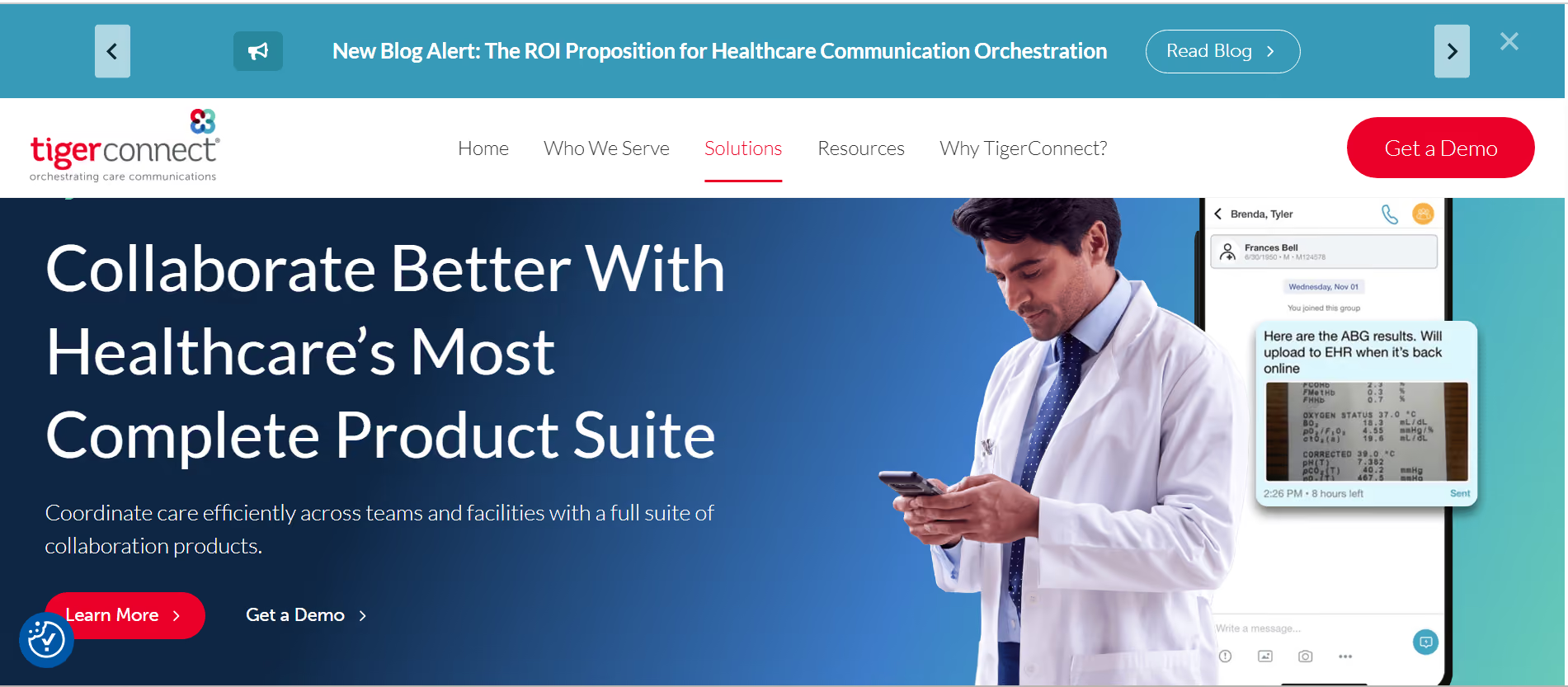
If you’re looking for a replacement for pagers and constant calls, TigerConnect is worth considering. It uses real-time messaging with delivery confirmations, read receipts, and priority tagging to make sure no one misses critical updates. You can send urgent alerts that require acknowledgment, which is useful for situations like patient deterioration or stat lab results.
I like that TigerConnect can help you keep communication flowing even during busy shifts. Features like message escalation ensure that if one clinician does not respond, the alert automatically moves to the next available person. This functionality, combined with TigerConnect’s integration into EHRs and nurse call systems, creates a more responsive communication loop.
Other Features I Liked
- Smart alert routing: Messages can follow escalation paths, so if one person is unavailable, the alert moves to the next appropriate staff member.
- On-call scheduling support: You can message roles instead of individuals, which helps teams communicate smoothly across shifts without confusion.
- System integrations: TigerConnect integrates with tools like EHRs and nurse call systems, helping centralize communication in busy care environments.
- Priority messaging: Staff can clearly identify urgent versus routine communication, which helps reduce noise during busy shifts.
- Secure messaging environment: The app complies with HIPAA requirements regarding encrypted communication and controlled access.
You might find TigerConnect hard to use if you prefer structured collaboration because it leans heavily toward urgent messaging. If your team needs features like organized workspaces, task tracking, or project-style communication, you may need additional tools.
TigerConnect Pricing
TigerConnect implements custom pricing based on organization size and requirements, so you’ll need to contact the sales team for a quote. The service is generally positioned for mid-sized to large healthcare organizations. You can fill out a request form on the website to get a demo and see TigerConnect in action.
3. Chanty – Easy-to-Use Chat App
Pros:
- Simple and easy to use
- Built-in task management
- Affordable pricing
Cons:
- Not designed specifically for healthcare compliance
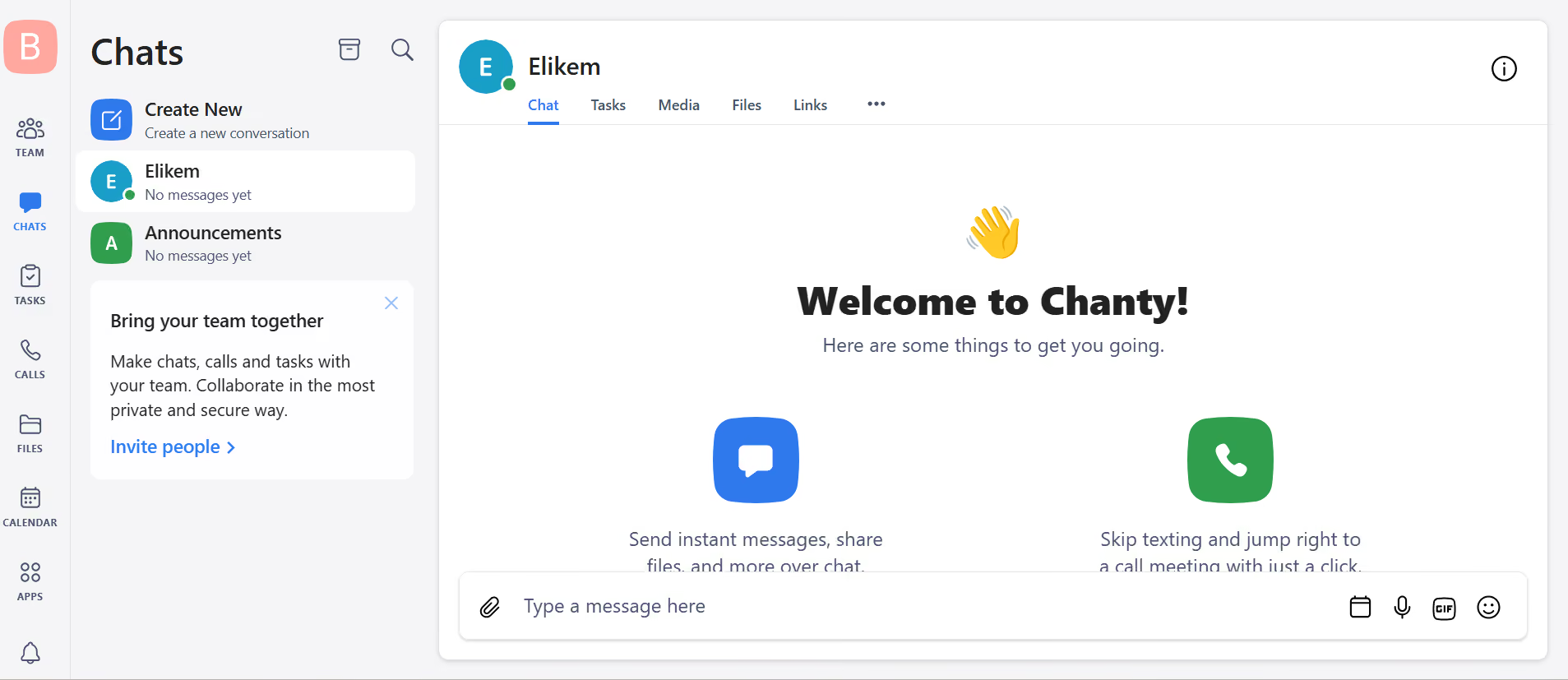
I recommend Chanty for small practices that want a simple, no-fuss communication platform. Its interface is mobile-first, making it feel as easy as regular texting. Chanty allows you to create patient-specific chats to keep communication private. You can turn messages into tasks, assign them to team members, and track progress all without leaving the app.
Chanty also features encrypted video calling for secure remote consultations. This feature makes it a good choice for online healthcare teams. Chanty gives you full control over data as well. You can host and manage data on your organization’s servers for maximum data privacy and security.
Other Features I Liked
- Teambook hub: This hub is a central place to organize messages, tasks, and files, making it easier to find information later.
- Kanban boards: The built-in kanban board helps you prioritize urgent cases for faster responses.
- Voice messaging: Quickly send updates without typing them out, which can be helpful during busy shifts.
- Unlimited message history: Access past conversations without restrictions, even on lower-tier plans.
- Cross-platform access: Chanty works across mobile, desktop, and web, so teams can stay connected anywhere.
Chanty isn’t built specifically for healthcare organizations, so it lacks the native clinical workflow features you’ll find on other apps, such as TigerConnect’s smart alerts routing. It also has fewer integrations compared to some of the providers on this list.
Chanty Pricing
Chanty has a free plan and one dedicated paid plan, which you can try using its 14-day free trial. It also offers 50% off for non-profits and educational institutions.
- Free: Includes basic team chat, limited message history, task management, and access to core collaboration features
- Business ($3 per user per month): Unlocks unlimited message history, expanded storage, full task management capabilities, and audio/video calls
4. Klara – Best for Communication Between Patients and Providers
Pros:
- Focused on patient-provider messaging
- Organized conversation history
- Designed with healthcare workflows in mind
Cons:
- Limited depth for internal team collaboration
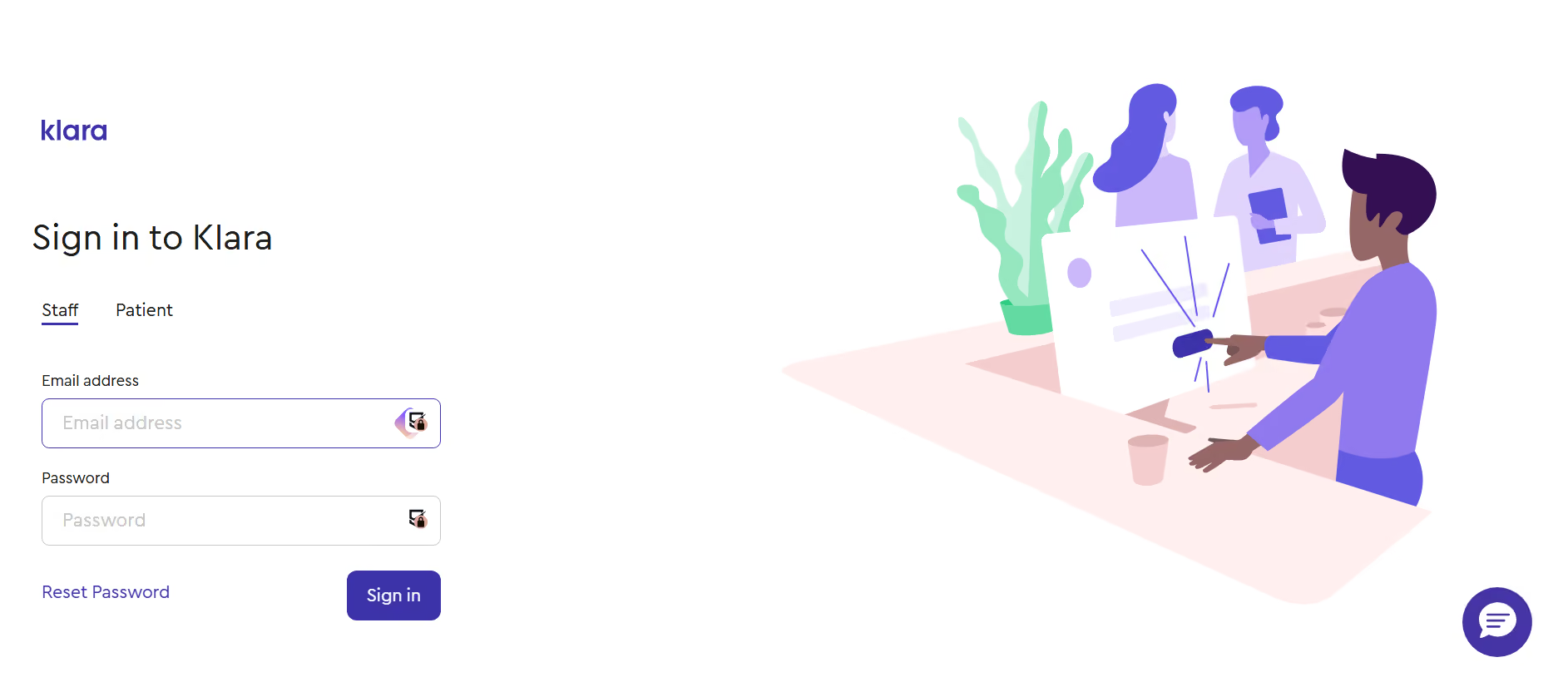
Klara is designed to bridge communication between healthcare providers and patients. Instead of relying heavily on phone calls or disconnected SMS threads, you can manage patient conversations in a structured, secure messaging system. This makes Klara a good fit for hospitals where appointment reminders, follow-ups, and patient enquiries take up staff time.
Klara helps reduce phone traffic while keeping communication organized. Patients can send messages directly, and staff can respond in a controlled environment where everything stays linked to the patient’s record. This creates a smoother workflow for front-desk teams and clinicians who need to coordinate care.
Other Features I Liked
- Patient messaging workflow: All patient conversations stay in one structured inbox, making it easier to manage incoming requests.
- Reduced phone dependency: Routine communication shifts away from calls, helping staff focus more on in-person care.
- Internal collaboration layer: Staff can bring in colleagues when a patient case needs input before responding.
- Secure communication environment: Klara is built for healthcare settings, with privacy and data protection in mind.
- Organized conversation history: Staff can easily review past patient interactions without digging through scattered notes or call logs.
Klara isn’t designed for internal teamwork in the way most clinic staff would expect from a full communication platform. Instead, it focuses heavily on patient messaging, which means it doesn’t go deep on elements such as project tracking, department-based workspaces, or ongoing operational coordination between teams.
Klara Pricing
Klara does not publish fixed pricing publicly. Instead, it tailors costs to the size of the clinic and the specific features required. You typically need to request a demo and a custom quote based on your workflow and patient volume.
5. Microsoft Teams – Best for Healthcare Organizations Already Using Microsoft 365
Pros:
- Deep integration with Microsoft 365 tools like Outlook, Word, Excel, and SharePoint
- Strong video-meeting and chat features for distributed healthcare teams
- Reliable file sharing and document collaboration
- Enterprise-grade security and compliance controls
Cons:
- Can feel overwhelming
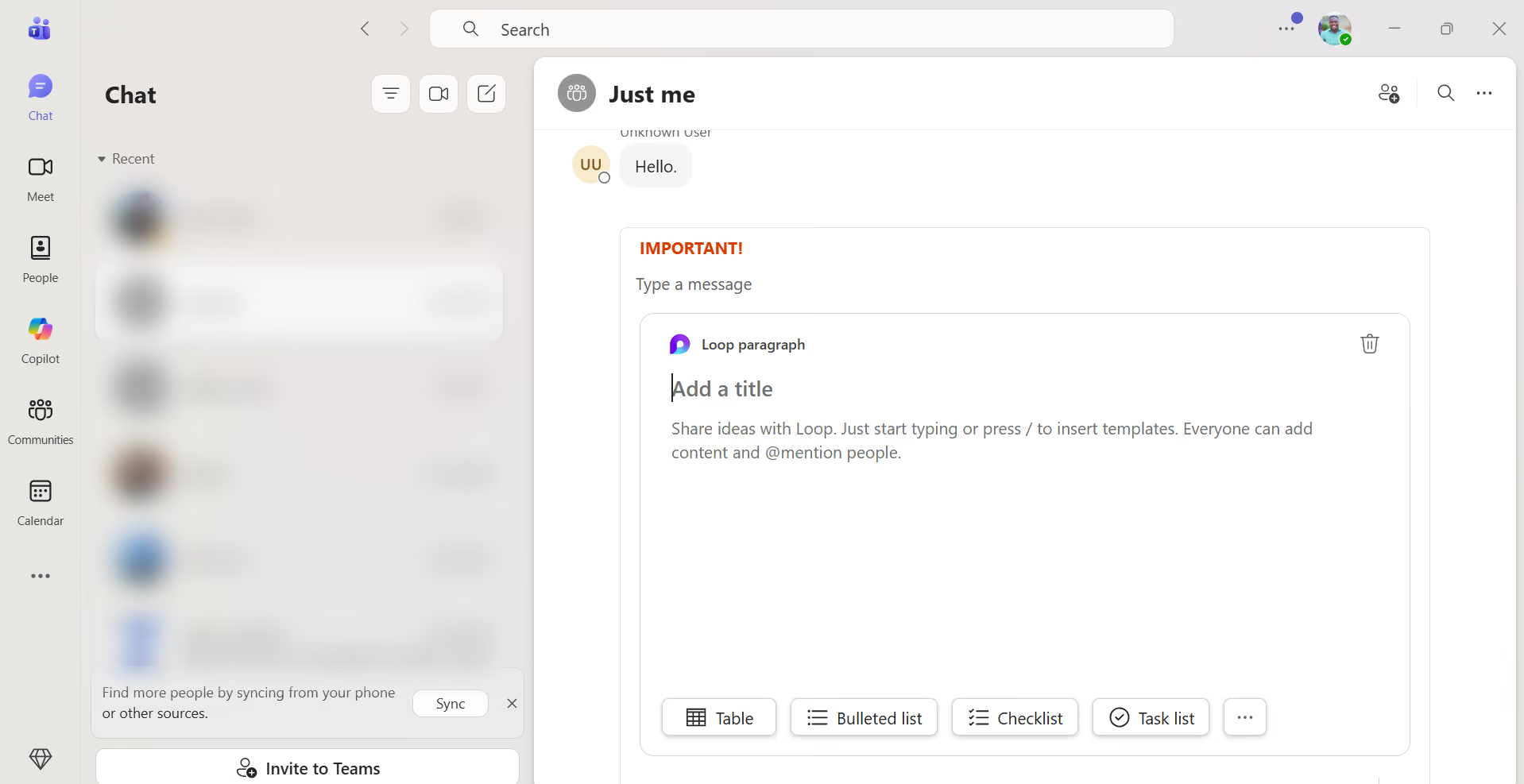
Microsoft Teams works especially well for healthcare organizations that already rely on Microsoft 365. Instead of adding another disconnected communication tool, Teams brings messaging, meetings, file collaboration, and scheduling into one platform. This can simplify how administrative staff, clinicians, and support teams stay connected throughout the day.
Microsoft Teams fits into existing workflows. Staff can jump from an Outlook calendar invite into a virtual meeting, collaborate on policy documents in real time, and keep department conversations organized in dedicated channels. This reduces the need to switch between multiple apps while helping teams respond faster and stay aligned.
Other Features I Liked
- Department channels: Keep conversations separated by unit, department, or function so communication stays organized.
- Integrated video meetings: Conduct internal check-ins, training sessions, or remote consultations when needed.
- Live document collaboration: Multiple staff members can edit files together without sending updated versions back and forth.
- Microsoft ecosystem sync: Teams syncs smoothly with Outlook, OneDrive, Excel, Word, and SharePoint.
- Strong admin controls: IT teams can manage permissions, users, and data policies from one centralized space.
If your clinic mainly wants a lightweight chat tool for quick communication, Microsoft Teams’ settings, features, and menus may hinder adoption at first. It delivers the most value when an organization is ready to use its broader collaboration capabilities.
6. Spruce – Best for Telemedicine
Pros:
- Secure messaging
- Built-in workflows for telemedicine
- Video calls and e-fax
- Makes communication records easy to review
Cons:
- Limited value for non-patient collaboration needs
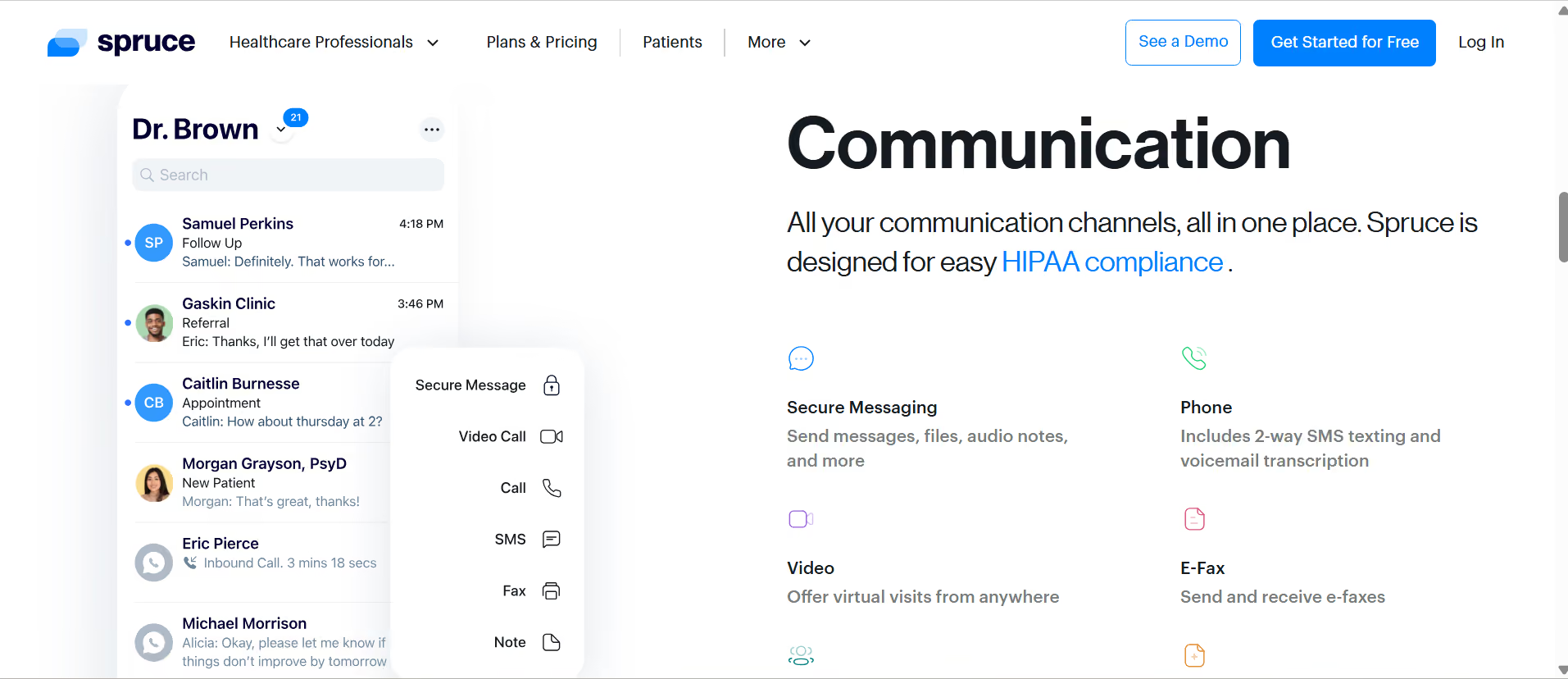
Spruce is one of the best telemedicine tools because it combines secure video consultations, two-way SMS, phone calls with voicemail transcription, and e-fax in one platform. This reduces the need for multiple apps. You can send clinical questionnaires before appointments to collect patient information early, which shortens consultations and improves diagnosis.
Spruce’s shared team inbox, task assignments, and internal notes help staff manage conversations and coordinate care. It also supports in-app digital payments, so your practice can process payments faster. Workflow automation handles routine replies and call routing, saving time for teams dealing with high patient volumes.
Other Features I Liked
- Unified inbox: Calls, texts, and messages are gathered in one shared workspace.
- Clear conversation history: Staff can quickly review previous interactions before replying.
- Team routing: Requests can be directed to the right person instead of bouncing around the office.
- Healthcare-first setup: Spruce Health is better aligned with healthcare practice workflows than generic business apps.
- Remote access: Staff can stay connected even while away from the desk.
Spruce Health works best as a communication hub, not a full operations platform. It has limited EMR integration compared with more specialized healthcare systems, so syncing patient data and workflows may require extra steps. It also lacks stronger task management tools for assigning internal work, tracking progress, or managing non-patient projects.
Spruce Health Pricing
Spruce Health offers custom pricing rather than fixed public plans. The cost usually depends on team size, number of users, and the features a practice needs.
7. OhMD – Best for Smaller Practices That Want Better Patient Messaging
Pros:
- AI assistant for voice calls and texts
- HIPAA-compliant messaging for patient communication
- Bulk messaging tools
Cons:
- Minimal support for internal team workflows
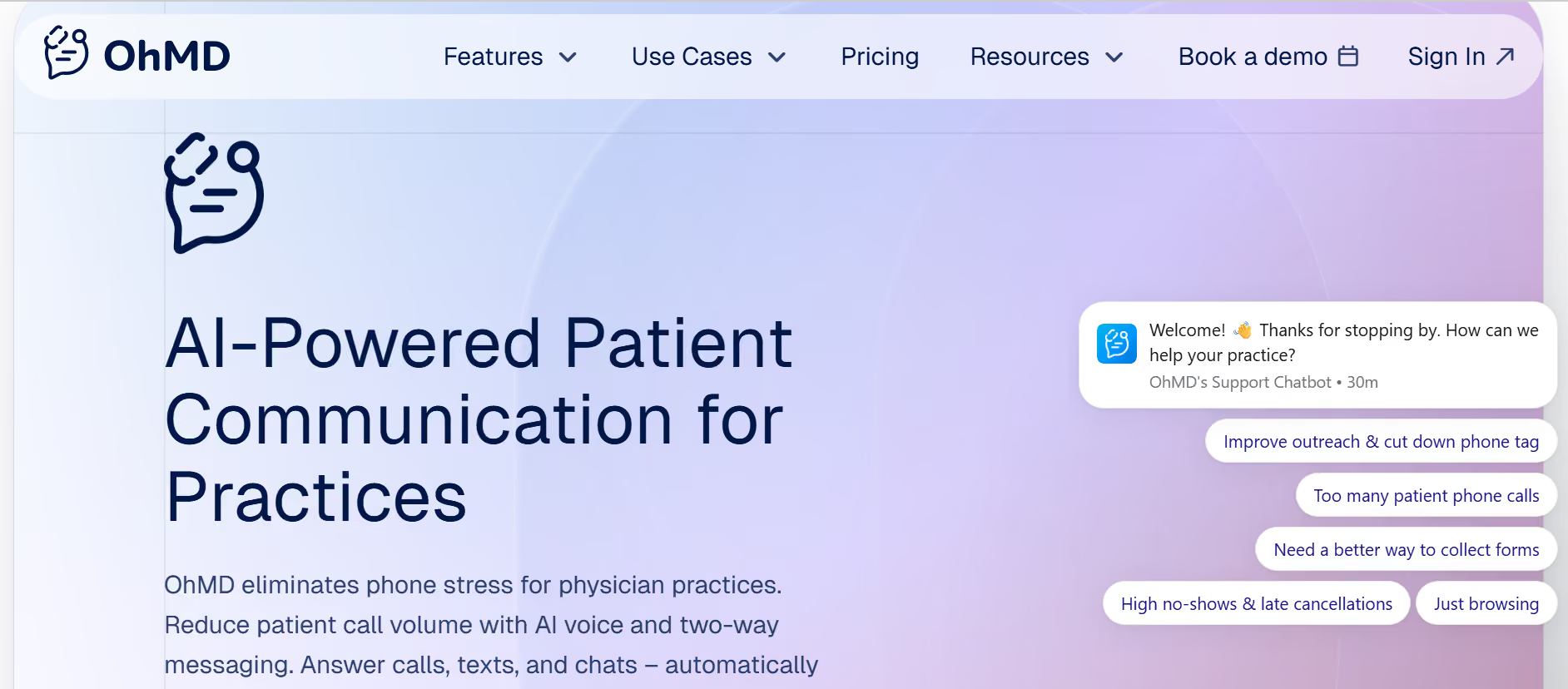
OhMD helps small teams manage high patient volumes more efficiently while delivering responsive, HIPAA-compliant care. Its AI assistant can answer calls, schedule appointments, and respond to common questions, passing complex issues to staff when needed. This reduces call volume and admin work, freeing up time for patient care.
OhMD lets providers send secure texts directly to a patient’s phone, which helps reduce missed messages and delays. The platform also includes broadcast messaging for appointment reminders or updates, as well as website chat widgets that turn visitors into patients by allowing them to start conversations instantly.
Other Features I Liked
- Shared messaging inbox: The shared inbox gives staff a single place to manage all patient conversations without switching devices.
- Bulk messaging tools: Staff can send reminders, clinic updates, or general announcements to multiple patients at once.
- Automated reminders: Cut down on missed appointments without having to make manual follow-up calls.
- Lightweight setup: No complex onboarding or IT involvement is required to get started.
- Patient-friendly experience: The app is designed to feel familiar, so patients can easily engage without learning a new system.
OhMD is best seen as a supplementary tool rather than a central communication hub. It does not handle internal coordination between departments or teams, so clinics that need structured collaboration, task tracking, or staff messaging will need a separate platform for that side of operations.
OhMD Pricing
OhMD has two main paid plans and a custom Enterprise plan for large teams. It also offers a “Developer AI” option, which is great for teams that want to build OhMD APIs.
- Communicate (starting at $300 per month): Two-way SMS, text-enabled landline, voice and video calling, website chat, team messaging, BAA
- Automate ($500 per month): Patient call automation, automated workflows, appointment scheduling, EHR integration
Verdict: Which Is the Best HIPAA-Compliant App?
Zenzap stands out for balancing strong HIPAA-compliant security with simple, structured communication that works in real care settings. It keeps patient conversations, files, and access controls organized in one place without adding complexity. You can take Zenzap for a test run using its 14-day free trial.
FAQs: HIPAA Work Chat Apps
1. What is the best HIPAA-compliant messaging app?
Zenzap is a top choice for its balance of security and ease of use, while TigerConnect and Klara serve more specific needs.
2. Are there free HIPAA-compliant chat apps?
Yes, some apps, like Zenzap, offer free plans. However, advanced compliance features are usually reserved for paid tiers.
3. Is WhatsApp HIPAA compliant?
No, WhatsApp is not HIPAA-compliant and should not be used for sharing patient information.

Take Control of Your Team Communication
Chat, organize, and get work done - all in one place.
Other Blog Posts
- fskfsfjksofjsj

